Answered
2022 Photoshop Gradient Tool not working
My Gradient tool keep making a large black line acroiss the screen when I add it. I wanted to fade from red to black
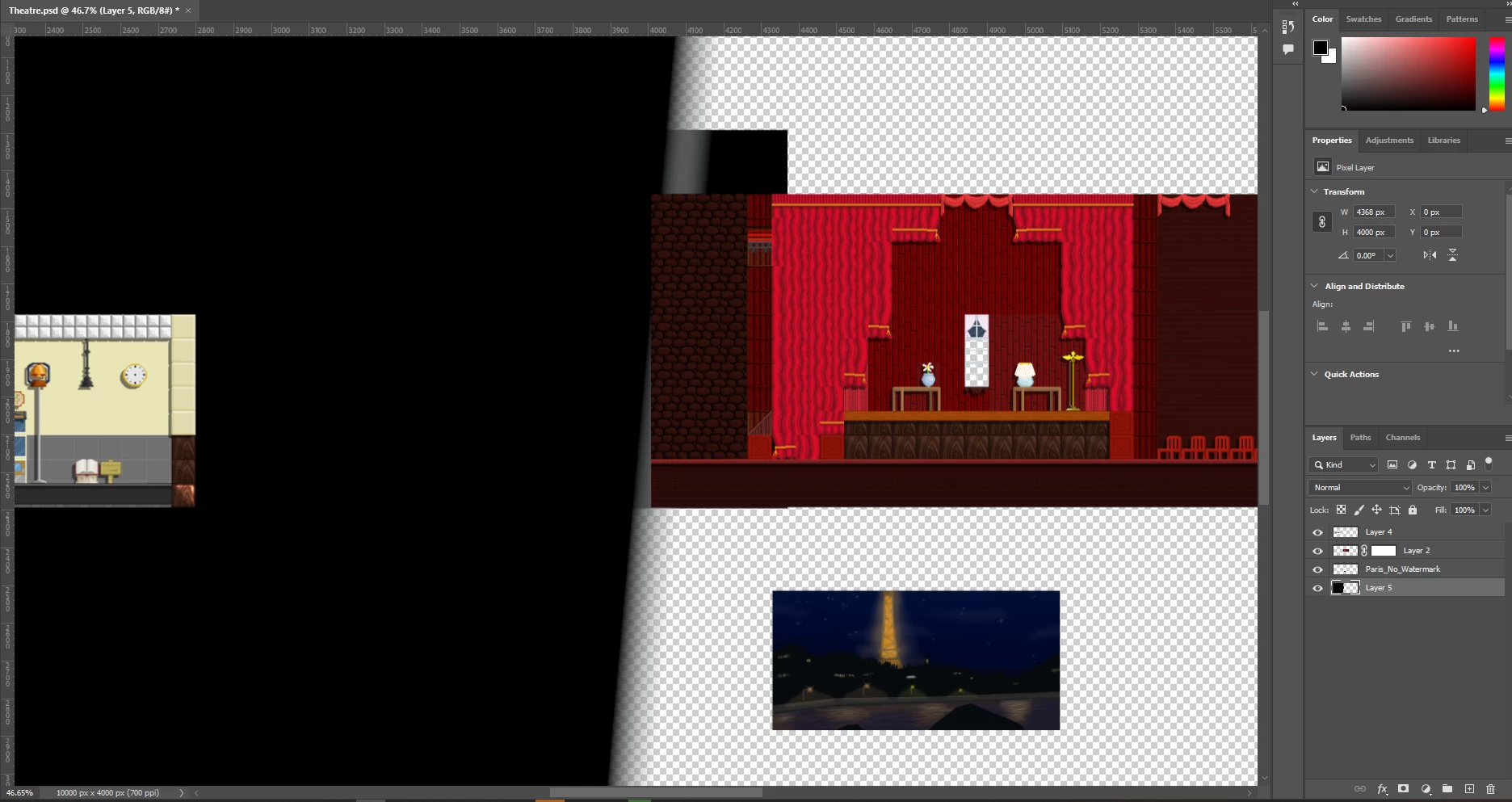

My Gradient tool keep making a large black line acroiss the screen when I add it. I wanted to fade from red to black
Errr sorry are you still in the forum?
Hi! Work caught up with me today. Here are the steps.
1.Create a new layer on top of your room layers and highlight it as the active layer.
2. Select your Marquee tool and select the area where you want the gradient to show for your first room. It doesn't have to be perfect as you can refine this later.
3. Select the add mask button option at the bottom of the layers panel. this will create a mask to hide where you don't want the gradient to show.
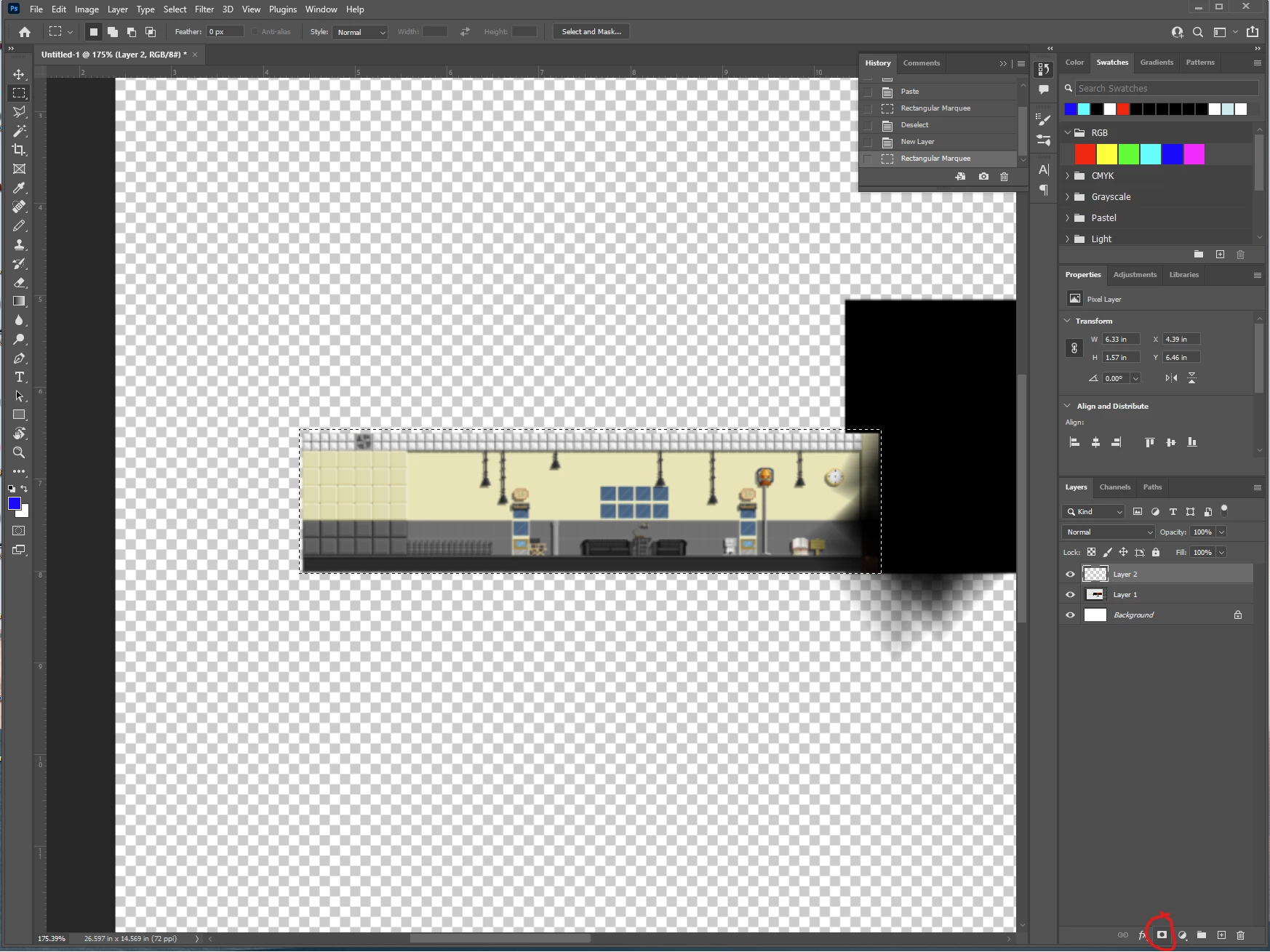
4. Click on your layer to select it and sdd your gradient to the first room like we did before. you can redraw the gradient to get it looking how you want.
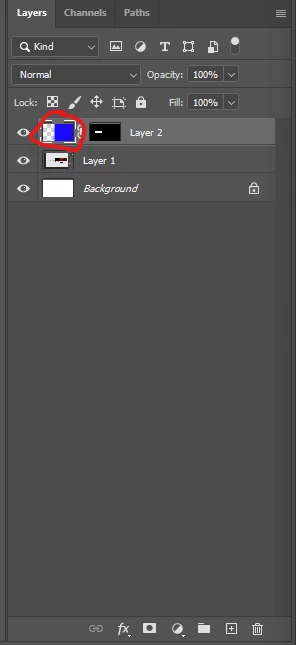
5. Select your mask in your layer and you can use either the paintbrush or selection tools to get the mask pixel perfect.
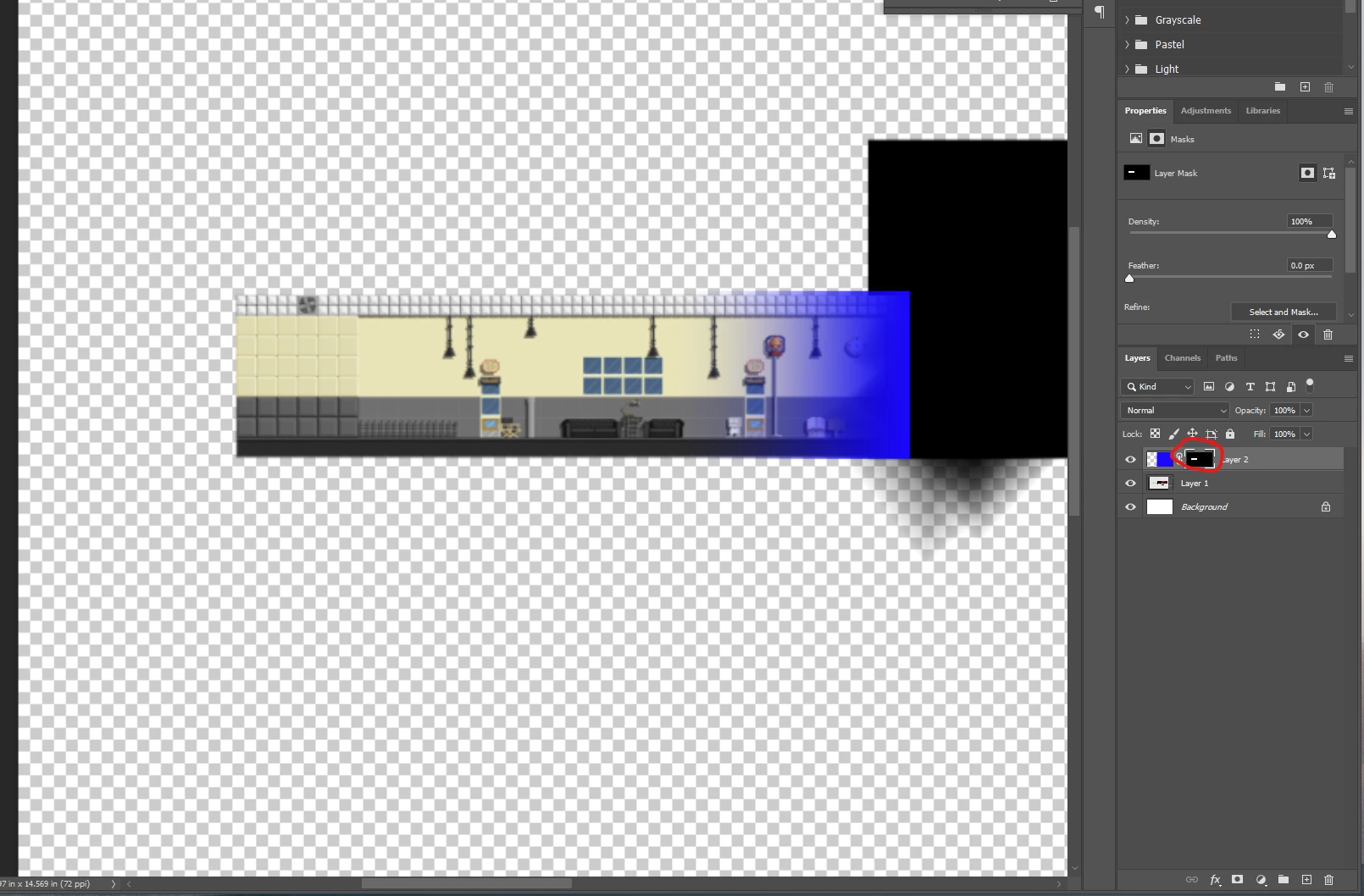
Repeat the above steps for teh other room as well. You should have 2 new layers with your gradients and masks to hide where you don't want the gradient to show.
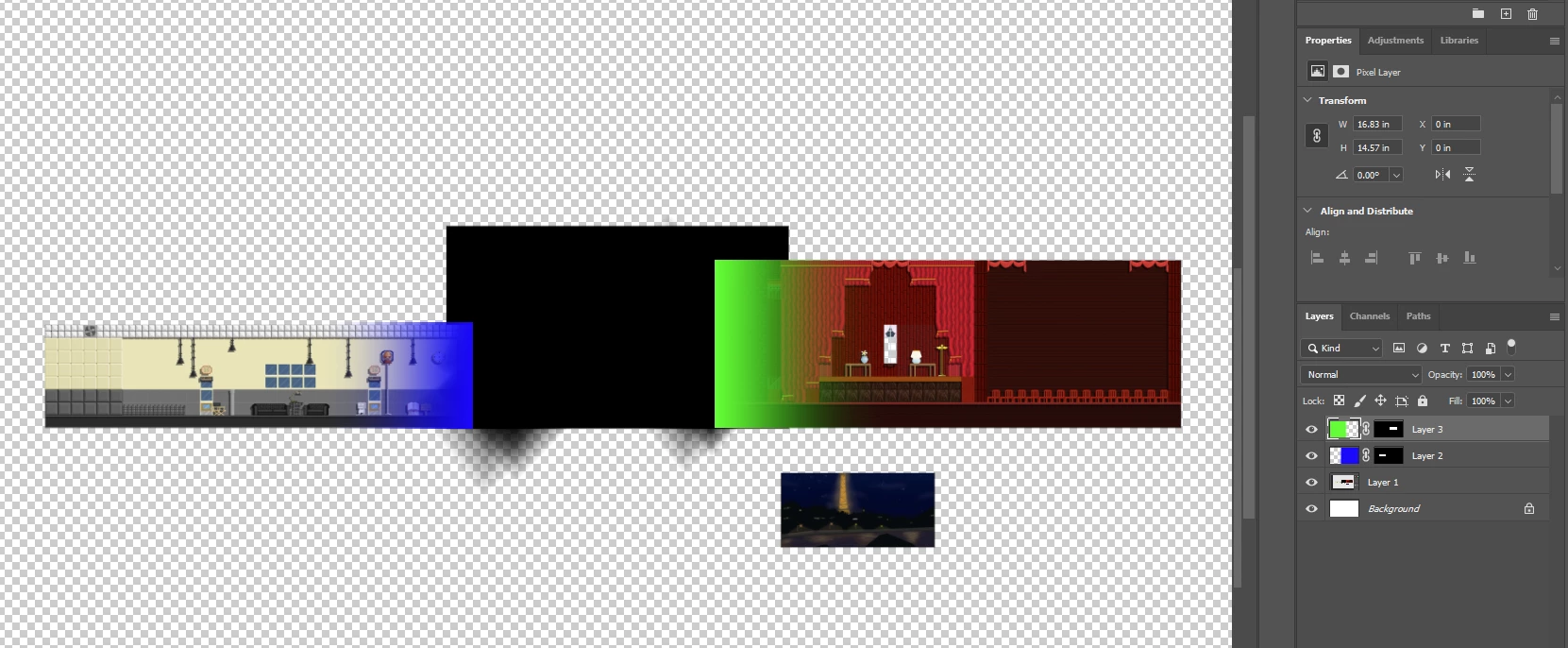
Here is more information about masks to help you out: Use masks to hide layers in Photoshop (adobe.com)
Here is the gradient help again: Use gradients in Photoshop (adobe.com)
Already have an account? Login
Enter your E-mail address. We'll send you an e-mail with instructions to reset your password.
 AdChoices