
Question
360 photo spherical panorama issue
When editing 360 photo in spherical panorama mode with healing brush the brush does not apply and nothing happens.
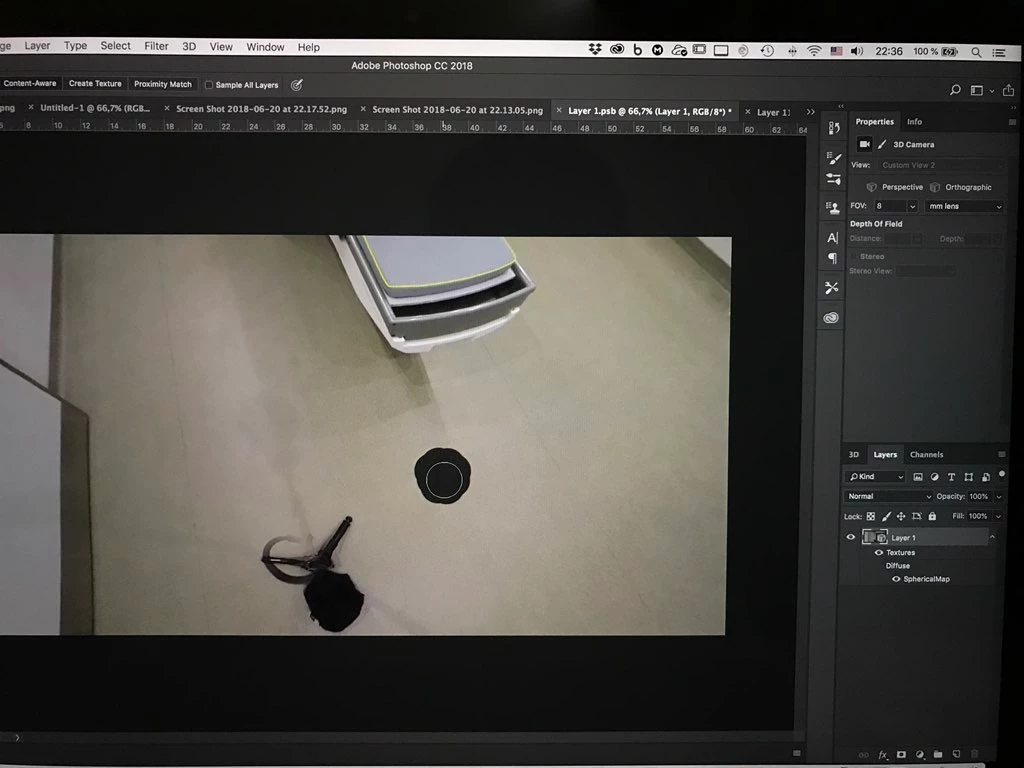
Clone stamp doesn't work as well
Resetting preferences doesn't help
The issue happens only when I double-click on spherical map layer style Icon in layers tab, this opens the equirectangular projection and I make a new layer above the actual projection layer. Then I go back to spherical mode and try to edit the image with healing brush.
This technique does not work for me -> https://youtu.be/rBRycmf49mM
macOS High Sierra, PS19.1.5
 AdChoices