


A couple of issues with the most recent version of Photoshop
- 2 replies
- 182 views
- Translate
I use Photoshop exclusively for manipulating scans of philatelic (stamp) material added to my databases. Not sophisticated alterations but....essential for visual presentation ergo I am an amateur notwithstanding some 15 years of basic usage of the program.
A couple of recent updates of Photoshop have made my work problematic.
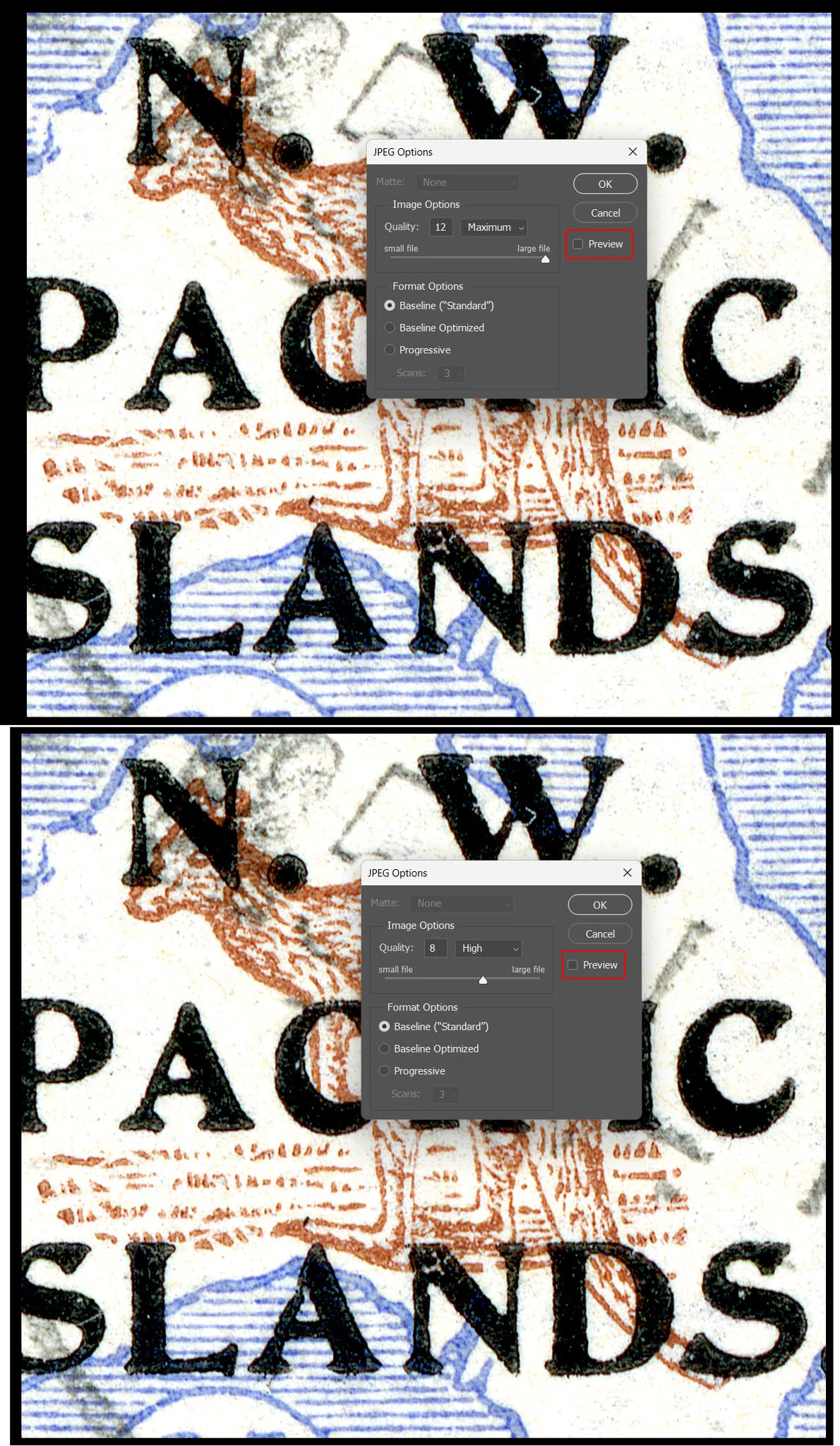
1. The size of saved images are crucial if I embed them in articles I prepare for publication. Previously, when I saved an altered image I could see, prior to saving it, the size in the "save" window. As I reduced the image size the new value would be displayed on the right side. That feature is no longer displayed. See appended image grab.
2. I frequently use the "Exposure" popdown to enhance the quality of my images. Previous versions of Photoshop had a triangular symbol (quite small) that could be moved to adjust the exposure levels. That has now been replaced with a considerably larger circle that is less sensitve to manipulation with my mouse. Fine tuning exposure is now onerous and cumbersome. Can the circle size be reduced to permit finer adjustments of the exposure levels? ....or replace it with the previous triangle shaped button.

 AdChoices