





A Possible Approach for Generative AI Haters
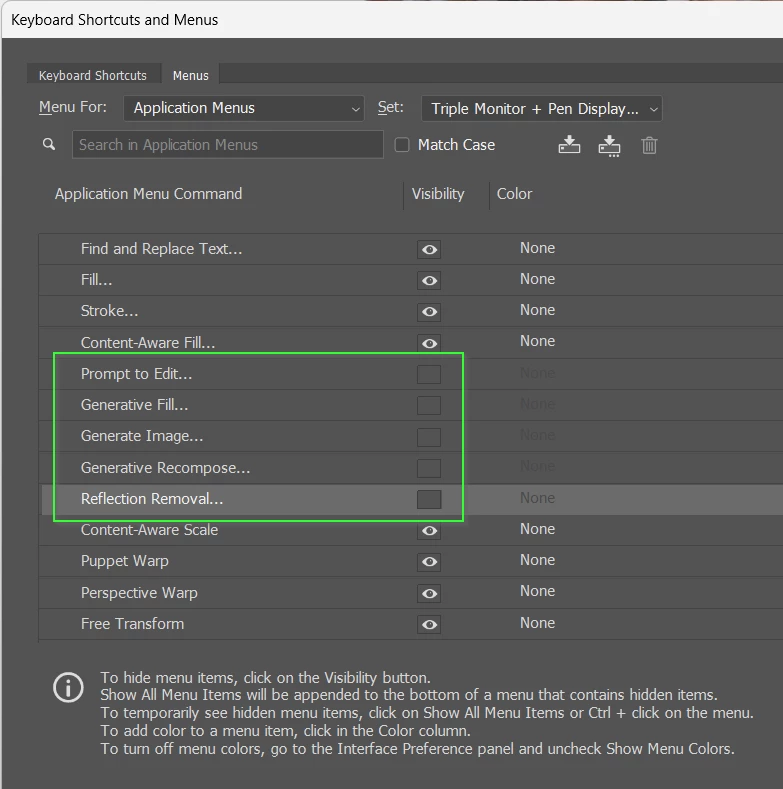
I’ve just read yet another post from a ‘Generative AI is the work of the Devil’ user, and I am thinking that there are things those people could do. You can remove items from an Application Menu using Edit > Menus (Alt Shift Ctrl M). Removing the Eye icon will make those items be no longer visible in the menus. You’d include Layer > New Relight Layer in this.
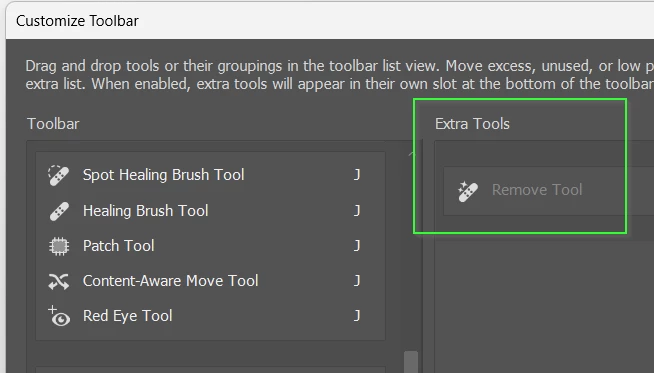
You can use Edit Toolbar and drag unwanted tools to the Extra Tools area so they no longer appear in the Toolbar.
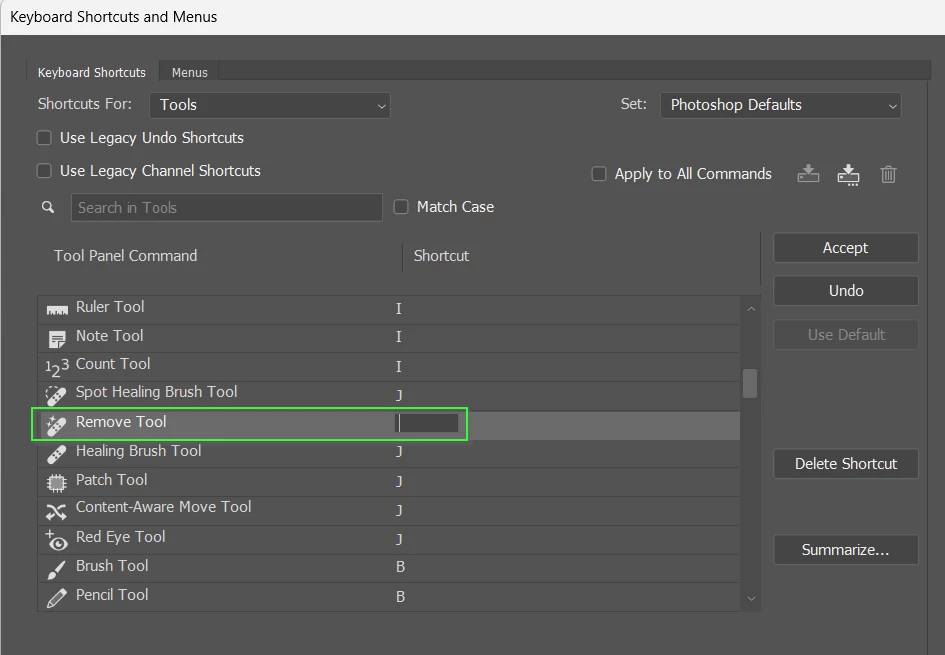
You can remove the shortcuts for unwanted tools in Edit > Keyboard Shortcuts
I don’t know how you could manage the Contextual Task Bar other than managing without it completely, and there will be some Right-Click items like Harmonize you would need to get rid.
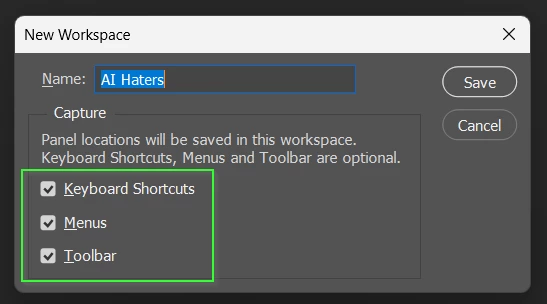
When you have done all this, immediately create a Custom Workspace with all options ticked.
It won’t be a fully comprehensive removal, but I don’t understand why people can’t just ignore those items they don’t agree with.
 AdChoices