Known Participant
April 30, 2024
질문

Action cannot delete the current brush动作无法删除画笔

  • April 30, 2024
  • 1 답변
  • 548 조회

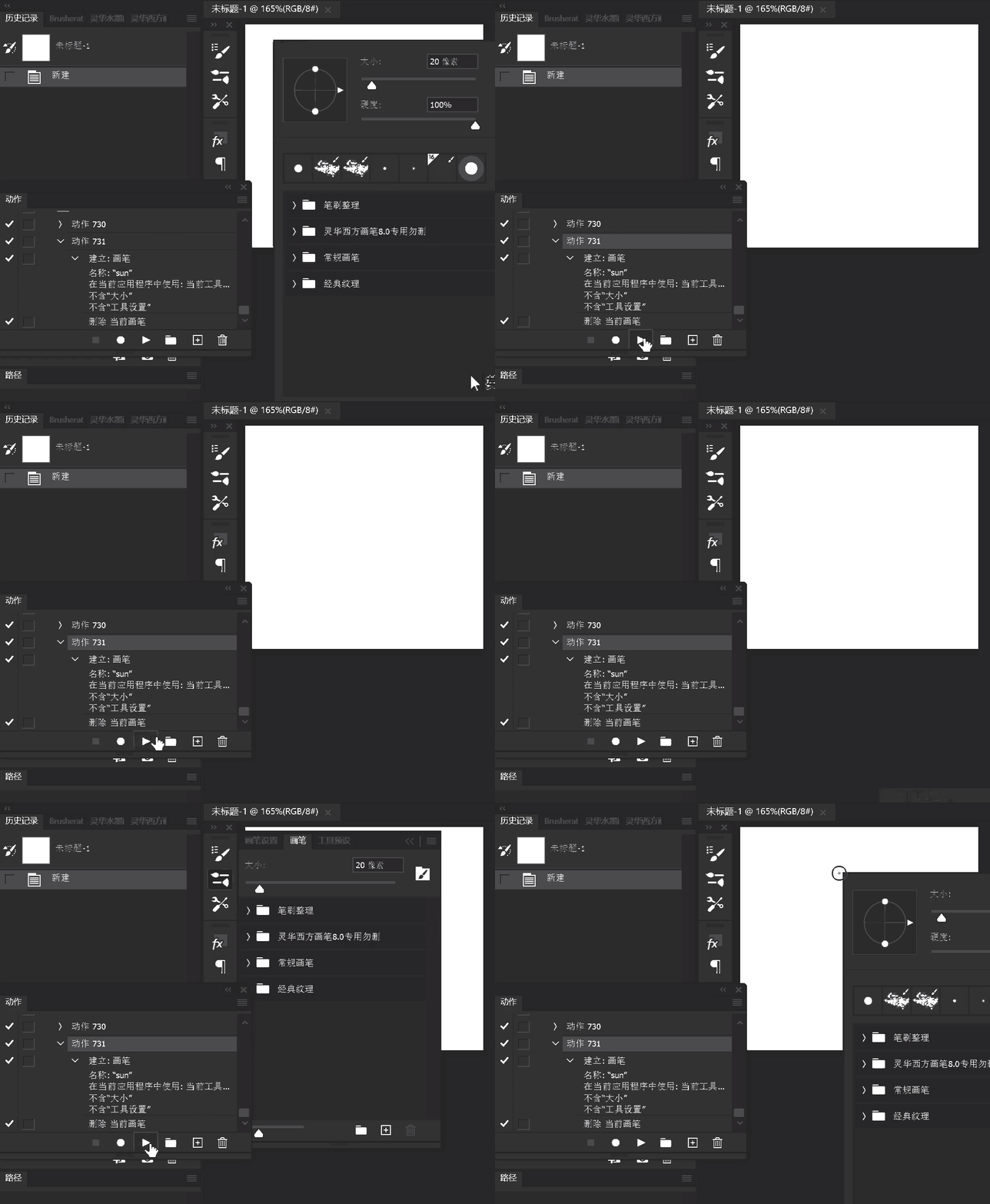
After I open ps, I can't delete the current brush via action. But if I open the brushes panel then I can successfully delete the

在我开启ps后,无法通过action删除笔刷。但是如果我打开过画笔面板,则可以成功删除
1 답변

c.pfaffenbichler
Community Expert
Community Expert
February 10, 2025

I suspect you did not record »Delete current brush« but deleting a specific brush. 

Known Participant
February 12, 2025

我记录的确实是:删除当前笔刷。

但是必须打开过画笔面板,右键浮动面板应该无效。

你可以尝试创建一个action:新建画笔→删除当前画笔。

然后重启ps,这时候action将无法删除新建的画笔

What I recorded is indeed: delete current brush.

But only if the brush window panel has been opened. (Right clicking to bring up the brush panel is not effective)

You could try creating an action: new brush → delete current brush.

Then restart ps, then the action will not be able to delete the newly created brush!

Bojan Živković11378569
Community Expert
Community Expert
February 12, 2025

It appears you are correct based on my testing.


After recording an action, it functions correctly, but upon restarting Photoshop, it fails to do so. It only works when the current brush is selected or highlighted in the Brushes panel.
