
Answered
Add color to BW drawing
I am working with a macbookair OS14.6, Photoshop 2023.
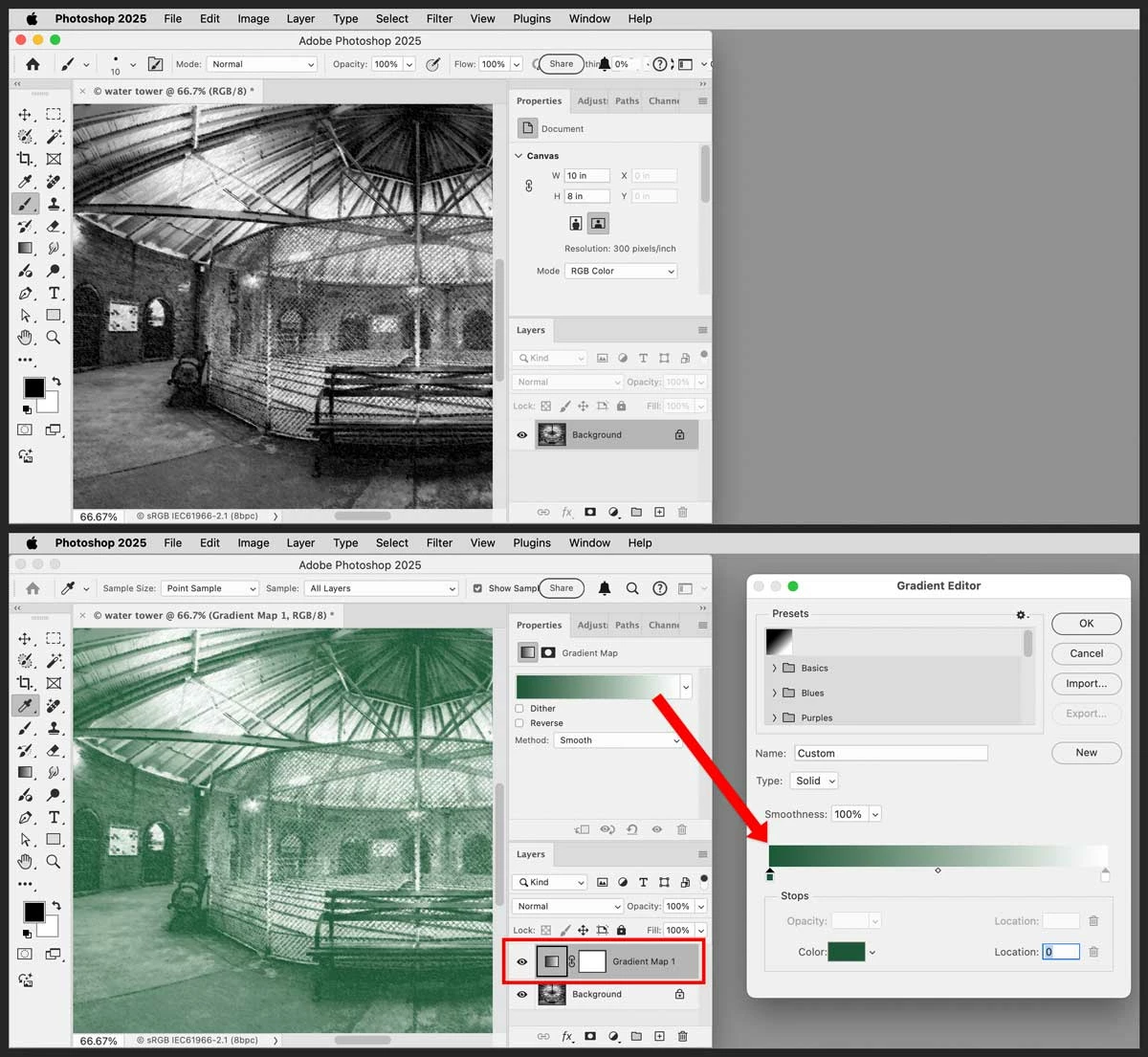
I have a BW charcoal drawing. Unlike an ink drawing with soild areas of black and white, this drawing fades from dark black through greys to white. I want to add a soft hint of color to the drawing (let's say olive green). I could add a new layer and put semi-transparent olive green over the whole drawing but that will tint eveything equally. Rather, I would like to tint the drawing in relation to the density of the existing tones, so that the white areas remain white and the black areas become the darkest olive green. Is there a way to do this in PS?



 AdChoices