Participant
September 26, 2023
解決済み

add person to group photo

  • September 26, 2023
  • 返信数 3.
  • 22835 ビュー
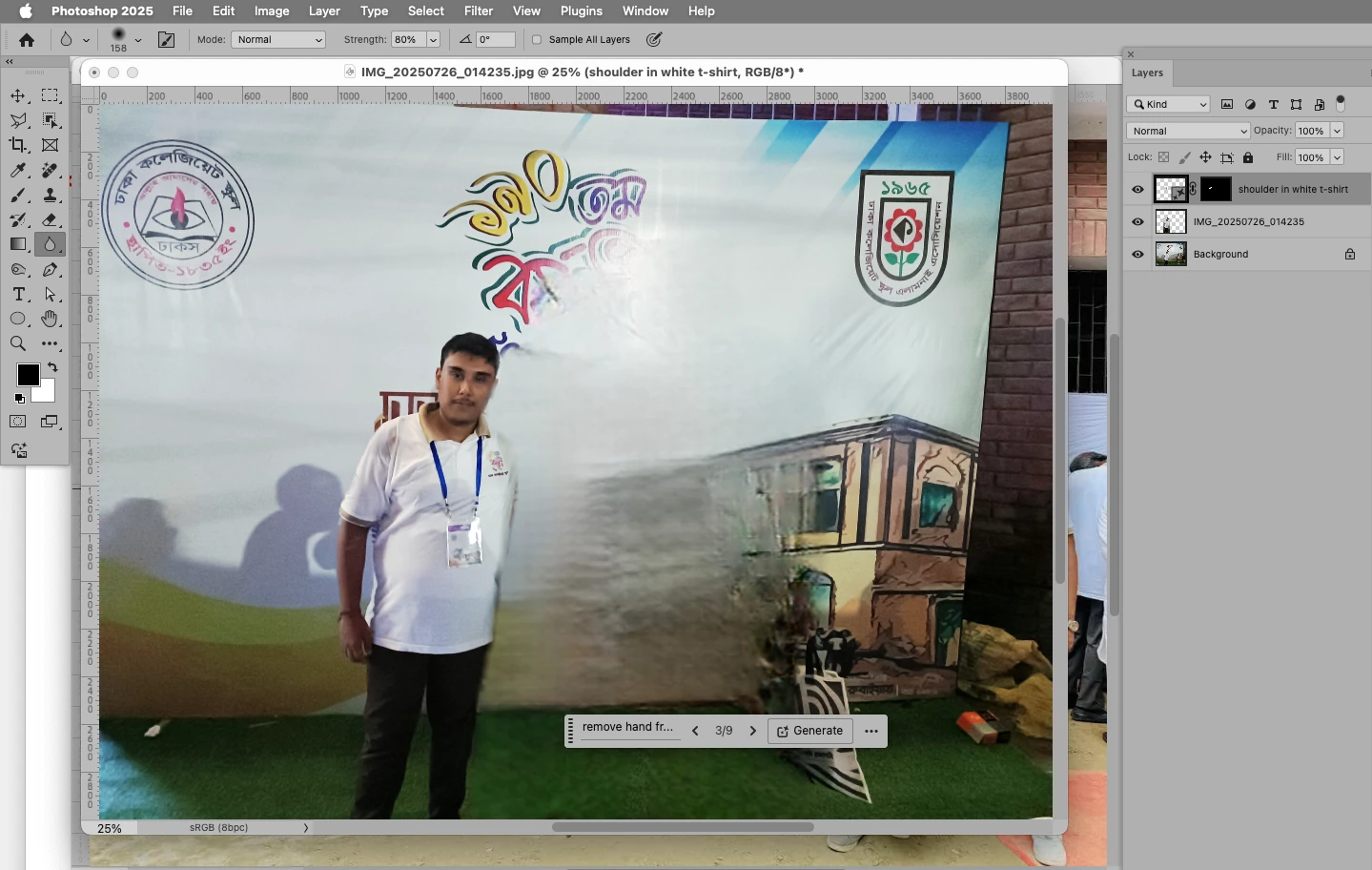
I would like to put two pictures together, it is a group picture in which I would like to add a person. Is there an automated way I can do this in Photoshop Beta?

解決に役立った回答 c.pfaffenbichler

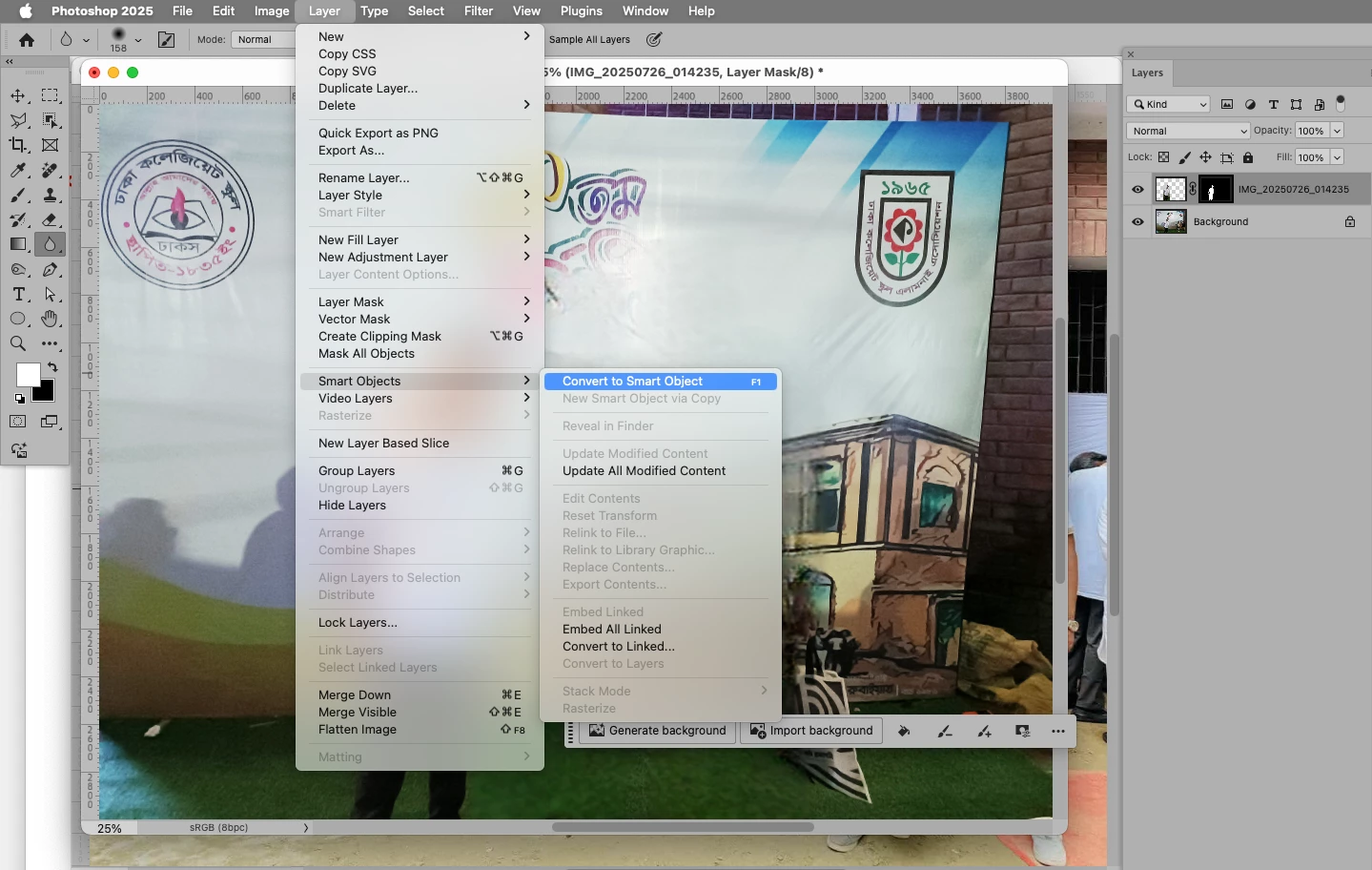
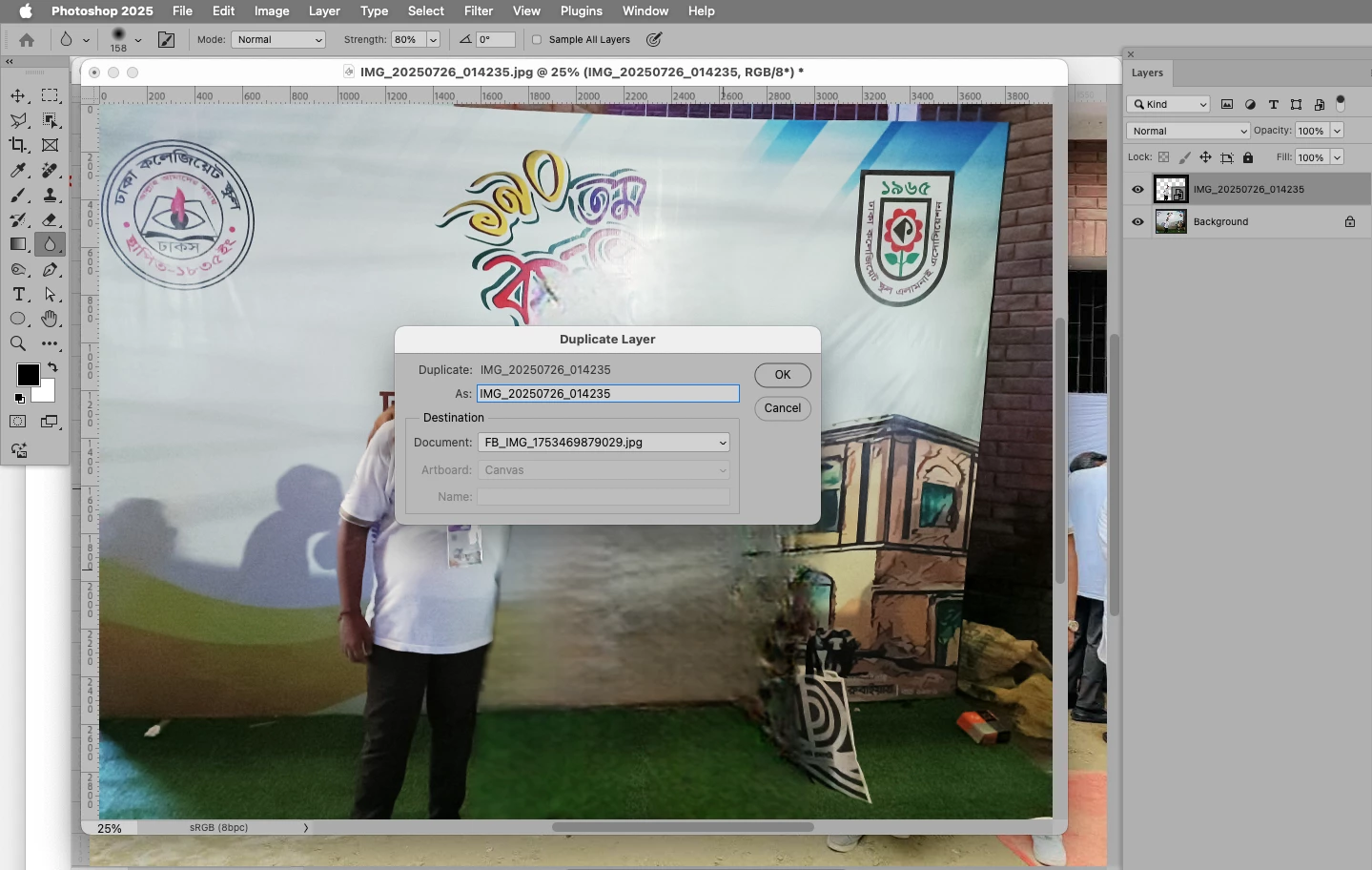
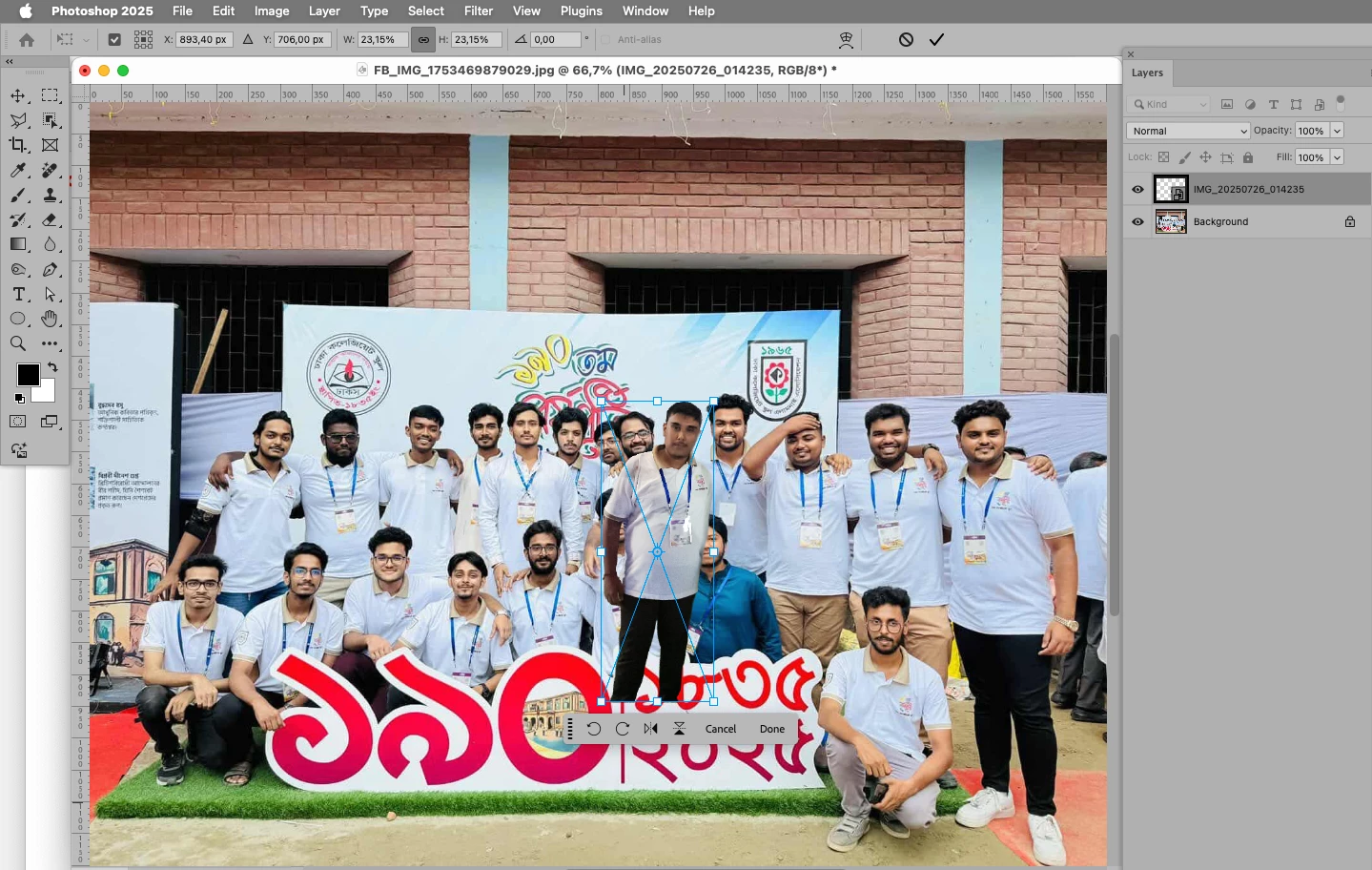
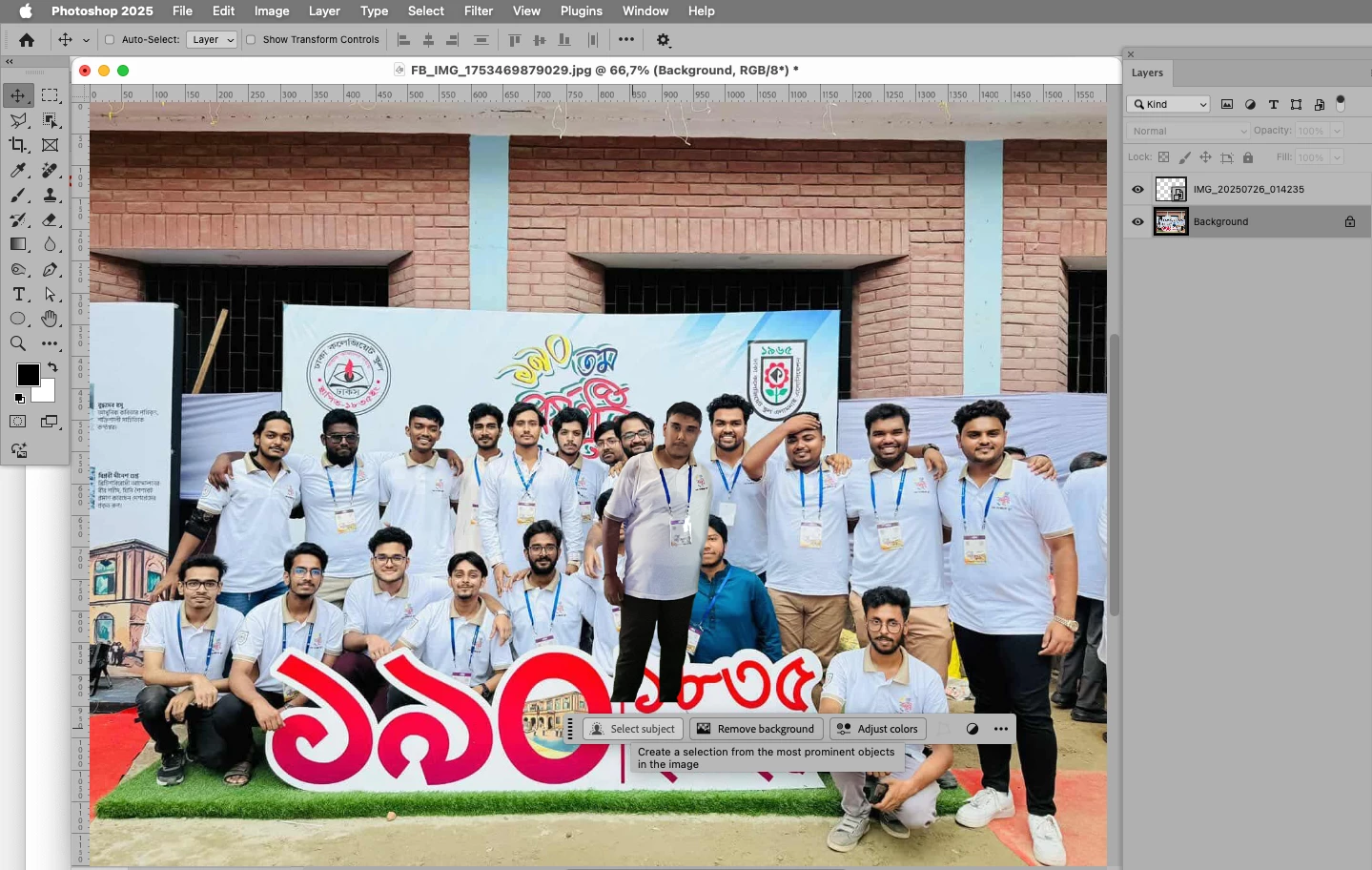
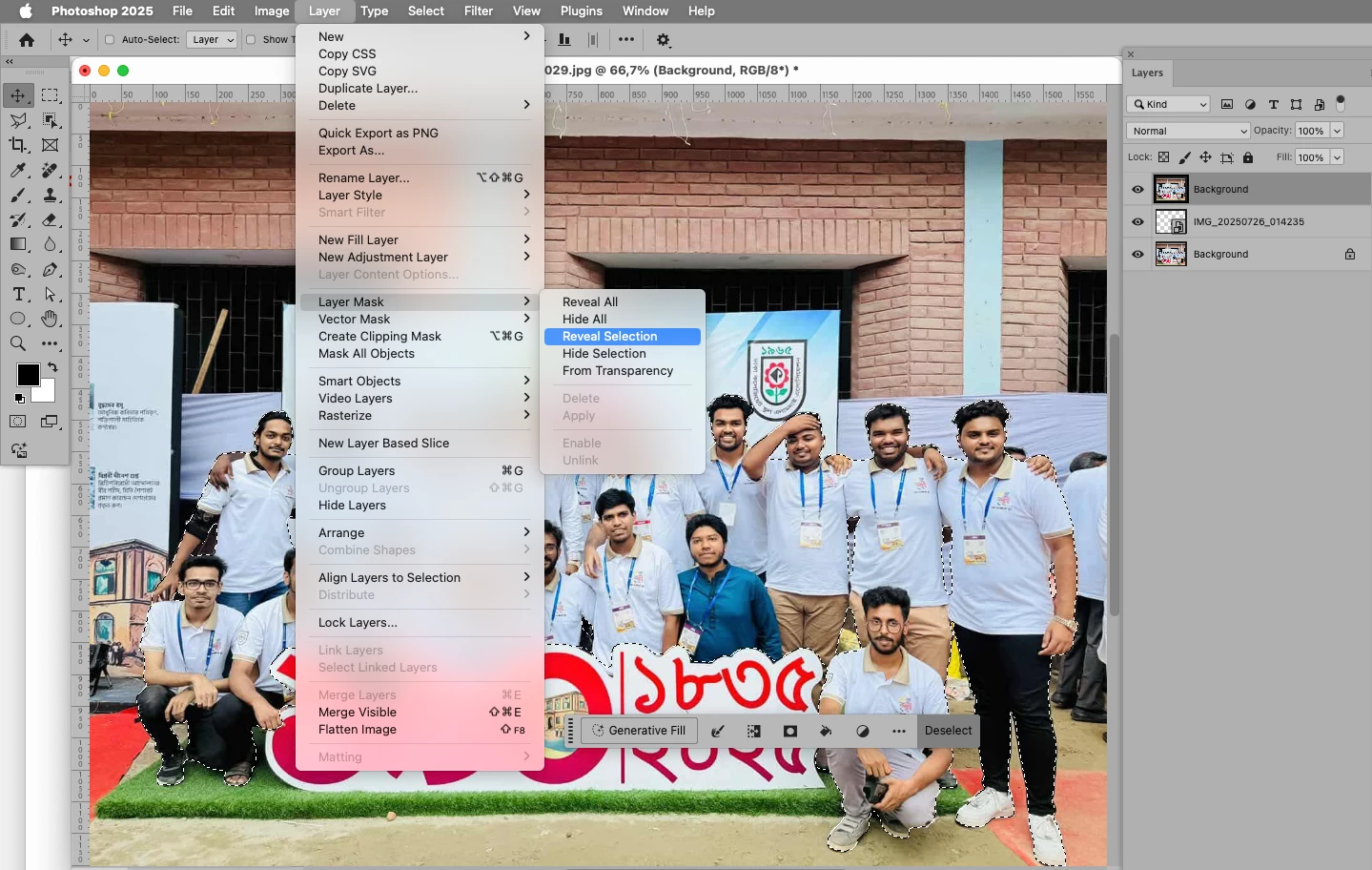
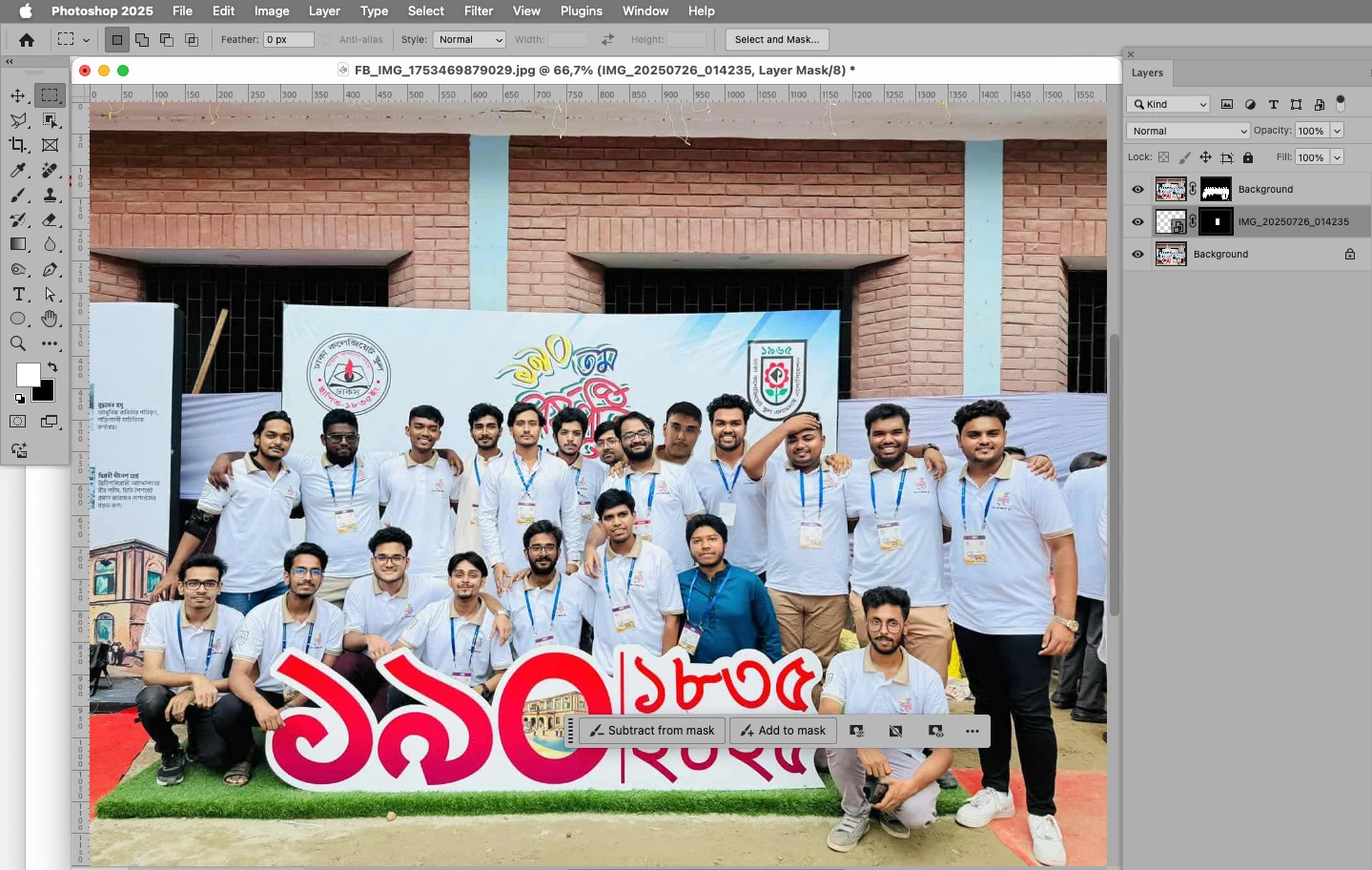
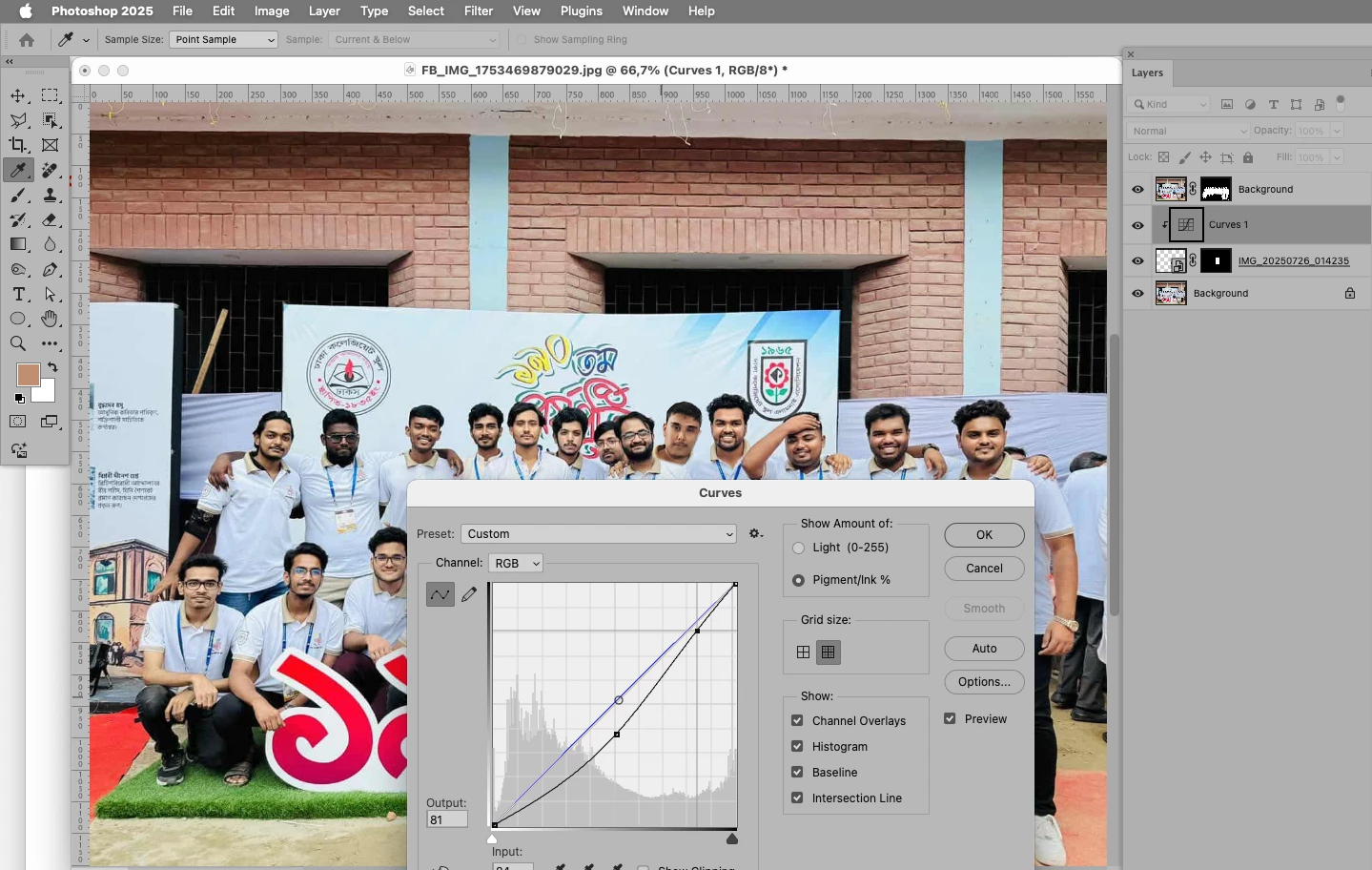
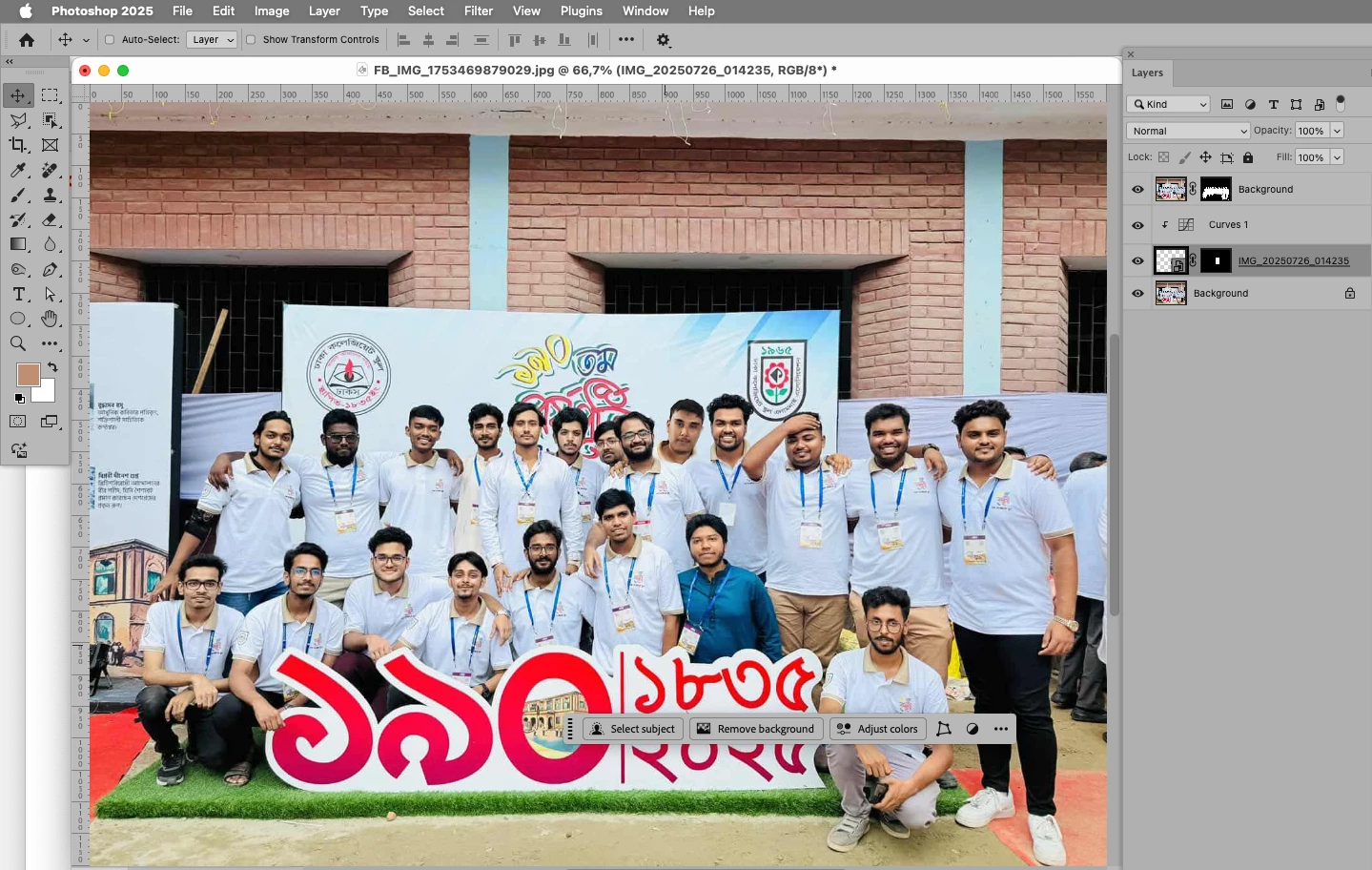
The Layer Masks will probably need manual amending and the color correction with the Curves Layer can be fiddled with; the advantage of placing the person as a Smart Object is that one can transform it repeatedly (for scale, angle, …) without degrading it unnecessarily. 

返信数 3

Participant
July 25, 2025
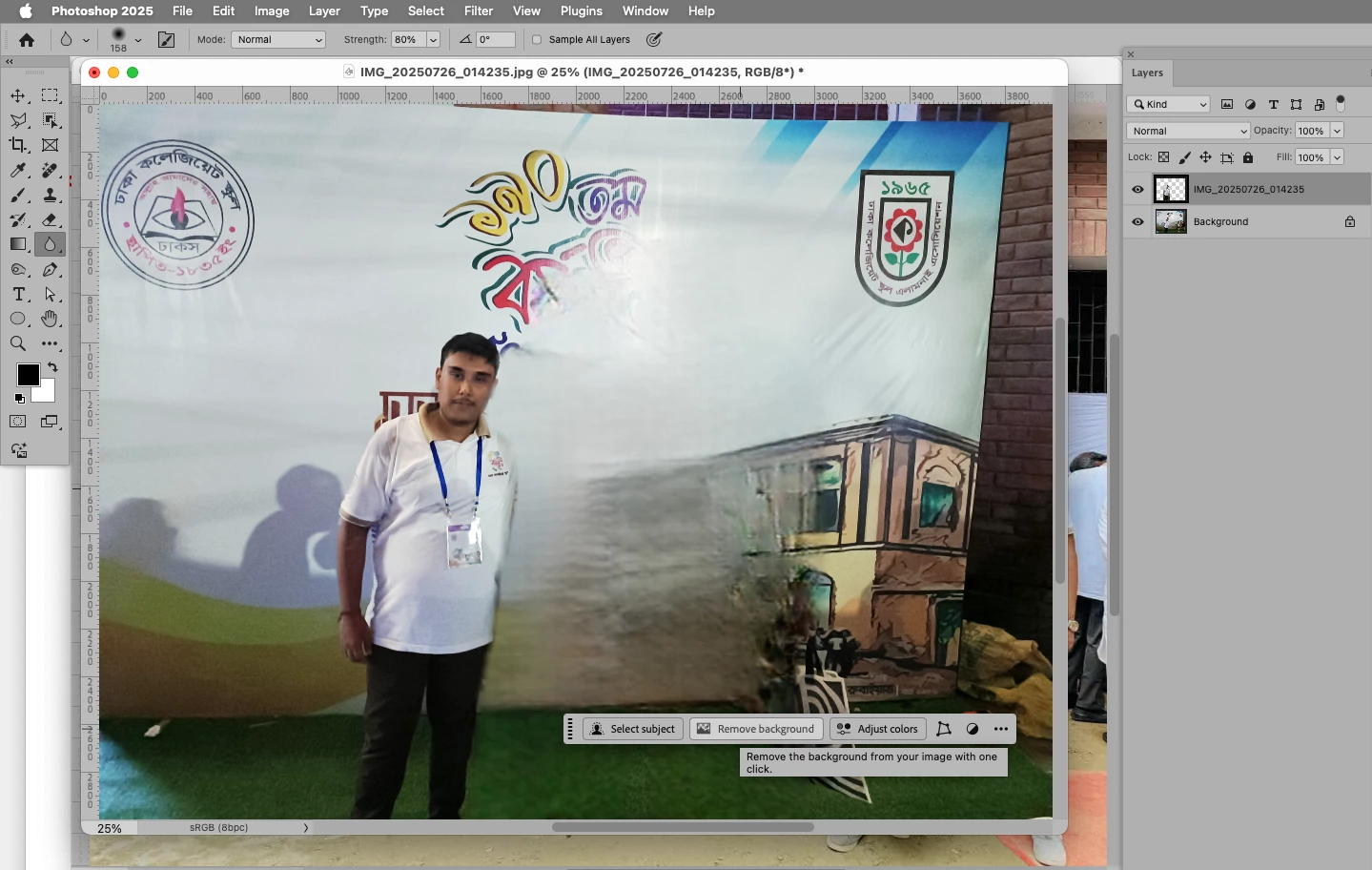
IMG_20250726_014235.jpg
c.pfaffenbichler
Community Expert
Community Expert
July 26, 2025

The Layer Masks will probably need manual amending and the color correction with the Curves Layer can be fiddled with; the advantage of placing the person as a Smart Object is that one can transform it repeatedly (for scale, angle, …) without degrading it unnecessarily. 

c.pfaffenbichler
Community Expert
Community Expert
September 28, 2023

Please post the two images (or lores versions). 

Myra Ferguson
Community Expert
Community Expert
September 27, 2023

In Firefly's Generative Fill option (https://firefly.adobe.com/upload/inpaint), you can upload an image and have AI fill it in. The fill is based on images used to train it, so although you could upload an image and fill a portion with a person, it wouldn't add a person from an other of your photos.


I would recommend other approaches in Photoshop to add a person from another photo. Here's one tutorial that might help: