lorik54803531
Participant
September 11, 2022
Answered

Adjust an object into a circle

  • September 11, 2022
  • 1 reply
  • 724 views

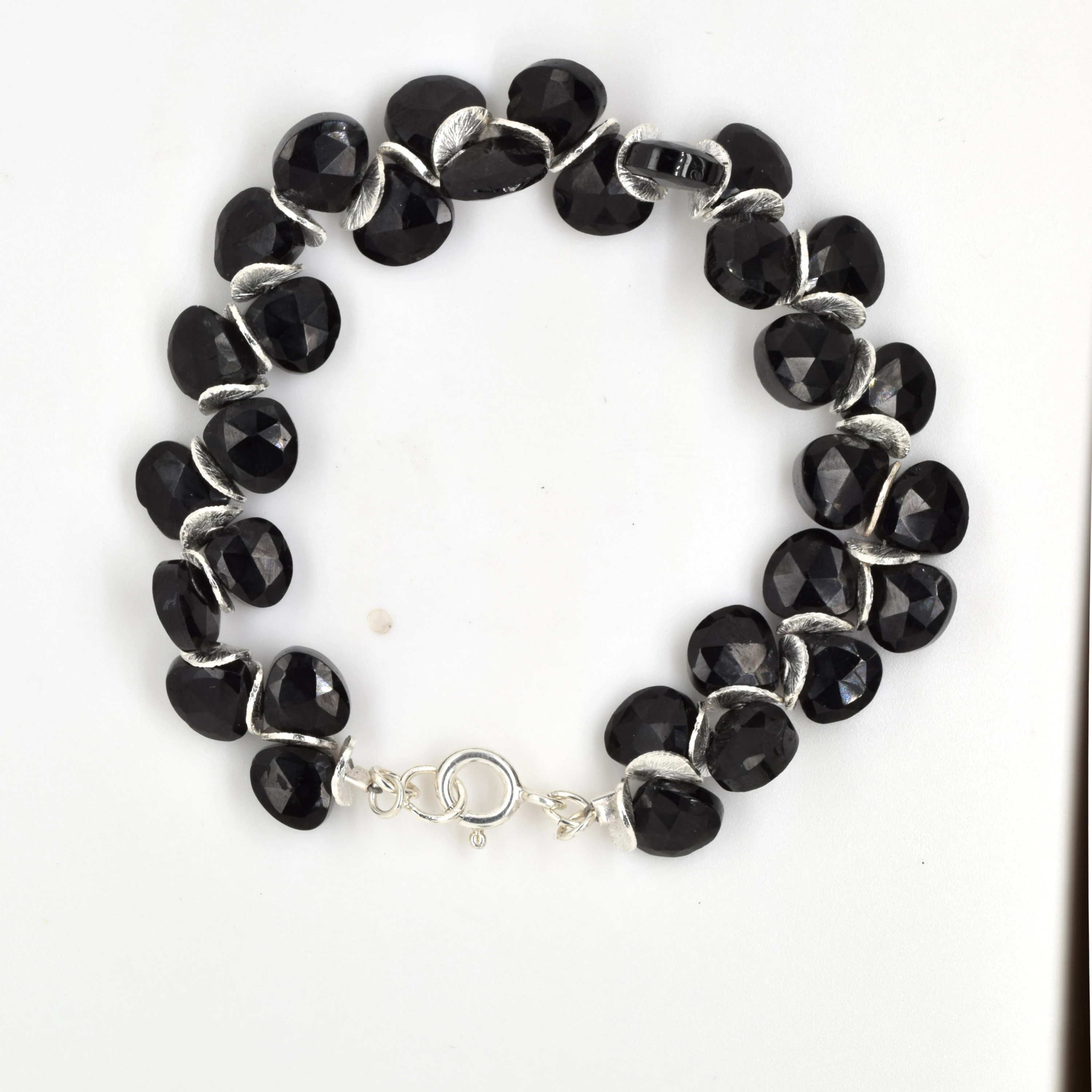
I have a photo of a bracelet.  I'd like to make it into a perfect circle.  Is there a way to mask a circle and have it adjust to it?  I've tried warp but it's difficult.  Image is below... how do I make this braelet into a perfect circle?

Thank you.
Correct answer mglush

Hi!

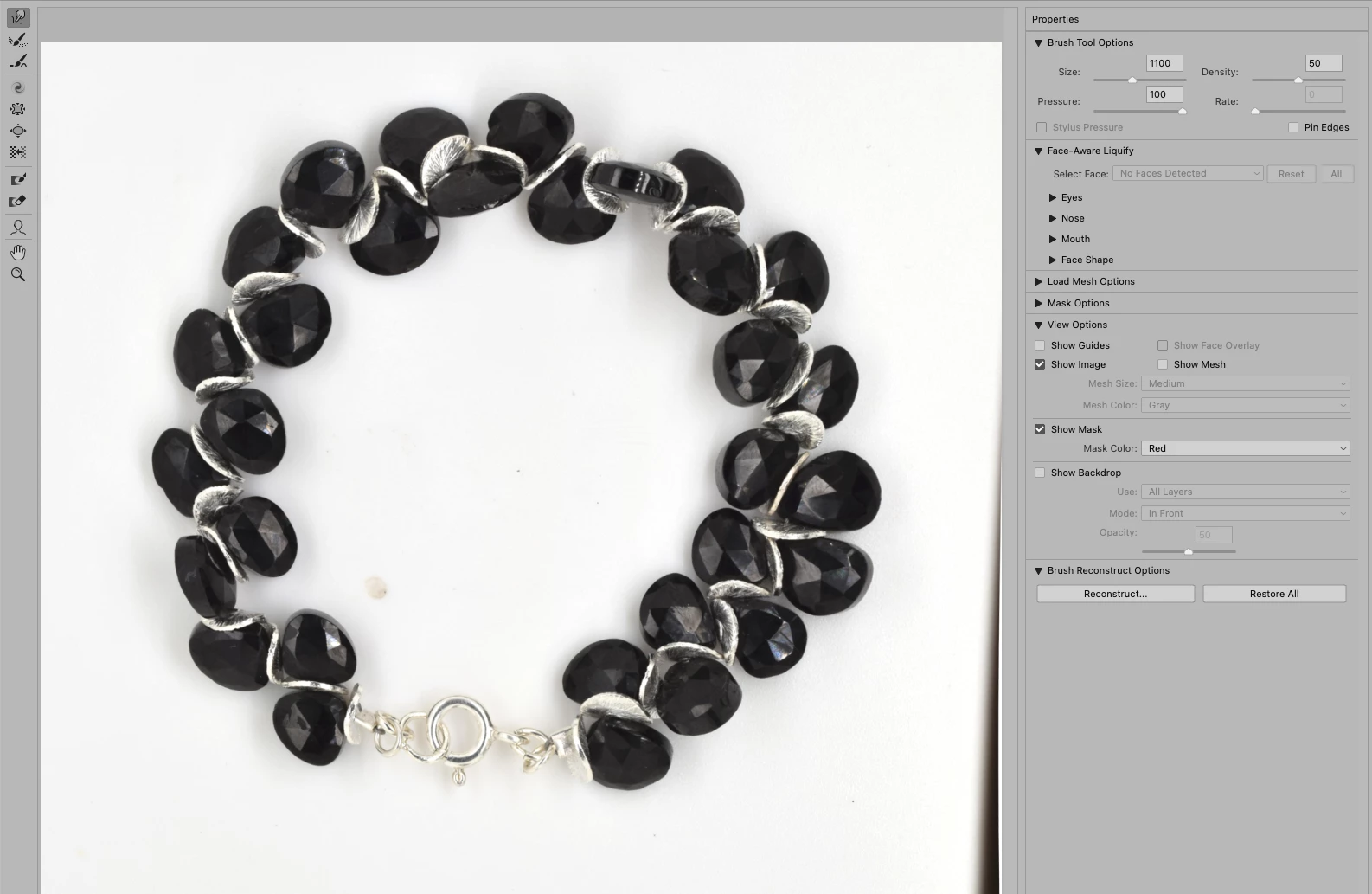
It is actually very easy using the Liquify tool. Duplicate the layer so that you have a copy of the braclet to work with and then open the image in Liquify. Use a very large brush, (see the settings in the image below), and move the areas that need to be adusted. The key is using a large brush and cetering the brush on the center of the bracelet area you want to move.

Let us know if you have any questions,

Michelle

1 reply

mglush
Community Expert
mglushCommunity ExpertCorrect answer
Community Expert
September 11, 2022

Hi!

It is actually very easy using the Liquify tool. Duplicate the layer so that you have a copy of the braclet to work with and then open the image in Liquify. Use a very large brush, (see the settings in the image below), and move the areas that need to be adusted. The key is using a large brush and cetering the brush on the center of the bracelet area you want to move.

Let us know if you have any questions,

Michelle

lorik54803531
Participant
September 12, 2022

I have tried that before, but maybe my brush wasn't large enough.  Thank you!