In your situation I would remove the Photoshop installation and the CC desktop app. Run the Adobe CC cleaner tool, then reinstall the CC desktop app and reinstall Photoshop.
Just did all of that and now i get another error I searched for the DLL and all of them are just present in the install folder. I am done and give it up. Time to refund and go for an better solution
v22.x requires your processor to support SSE4.2 you can check for that in an older version of Photoshop, as shown in the linked article, or using CPU-Z (free just google for it))
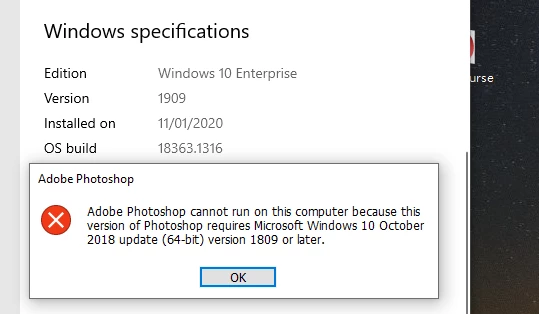
If you are not sure how to find this, go to Settings > System > About. Look under the "Device specifications" heading and it will tell you to the right of "System type".



 AdChoices