
Adobe Generative Fill is a terrible beta product
it's jan 20th, 2025 and working with generative fill is a terrible option.
The workarounds suggested by adobe team itself are unpresentable and unprofessional.
I need a fix now! I'm using Photoshop V26.2.0
Been trying to expand a basic ocean surface for a picture and it keeps giving plain no textured images or waves that looks like carpets and has nothing to do with the raw image wavy surface... your tool can't detect and create water surface??? pff, it can't even detect the waves direction to copy them, at bests it gives me wavy water that doesn't correlate with the rest of the water surface >.< [removed by moderator]
This has been advertised as the most advanced artificial intelligence tool and is far from being usable.
I don't care if i need to use 1080x1080 squares or a camera raw workaround, it should work as advertised IN the APP!
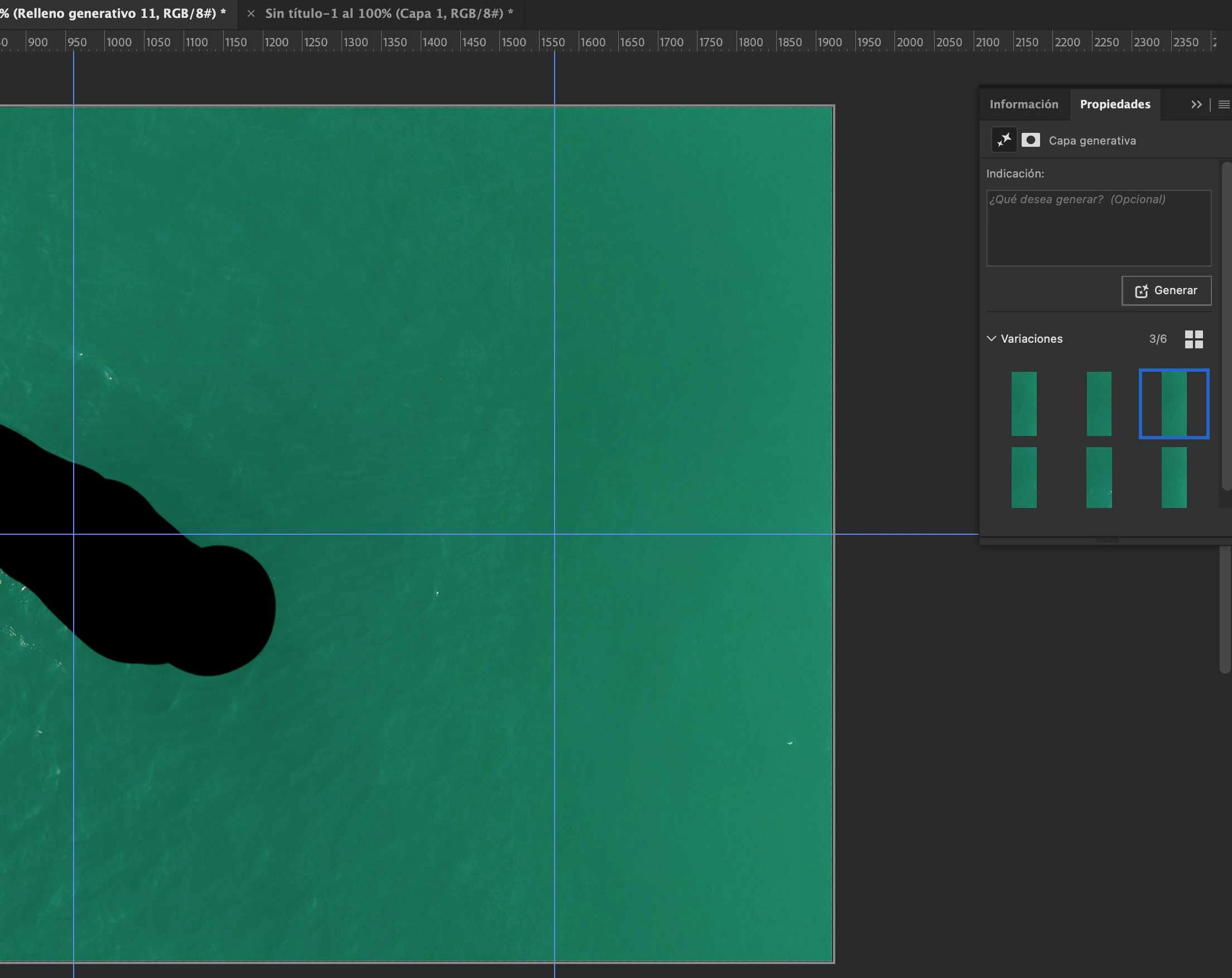
This is [removed] close to a mass fraud.
Midjourney and runway with stable diffusion does far better work w fine details. Even taking screenshots with runway and enhancing 'em with Topaz works better than this [removed by moderator]. I'm taking it to linkedin.
[removed], I hope y'all get fired.


 AdChoices