Answered

This topic has been closed for replies.
Looks like the crashing is being caused by the ON1 plugins.
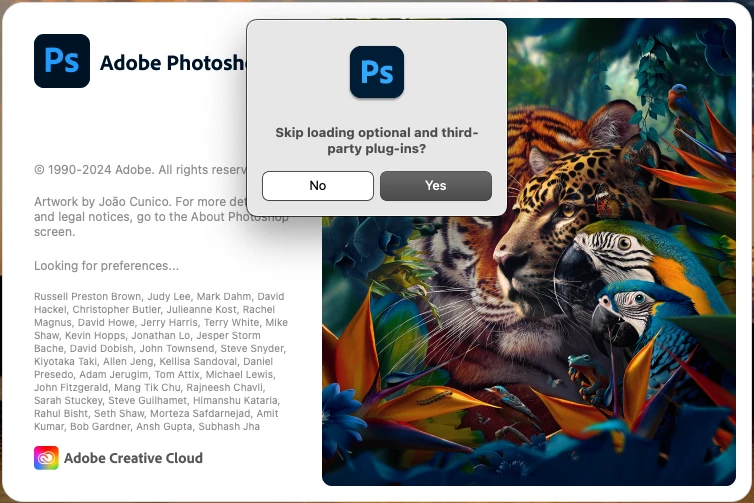
You can verify that or least it's a third party and/or optional plugin that is causing the crash by holding down the Shift key while stating Photoshop 2024 to Skip loading of the third party and optional plugins.


Sign up
Already have an account? Login
To post, reply, or follow discussions, please sign in with your Adobe ID.
Sign inSign in to Adobe Community
To post, reply, or follow discussions, please sign in with your Adobe ID.
Sign inEnter your E-mail address. We'll send you an e-mail with instructions to reset your password.
 AdChoices