
Answered
Adobe Photoshop error
Adobe Photoshop error: When I Use Type tool close My Photoshop.

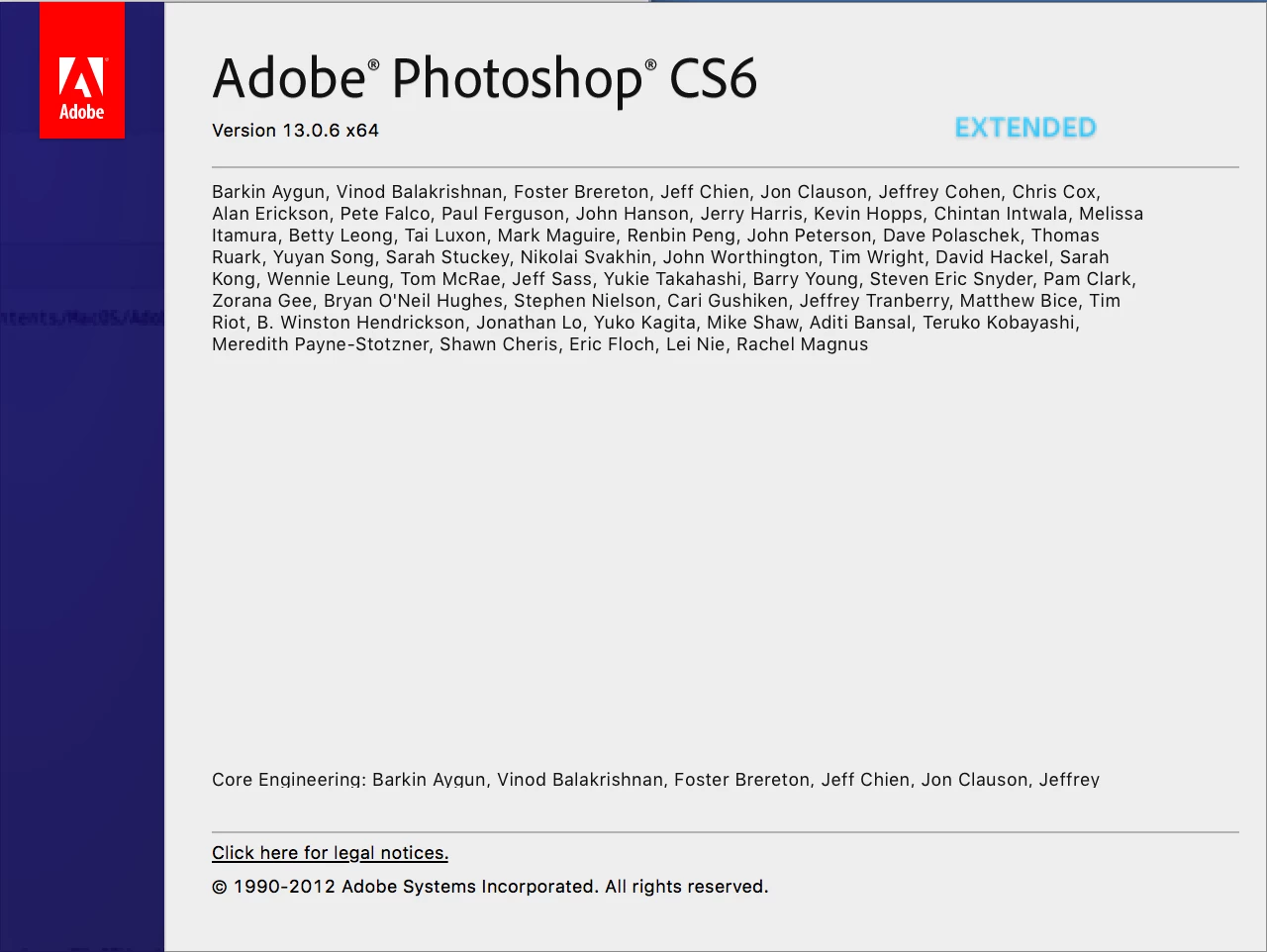
Adobe Photoshop CS6
Version 13.0.6 x64
Thanks

Adobe Photoshop error: When I Use Type tool close My Photoshop.
Adobe Photoshop CS6
Version 13.0.6 x64
Thanks
Hi
Try resetting the Type Tool
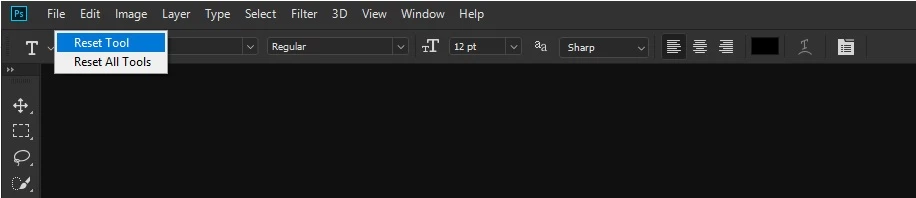
If that doesn't help try resetting PS preferences
To restore preferences quickly using a keyboard shortcut: Press and hold Alt+Control+Shift (Windows) or Option+Command+Shift (Mac OS) as you start Photoshop. You are prompted to delete the current settings. The new preferences files are created the next time you start Photoshop
P.S. it's impossible to read that crash report
Already have an account? Login
Enter your E-mail address. We'll send you an e-mail with instructions to reset your password.


 AdChoices