
January 15, 2022
Answered

Adobe Photoshop "The Command Delete is not currently available"

  • January 15, 2022
  • 6 replies
  • 6753 views

Hello,


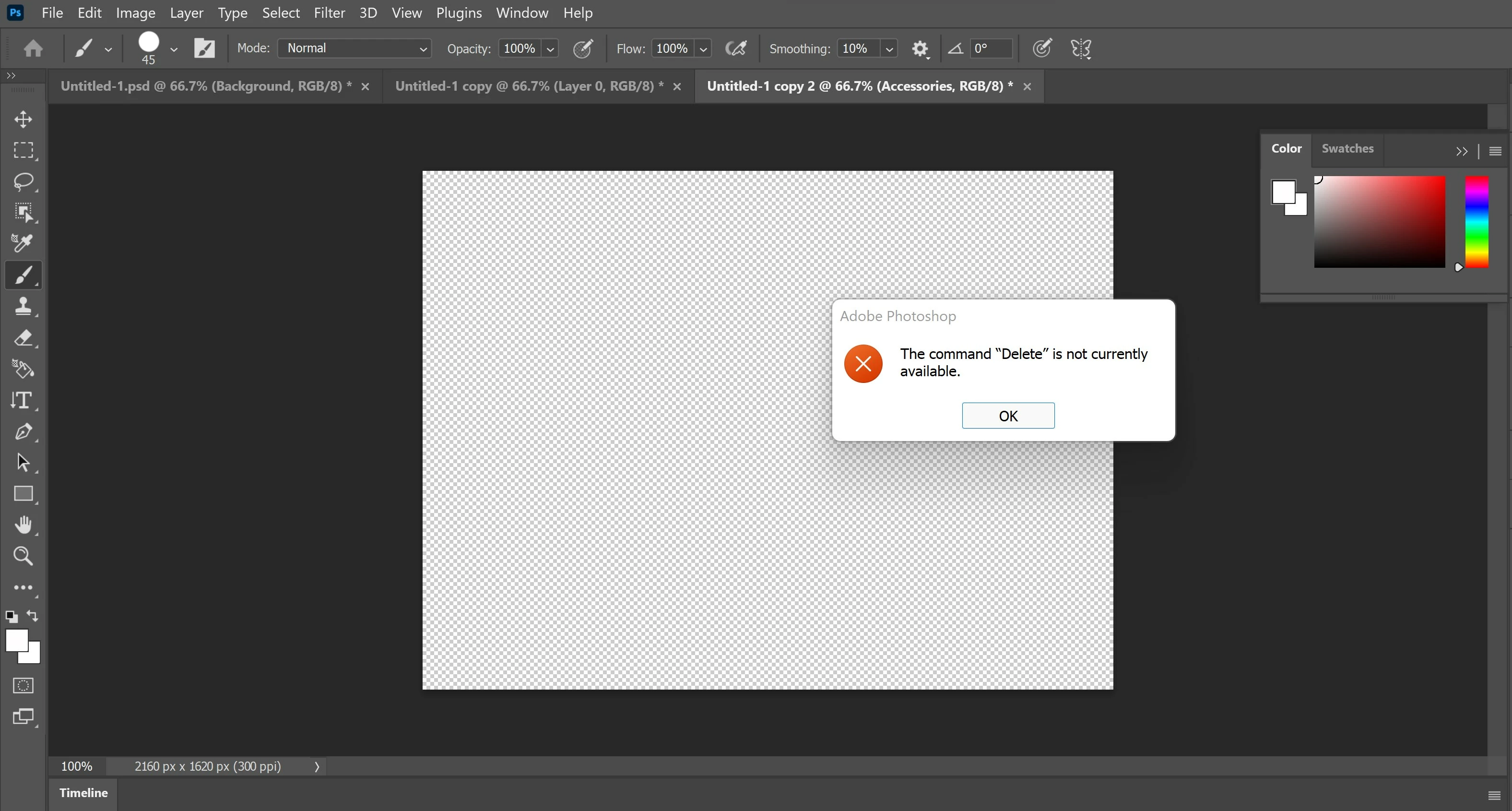
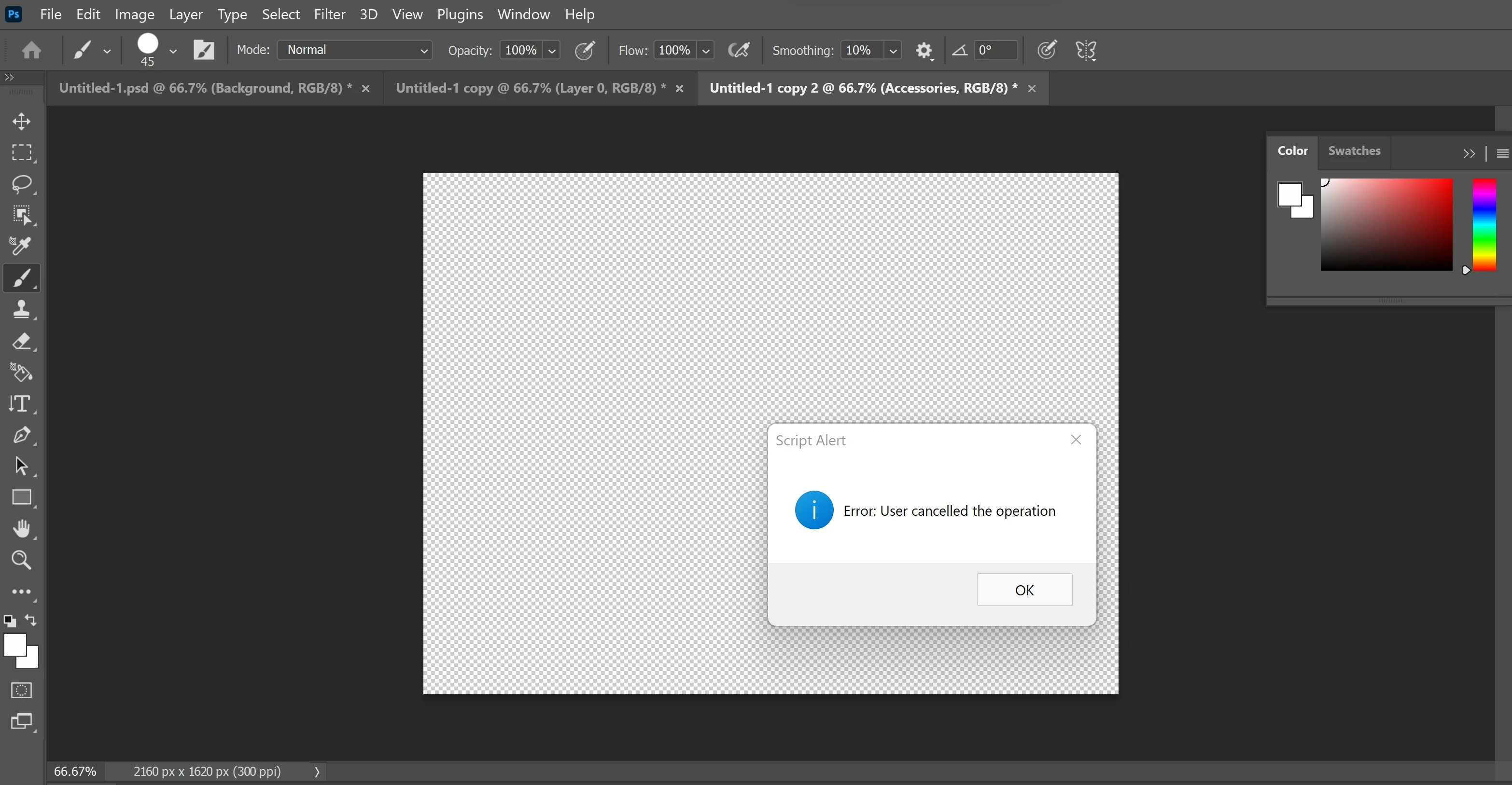
I am using PhotoShop 2022. I have created an art work with several layers. When I got to File > Export > Layers to Files. I select the option to have them saved in the PNG 24 format and select the folder where I would like to have them placed. After it runs through all the layers I keep receiving an error that states "The Command Delete is not currently available". Once I press okay another small pop up box states "Error : User cancelled the operation". Meanwhile, I have done no such thing to interrupt the process via key strokes or mouse activity. I have tried to troubleshoot by closing Photoshop and restarting it and attempting the same process and keep getting the same error. I have also restarted the computer multiple times as well. I also tried the same process using the JPEG file as an option instead of the png24 and that export worked successfully (I need the files in png24 format). I would greatly appreciate any help to get this error resolved as the project I am working on is time sensitive. I have included attachments of the error messages as well if that helps. Thank you kindly. 

Correct answer nrtk

Hi.
I found a solution that works well in my environment.

I'm leaving it in this forum for others who have the same problem.


My environment
* PC: MacBook Pro 16, 2021, M1 Max, Ventura 13.2.1
* Photoshop: 23.2.1


Following layer structure fails export with the message "The Command Delete is not currently available".


FolderA
└ LayerA
LayerB


To avoid this error, place the layer at the top of the layer structure.


LayerB ← Create new layer or bring from somewhere
FolderA
└ LayerA


Honestly, I have no idea why this works.

I hope this information helps.

6 replies

ElifCroft
Participant
March 22, 2024

I had this issue now, in the year 2024, and found a solution for my own after checking here so just letting others know. Taking layers out of subfolders wasn't enough for me so I unlocked all the layers and only then it worked.

Lynn_D
Participant
April 3, 2024

Your file shouldn't have any subfolders/grouped elements. Ungroup it - so it's only single layers. 

nrtk
nrtkCorrect answer
Participant
October 19, 2023

Hi.
I found a solution that works well in my environment.

I'm leaving it in this forum for others who have the same problem.


My environment
* PC: MacBook Pro 16, 2021, M1 Max, Ventura 13.2.1
* Photoshop: 23.2.1


Following layer structure fails export with the message "The Command Delete is not currently available".


FolderA
└ LayerA
LayerB


To avoid this error, place the layer at the top of the layer structure.


LayerB ← Create new layer or bring from somewhere
FolderA
└ LayerA


Honestly, I have no idea why this works.

I hope this information helps.

Participant
June 27, 2024

This helped me. I just had to add an additional empty layer on top of everything and it worked.


Thanks!

Participant
September 20, 2022

I was having the same issue. I found 2 layers that were linked together and I unlinked those. I also got rid of any subfolders, but I'm not sure that had anything to do with it.

NickElYacht
Participant
August 23, 2022

same problem, I can't seem to find a solution. You dont need to select the layers as the command is to export visible layers and it has aleways worked in the past.

Stephen Marsh
Community Expert
Community Expert
August 23, 2022

I have tried, however, I am unable to reproduce this error. Can you post cropped screenshots of your layers structure in the layers panel and the options selected in the script interface? Or post a sample PSD file.

January 15, 2022

I apologize for the explicits used in the layers. However I have attached the picture here. I have tried it with having all the layers selected and without as well. Still no luck. Even went into the C: Drive to delete the preferences folder and still no luck upon restart.

Participant
March 28, 2022

Am having similar problem, have you been able to find the solution. Also into NFT

jane-e
Community Expert
Community Expert
January 15, 2022

@22669112 


Can you show your Layers panel? You may not have a layer selected.


Jane