Participant
June 10, 2024
Question

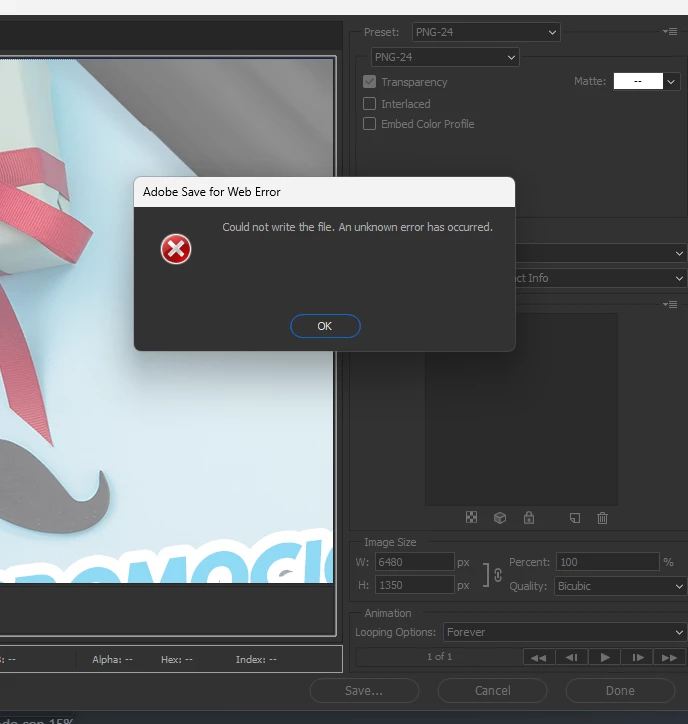
Adobe save for web error could not write file

  • June 10, 2024
  • 1 reply
  • 136 views

I need to save this sliced, but I keep getting this error. I'm a Windows user, and Photoshop is up to date. I need assistance.

 

This topic has been closed for replies.

1 reply

Stephen Marsh
Community Expert
Community Expert
June 10, 2024

I can't help with that error, however, as a workaround – there are scripts to save slices to layers or PSD:


Look for the script from @jazz-y here for layers:


https://community.adobe.com/t5/photoshop-ecosystem-discussions/divide-my-image-to-layers/m-p/12467520


Once you have layers for the slices, you can use Export As to create the PNG files for each layer slice.


Look for the script from @jazz-y here for saving PSD:


https://community.adobe.com/t5/photoshop-ecosystem-discussions/script-for-splitting-multiple-psds-to-defined-slices/m-p/12592481


You can then resave the PSD slices as PNG.


Hope this helps!


https://prepression.blogspot.com/2017/11/downloading-and-installing-adobe-scripts.html

LuLuToAuthor
Participant
June 19, 2024

Thank you. The issue was fixed by itself in the next update.