
Participant
June 5, 2024
Answered

After switching to a new Mac, some functions do not work

  • June 5, 2024
  • 2 replies
  • 291 views

Version - 25.9.0

MacOS Sonoma - 14.5

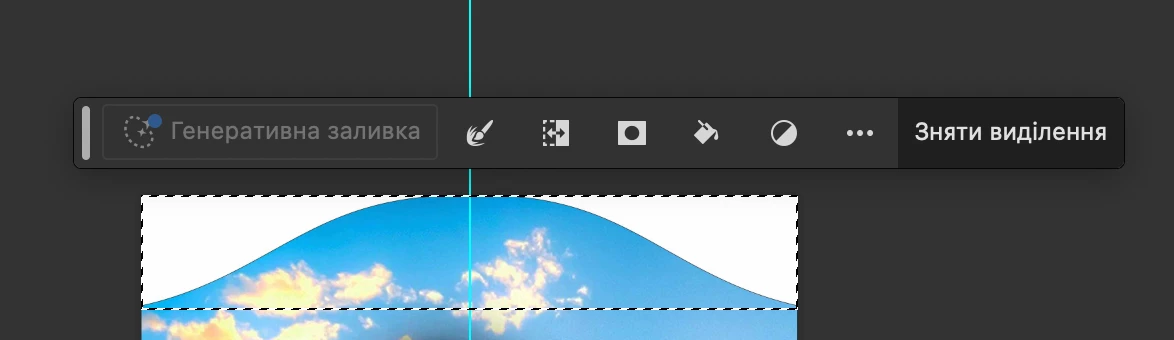
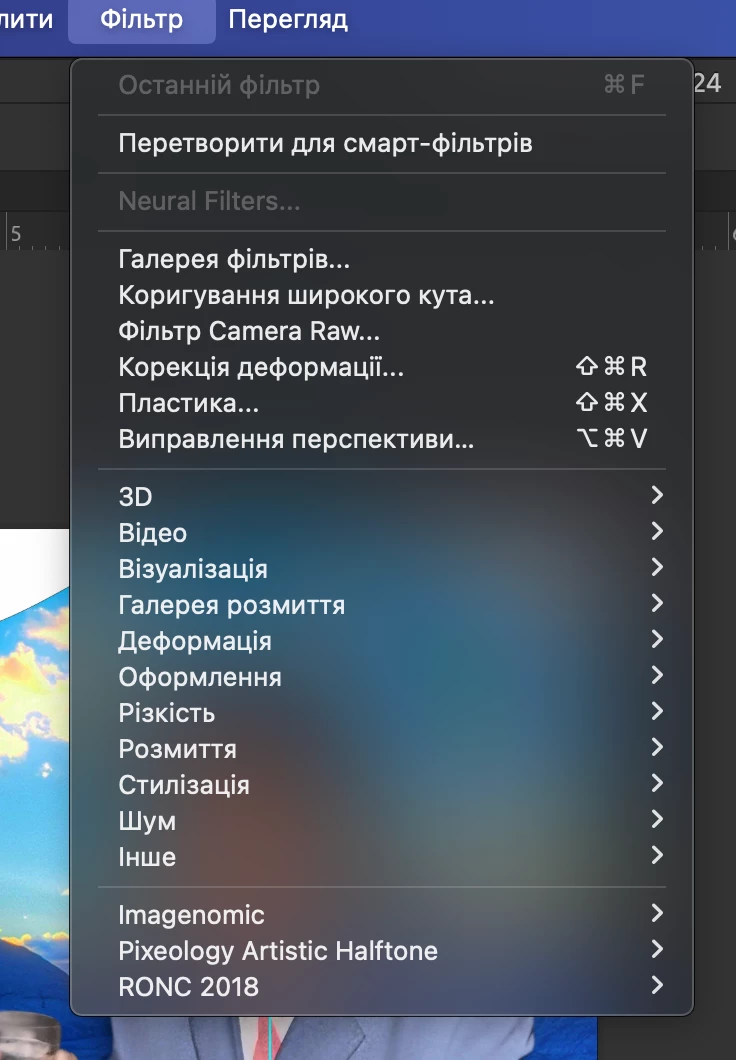
Hello. I have a problem. After a new Mac computer and transferring all data to it, some functions do not work (Neural filters, generative fill)  These are unavailable. Please, help me
This topic has been closed for replies.
Correct answer didiermazier

These functions seem to be related to the Adobe Cloud management. Did you suppress the old Mac from your CC account? Maybe you have more than 2 computers connected…


2 replies

didiermazier
Community Expert
didiermazierCommunity ExpertCorrect answer
Community Expert
June 5, 2024

These functions seem to be related to the Adobe Cloud management. Did you suppress the old Mac from your CC account? Maybe you have more than 2 computers connected…


Participant
June 12, 2024

The problem is already solved. The problem was that Photoshop was still activated on the old Mac after a full reset. Therefore, some functions were not available

Jeff Arola
Community Expert
Community Expert
June 5, 2024

Use the Adobe Creative Cloud Application to uninstall/install Photoshop 2024 (ps ver 25.9)