
Participant
February 4, 2025
Question

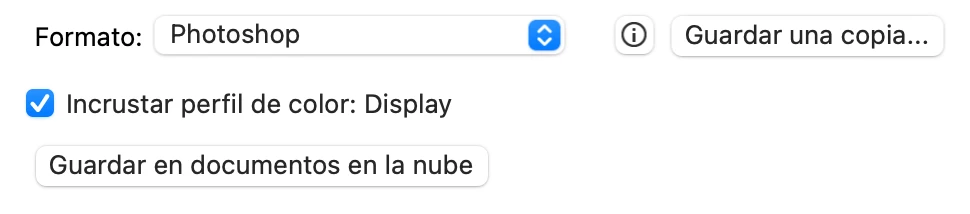
Agregar en formato: jpg (copia) y png (copia) en vez de tener que usar el botón de Guardar una copia

  • February 4, 2025
  • 2 replies
  • 112 views

Esto de no poder guardar el archivo jpg es super incomodo, es decir, si tengo mi archivo por capas y quiero guardar un jpg o png deberia ser un solo click.
 

2 replies

c.pfaffenbichler
Community Expert
Community Expert
February 5, 2025
quote

This thing of not being able to save the jpg file is super uncomfortable, that is, if I have my file in layers and I want to save a jpg or png it should be a single click.

By @gonzalofish

As a jpg cannot have Layers one cannot simply »save« an opened jpg one has added Layers to. 

That is as it should be. 


But you could create an Action or Script that remedies all the offending properties (Bit Depth, Layers, …) and saves the file; then assign a shortcut to that. 


Could you please post screenshots the pertinent Panels (Toolbar, Layers, Options Bar, …) visible? 

Jeff Arola
Community Expert
Community Expert
February 4, 2025

In the Photoshop preferences go to File Handling and check Enable legacy "Save As"


Then you should see JPEG on the Save As File Formats drop-down.