Question
AI doesn't work in Photoshop
When selecting an area and applying a generative fill, it gives this error. Photoshop was installed from the original Adobe Creative Cloud program. what to do?
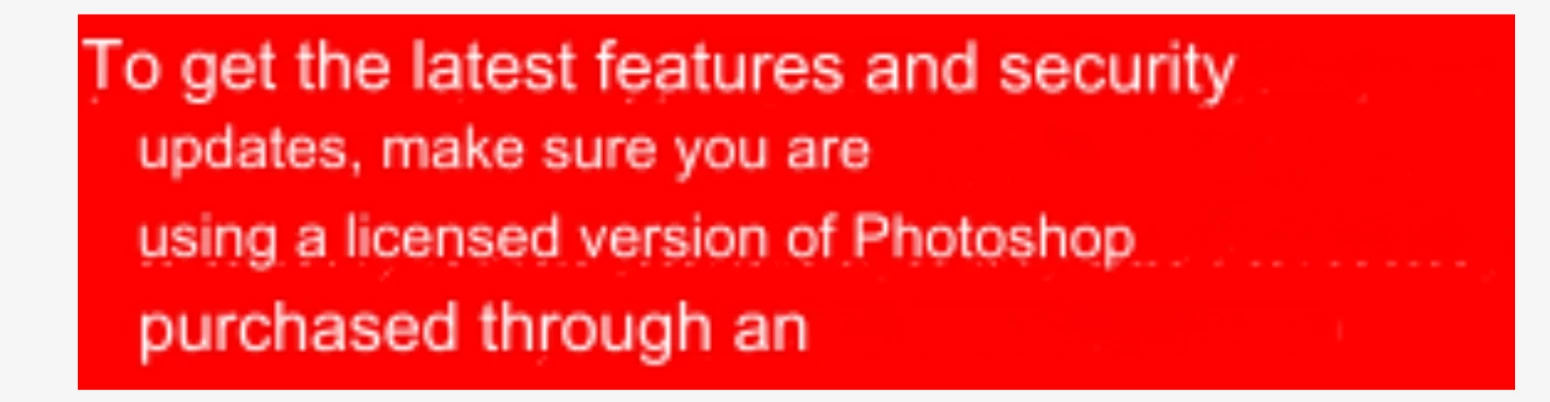

When selecting an area and applying a generative fill, it gives this error. Photoshop was installed from the original Adobe Creative Cloud program. what to do?
Already have an account? Login
No account yet? Create an account
Enter your E-mail address. We'll send you an e-mail with instructions to reset your password.


 AdChoices