


Participant
May 1, 2025
Answered

Annoying problem

  • May 1, 2025
  • 4 replies
  • 314 views

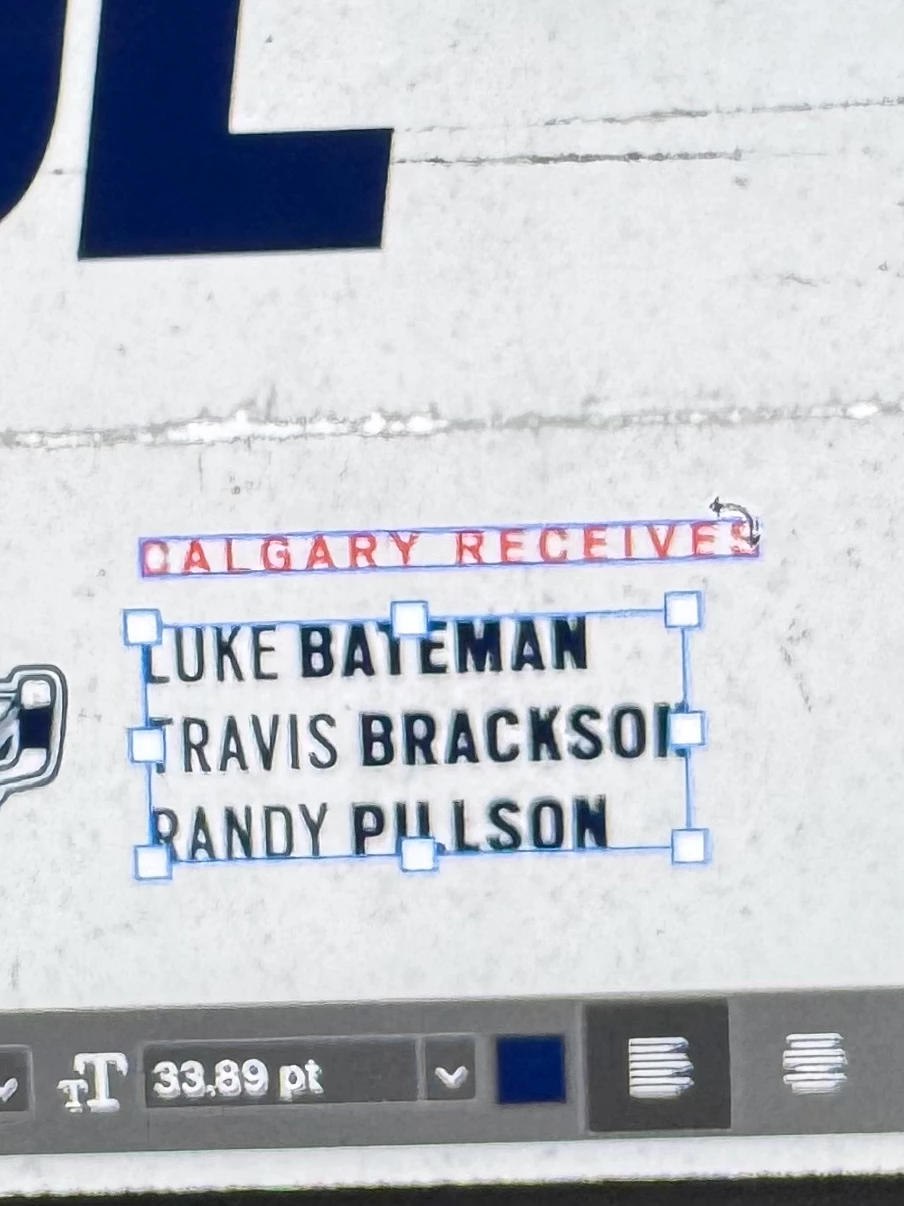
If two objects are close together, it's impossible to shift select both of them. It drives me mad having to go to the layers panel to select multiple objects. Is there a way to at least disable the rotation trigger? 
 

PS Beta 26.0.0
Mac Sequoia 15.3.2

Correct answer melissapiccone

Which is exactly why you should always name your layers! - This is my mantra when teaching PS. 

4 replies

Trevor.Dennis
Community Expert
Community Expert
May 1, 2025

This is what I do in situations like this.  I have short actions, triggered by function keys, that set and reset my most used workspaces.  I use three large screens, so panels are spread out, so when it will save me some time I move the panel close to where I need it, and when done, I hit F5 to reset the workspace.  I do the same thing on a MacBook Pro, and when I reset the workspace on that, it is as near instant as makes no difference.

Legend
May 1, 2025

Have you tried just turning off transform controls? Otherwise there isn't a fix.

Participant
May 1, 2025

Thanks but it doesn't really help when you have 10 things named Rectangle etc. It's equally as combersom as going to the layers panel

melissapiccone
Community Expert
melissapicconeCommunity ExpertCorrect answer
Community Expert
May 5, 2025

Which is exactly why you should always name your layers! - This is my mantra when teaching PS. 

Melissa Piccone | Adobe Trainer | Online Courses Author | Fine Artist
Legend
May 1, 2025

Select the first object, hold down Shift, right click the second object, and select it in the popup. This will add the second object to your selection.