

Apply gradient to shapes: Start and End points?
This is a "silly" question but, when applying gradients to shapes (Shape layers), as far as I can see, there is no way to control the Start and End points? Or is there? The way the Gradient tool allows? Not that I really "care" to use this method but suppose I want to create a radial gradient shape layer, to paint a sphere and obtain this kind of result (done with the Gradient tool):
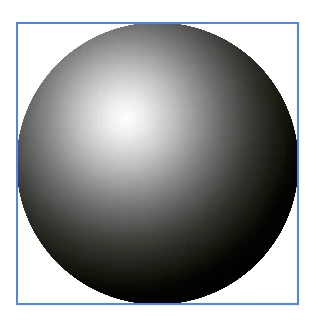
I would have expected to be able, at least, that the "Move" tool would have come to my rescue the way it does when creating new Gradient Fill layers while this dialog is visible and we have access to all the options :
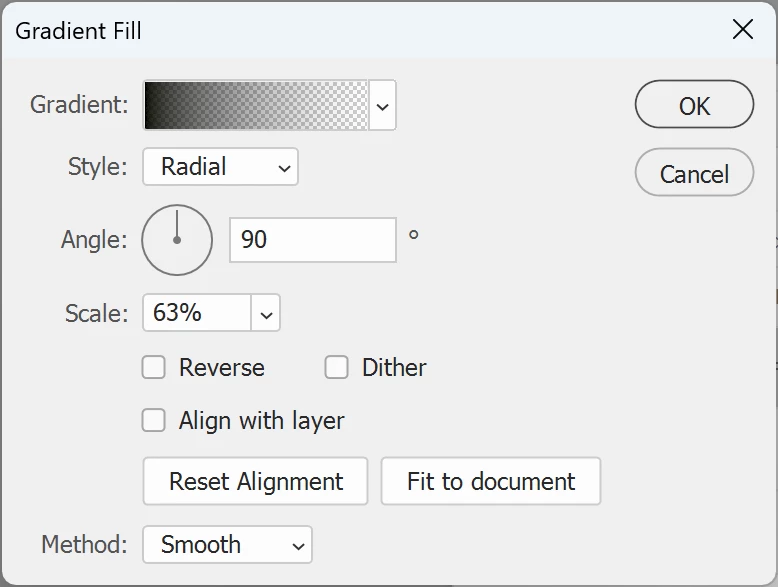
... as soon as we move the mouse outside the area of the window, the cursor changes to the Move icon and the gradient can be moved inside the layer -- but not its Start or End point.
It's really an academic question I'm asking. With all the changes brought to Photoshop over the recent years, I just want to make sure I'm not missing on a simple option somewhere.
Thank you in advance for your kind help and patience.


 AdChoices