
Beantwortet
Aumentar a duração de várias camadas ao mesmo tempo na timeline
Olá pessoal. Gostaria de saber se tem algum atalho ou modo de arrastar para aumentar o tempo de duração de diversas camadas ao mesmo tempo na time line? Hoje só consigo fazer isso individalmente, e dependendo do projeto fica muito trabalhoso. 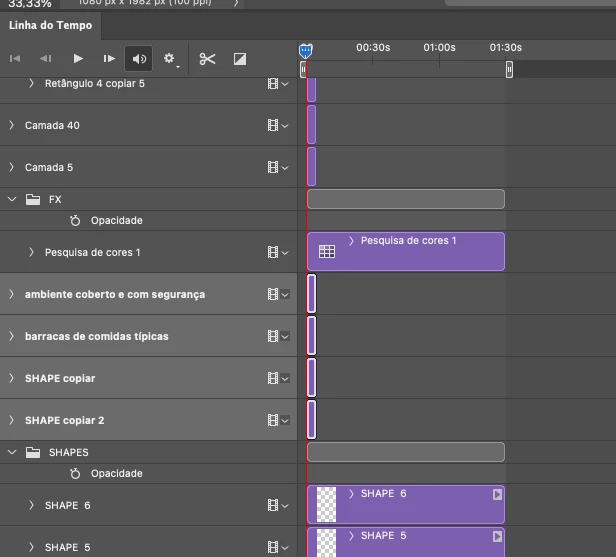

 AdChoices