
andrép38602030
Participant
February 25, 2025
Question

Auto straighten scanned photos

  • February 25, 2025
  • 1 reply
  • 748 views

Hello dear community
I am looking for a way to automatically straighten scanned photos on a black background.
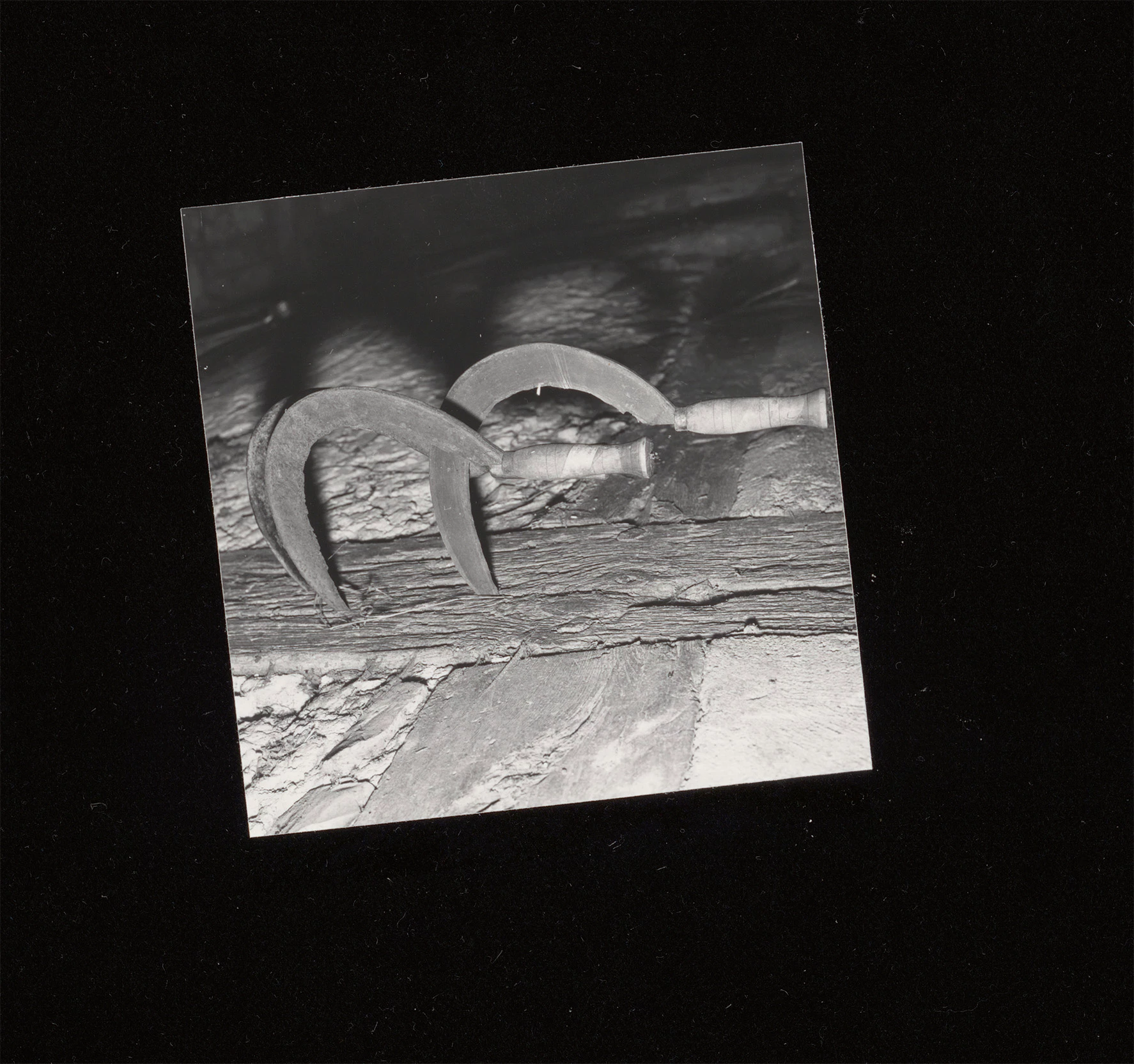

There is the function “Auto Crop and Straighten”. Unfortunately, this is not useful for my purpose as the images are cropped exactly to the edge and a new document is always created. Is there a way to use this straighten function for an action? Apparently Photoshop has such a function, but unfortunately it is tied to cropping.
I already have an action for cropping.


I hope someone of you knows a good solution for my problem. I appreciate any input.


Best regards

André

1 reply

Semaphoric
Community Expert
Community Expert
February 25, 2025

One way is to run the Ruler tool along one edge of the photo, followed by Image > Image Rotation > Arbitrary. The angle from the Ruler is automatically loaded. Click on OK, and the image is rotated with extra canvas added to accommodate the rotation.


andrép38602030
Participant
February 27, 2025

Hello Semaphoric

Thanks for your input. I already know this method. Unfortunately, that's not quite what I'm looking for either. I need a method that I can incorporate fully automatically into a batch action.

It must somehow be possible to use the straightening function from “Auto Crop and Straighten” independently.

c.pfaffenbichler
Community Expert
Community Expert
February 27, 2025
quote

It must somehow be possible to use the straightening function from “Auto Crop and Straighten” independently.

What makes you think that? 

Crop and Straighten does not seem to be a Script as far as I can tell.