
Automate centering selected text?
Hello ladies and gentlemen!
I'm a newbie of photoshop, and I have very little experience in automating batch. If my request is impossible or dumb, please give me your opinion, thanks everyone!
I'm here to ask if there is any solution to center a selected text layer placed on top of an object automatically? I used to make a selection from a shape, then use align at the Move tool. But the designs are increasingly complex - many layers overlap, or sometimes the shapes are not fully visible on the screen, so I'm not usually find each shape one by one. I used magicwand instead (tolerance 80-150). However, having to create each selection for each text layer then align it also takes a lot of time. For each text layer (not all of them, just a selected one), I need area auto-select - center horizontal, vertical - deselect in one action. Here is an example:
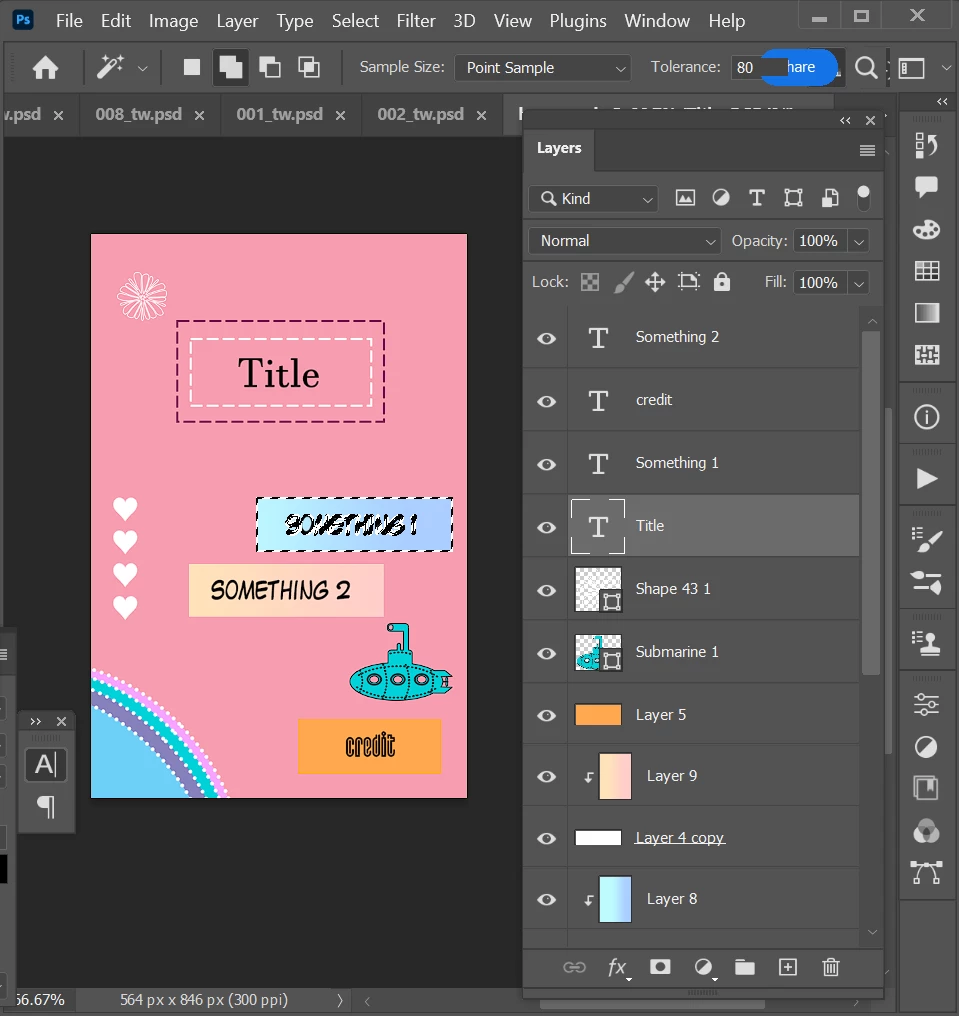
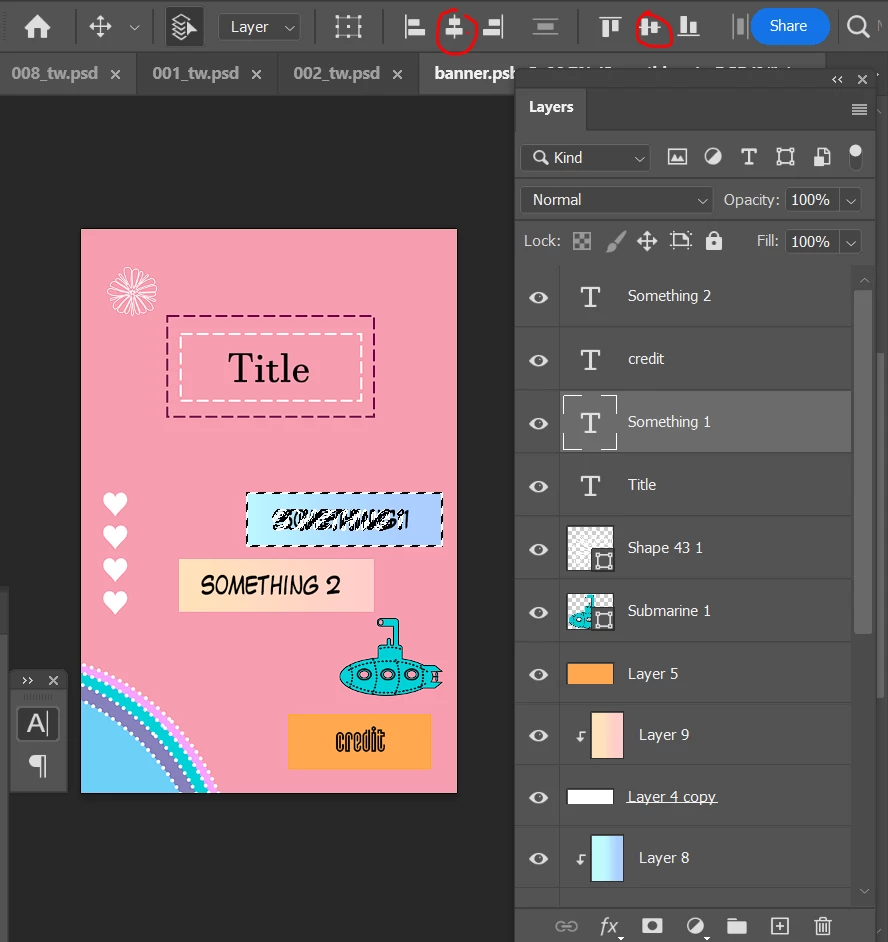
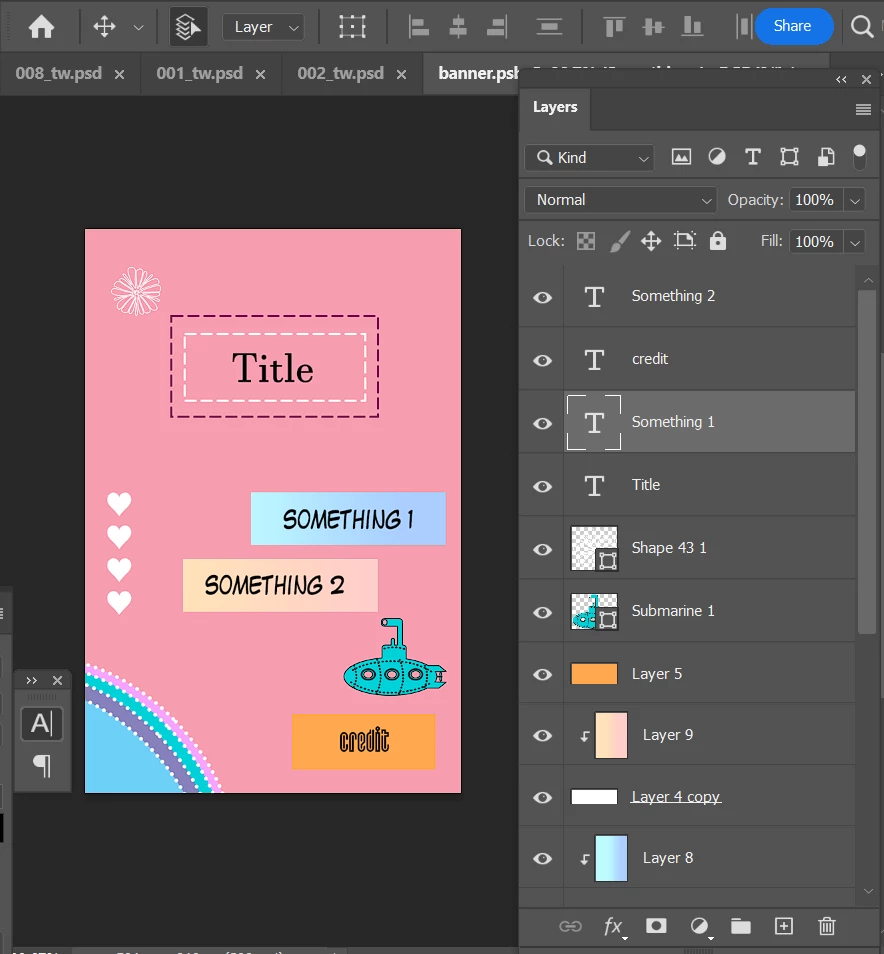
The work I am doing is designing scrapbooks, guestbooks as gifts, each design will not have a fixed text position, so batching is not possible for every different styles.
I've searched for related scripts, but they don't seem to be suitable. If you have any suggestions, please comment below. Thank you everyone and have a nice day!


 AdChoices