
Answered
Automate Vanishing Point tool by Script
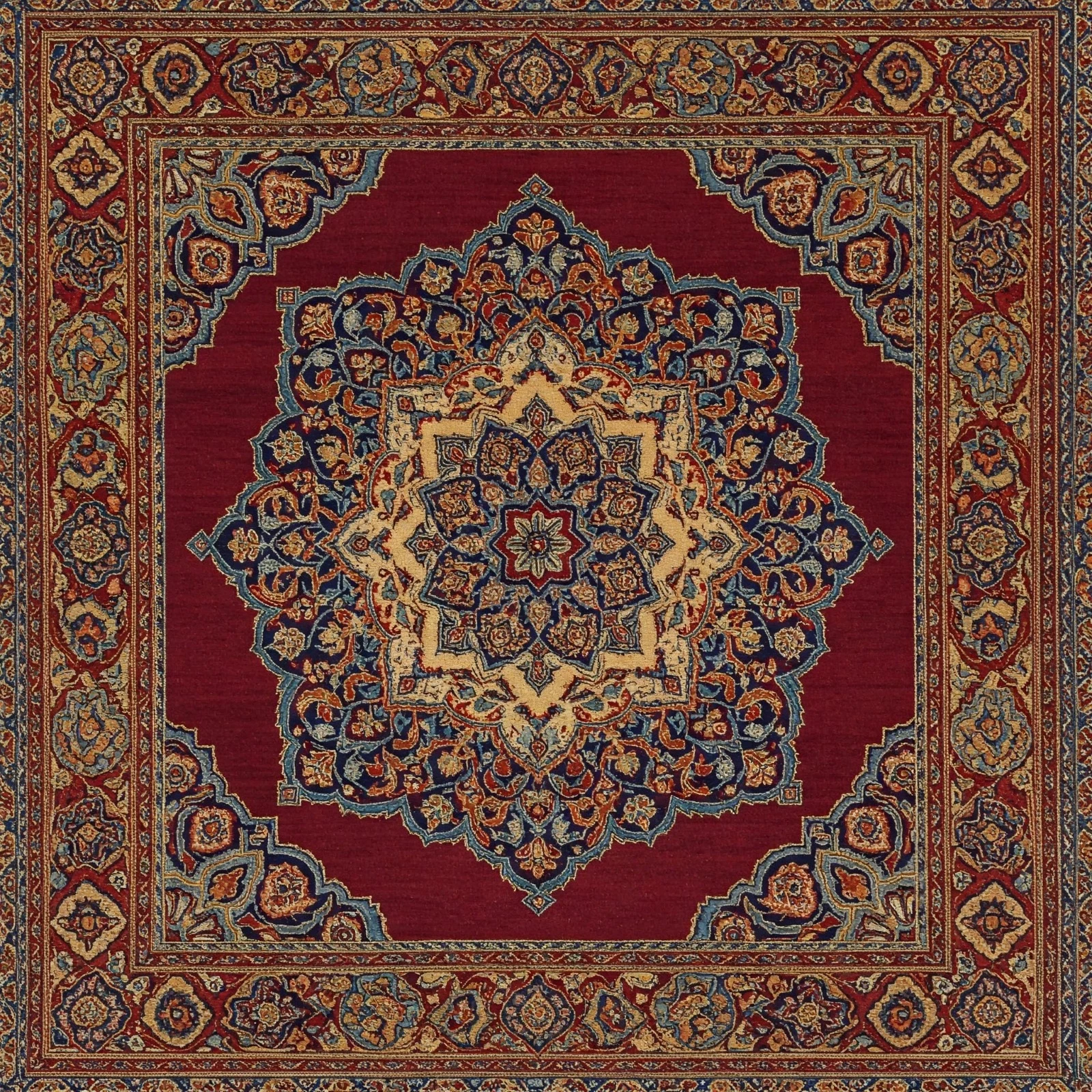
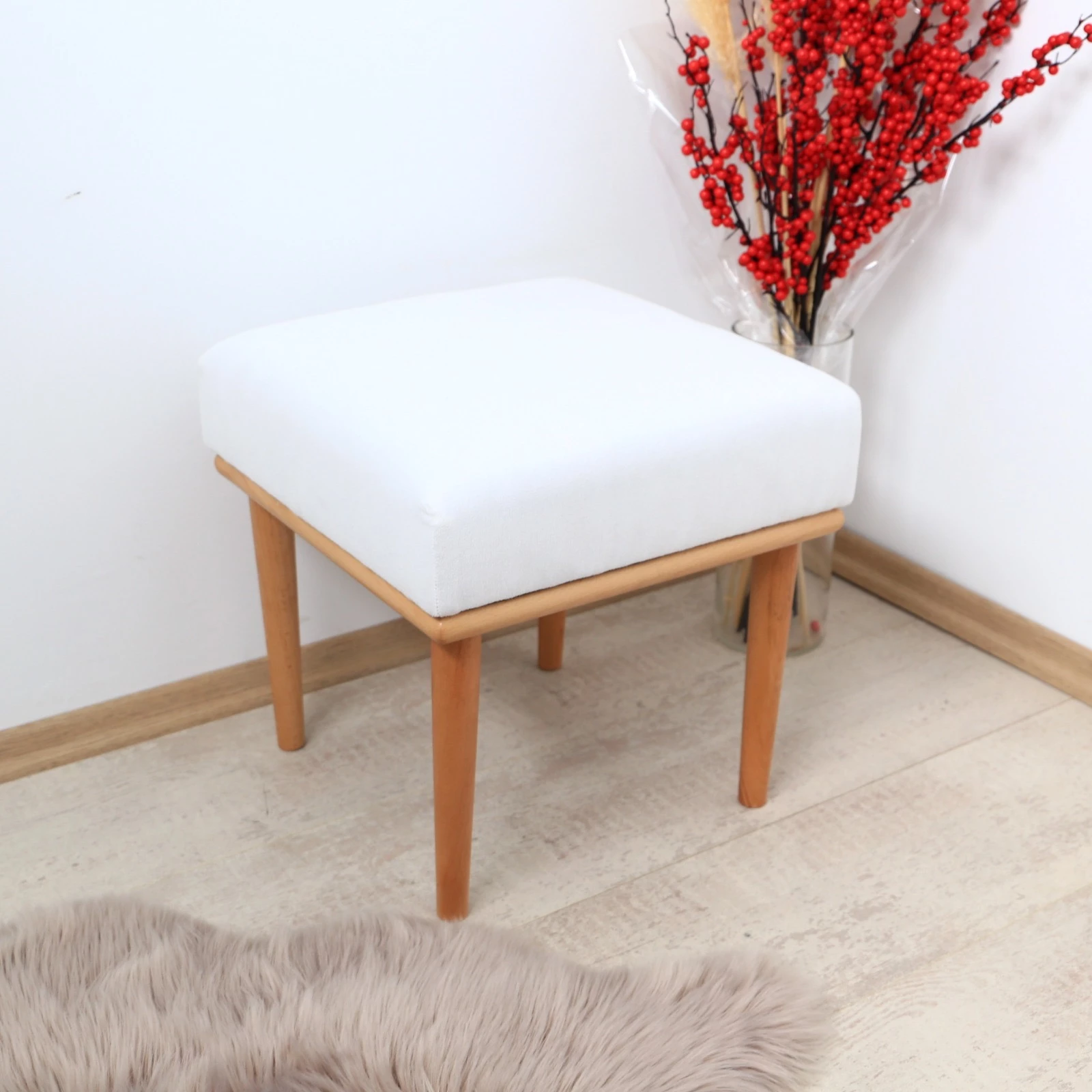
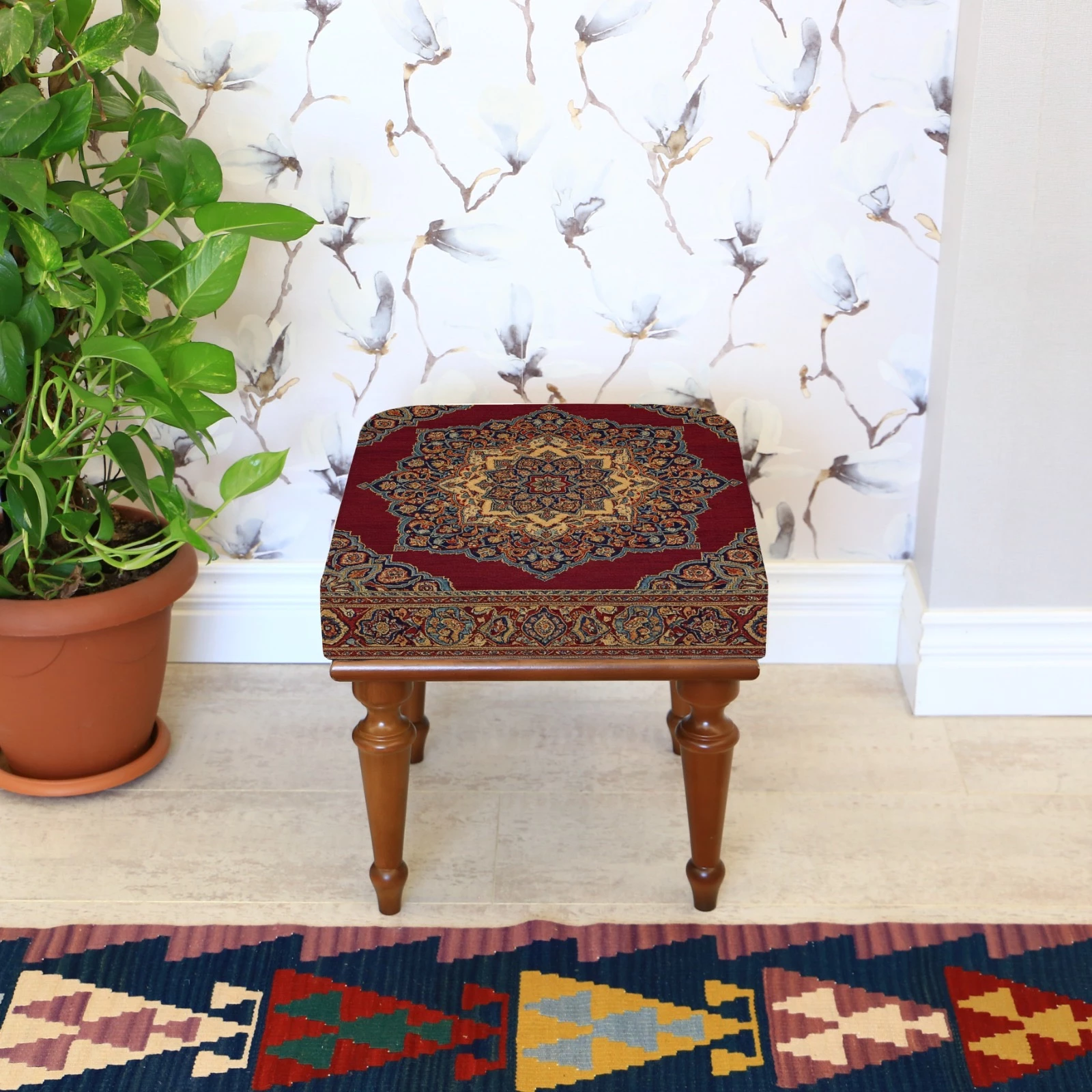
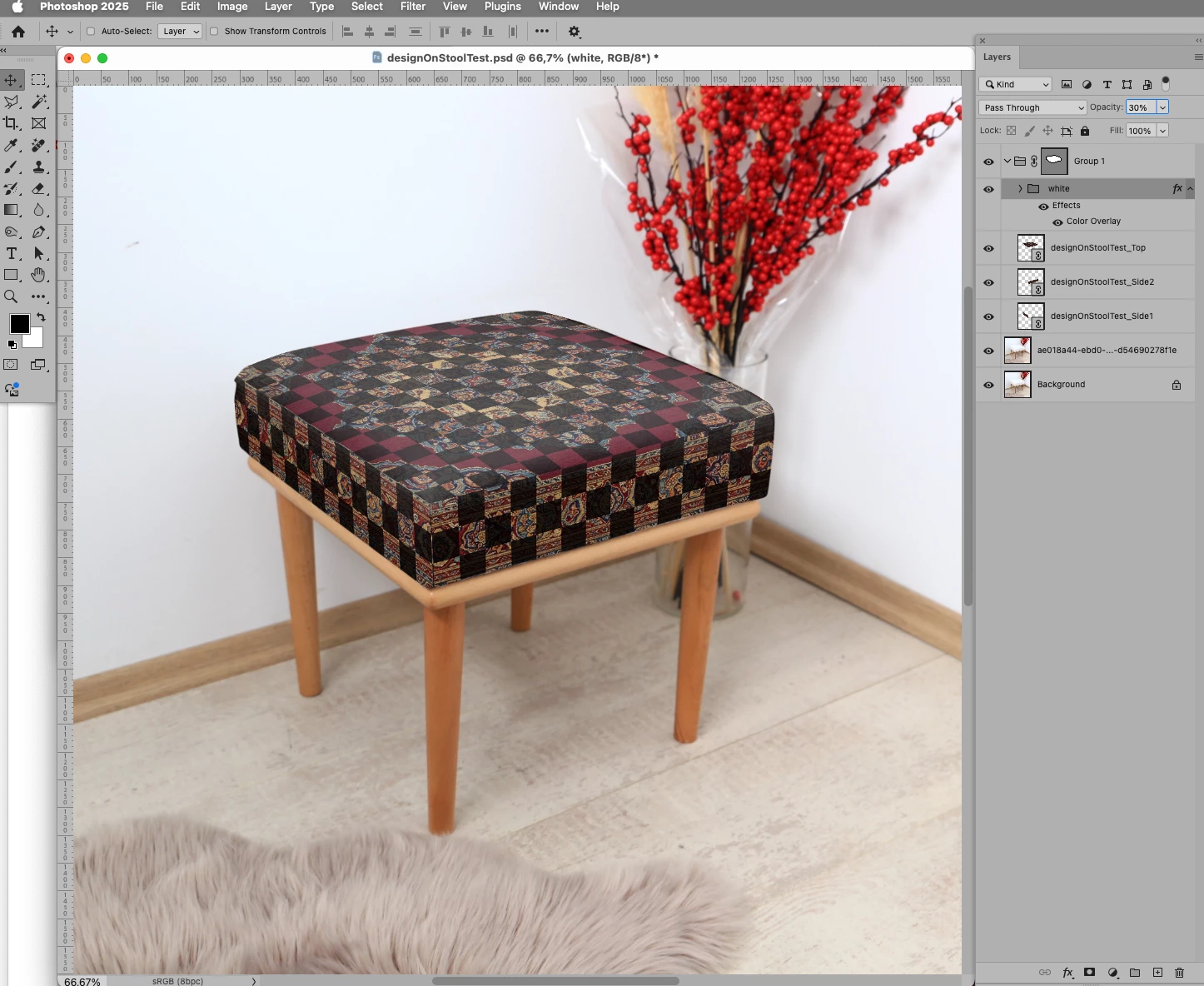
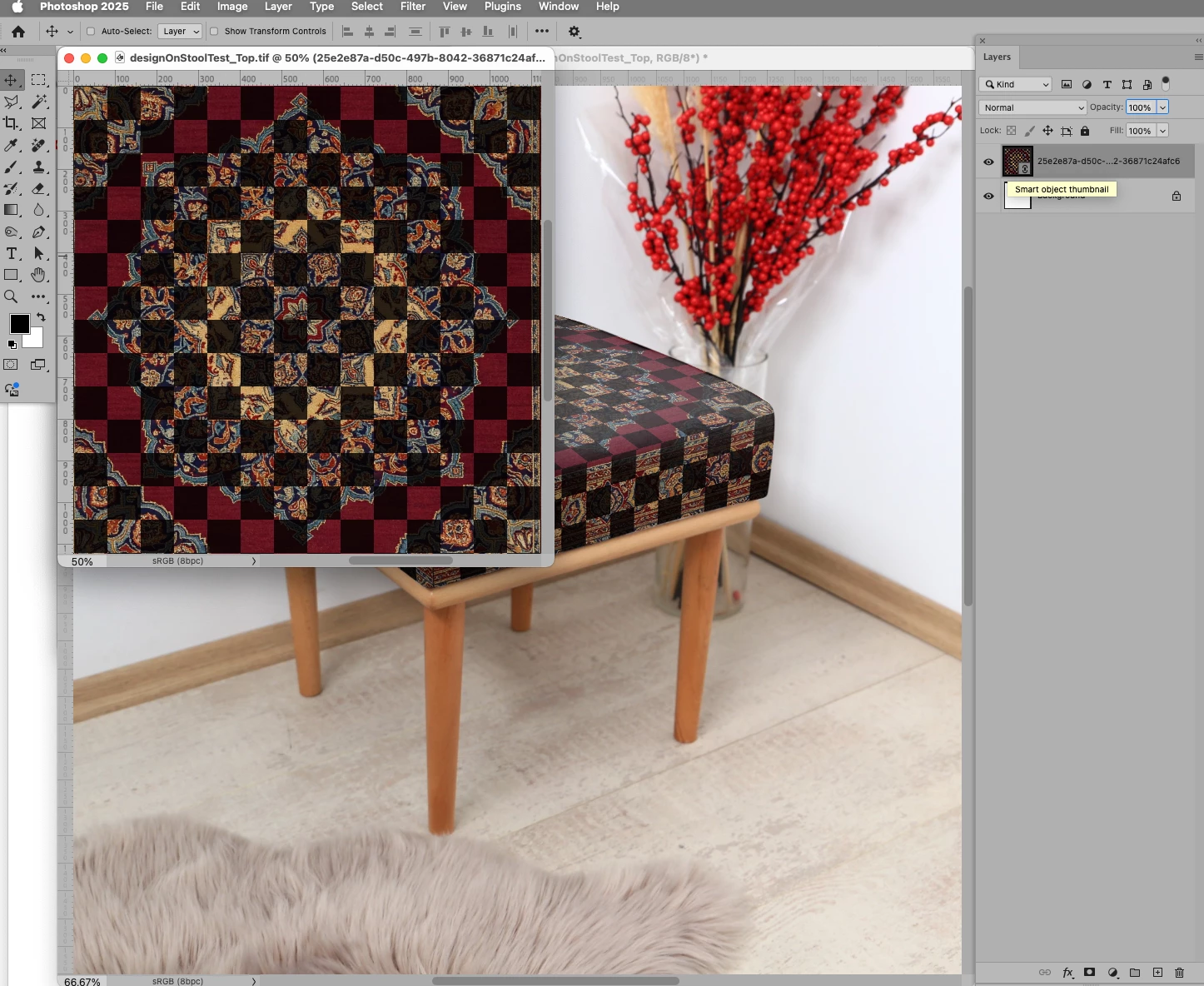
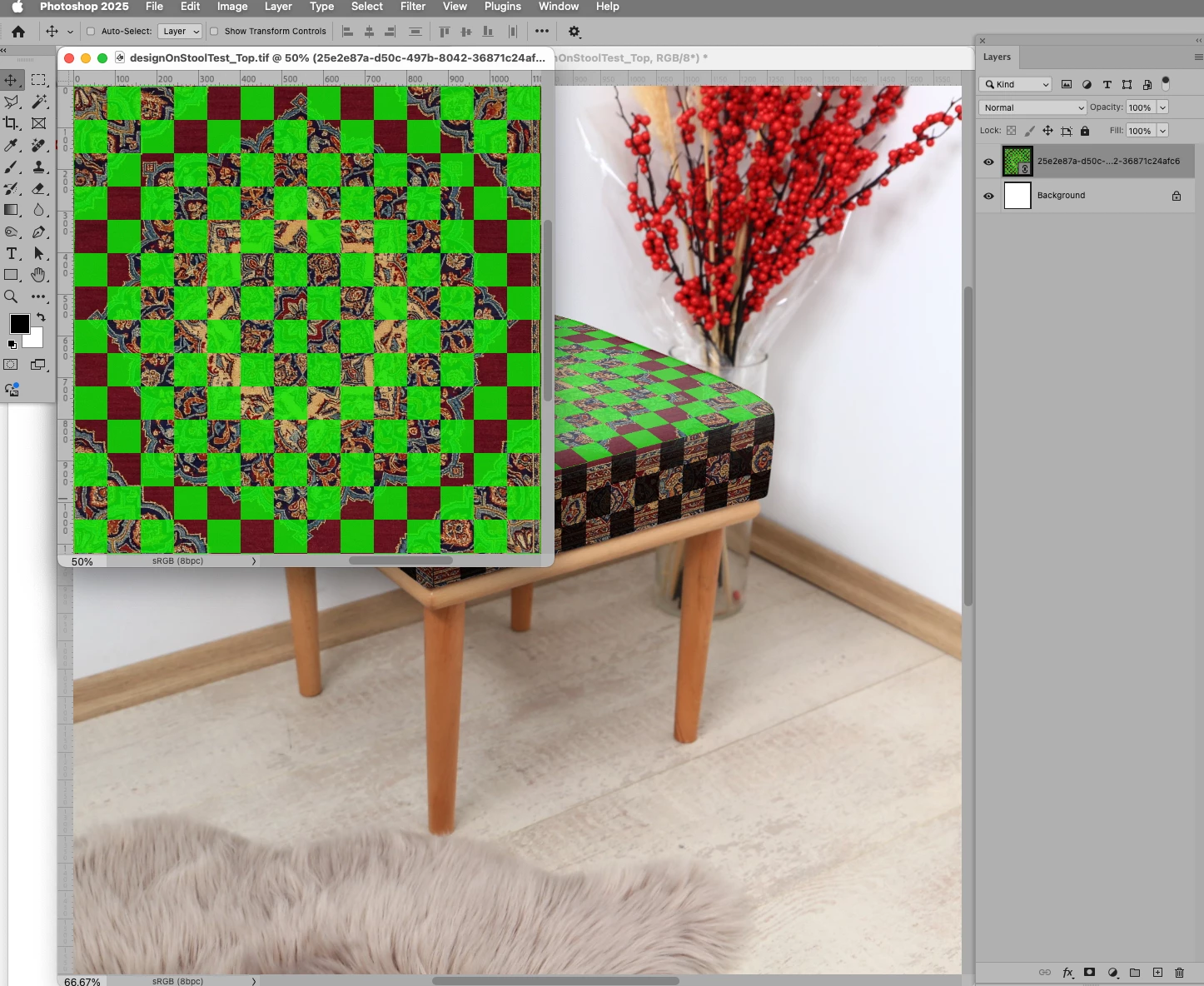
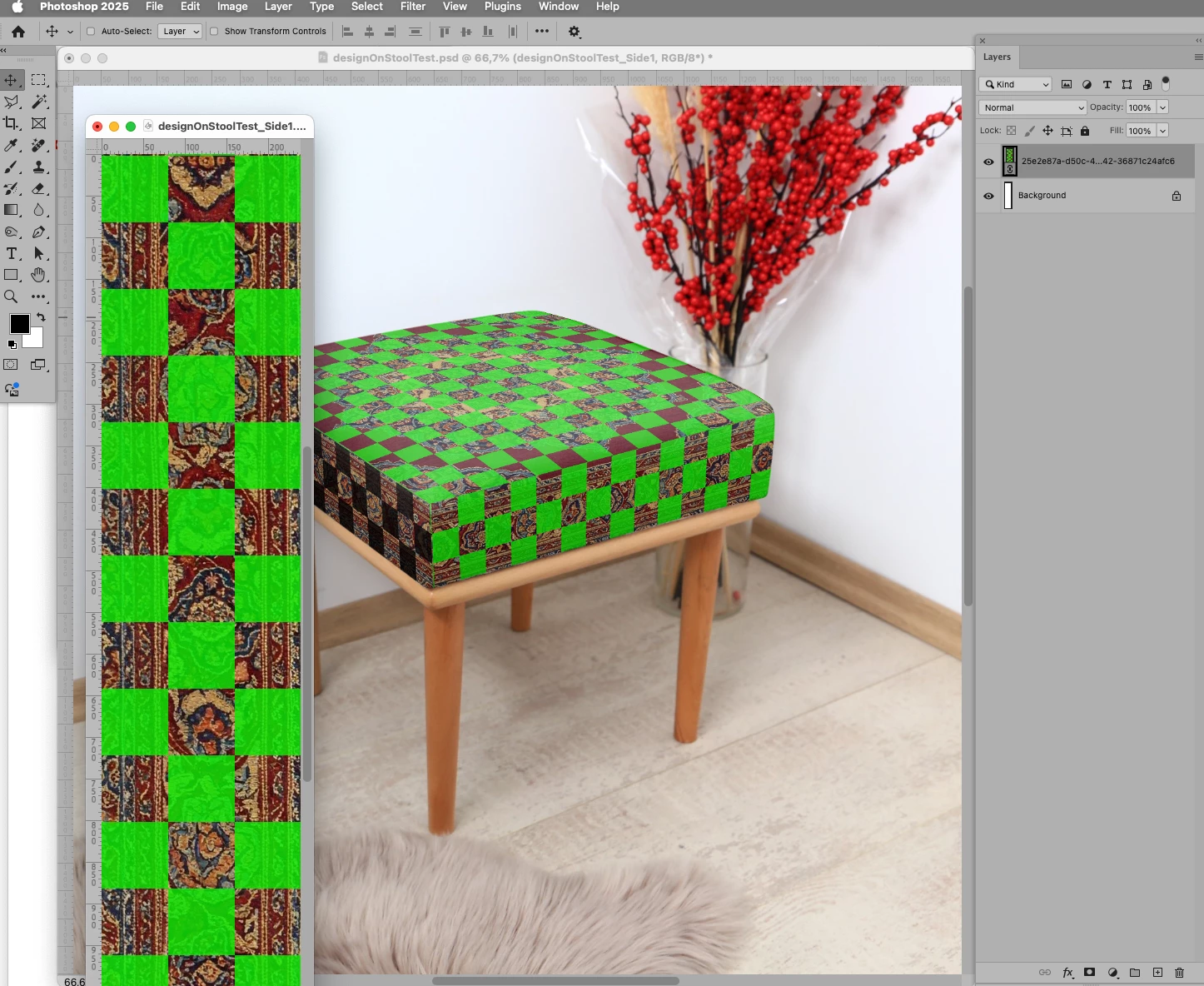
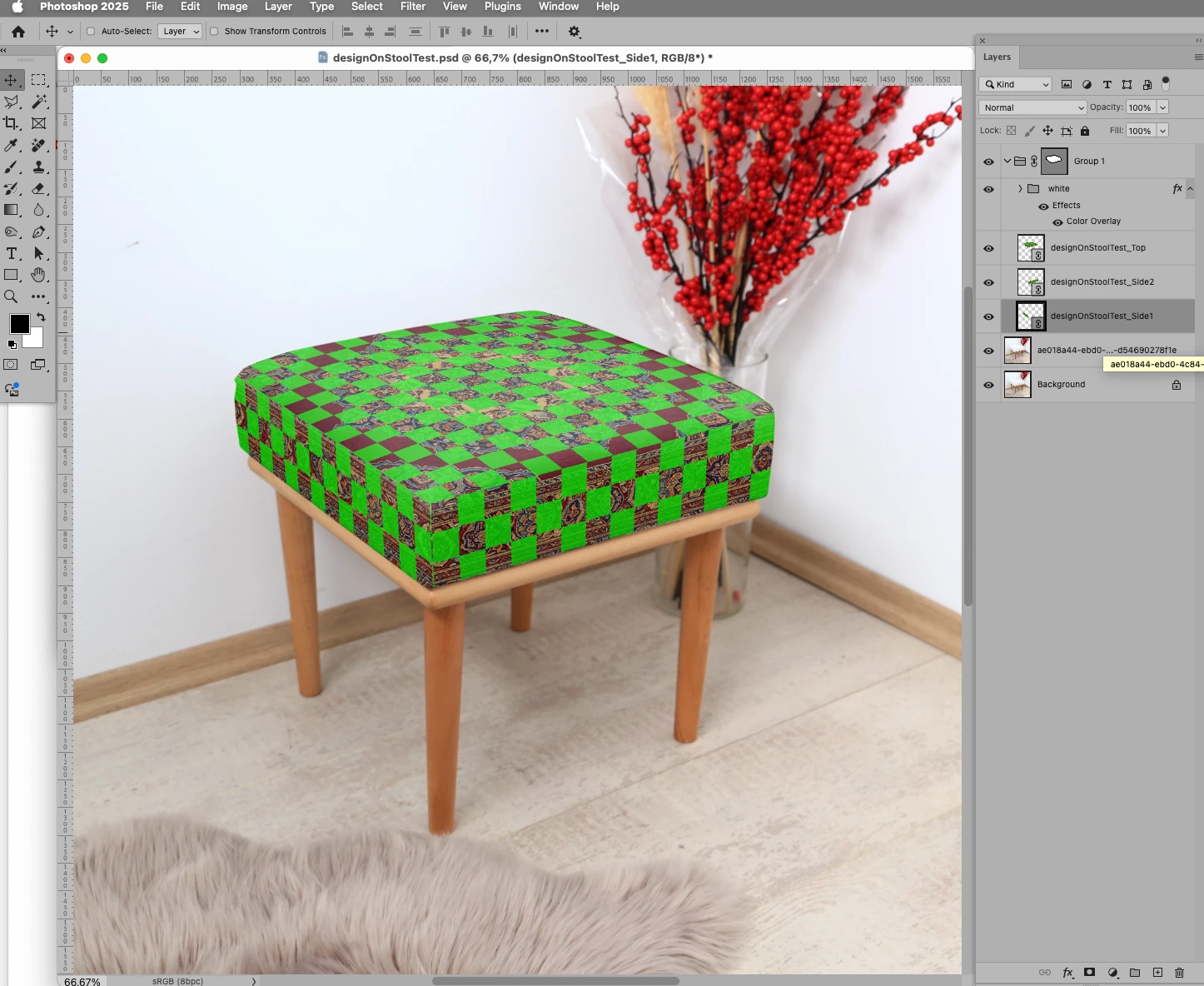
I'm trying to create a mockup in Photoshop where I apply a rug pattern onto a cushion. I have photos of the object (the cushion) from 7 different angles, and I want to automate the process using a script inside Photoshop. I can do this manually using the Vanishing Point tool, but it's very time-consuming. When I try to automate it with an action, it doesn't record the Vanishing Point steps. And when I try to use a script, it can't access the Vanishing Point tool either.
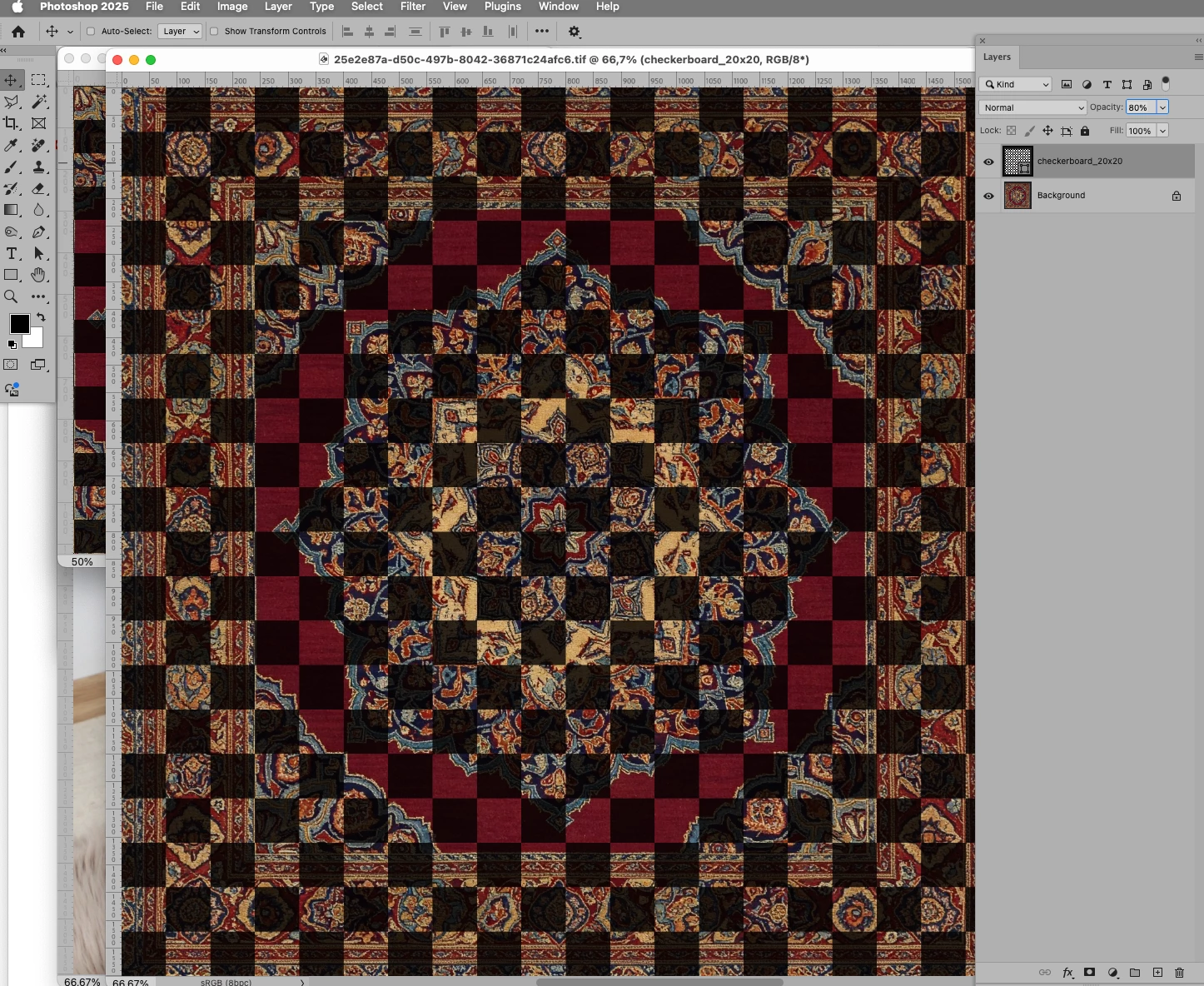
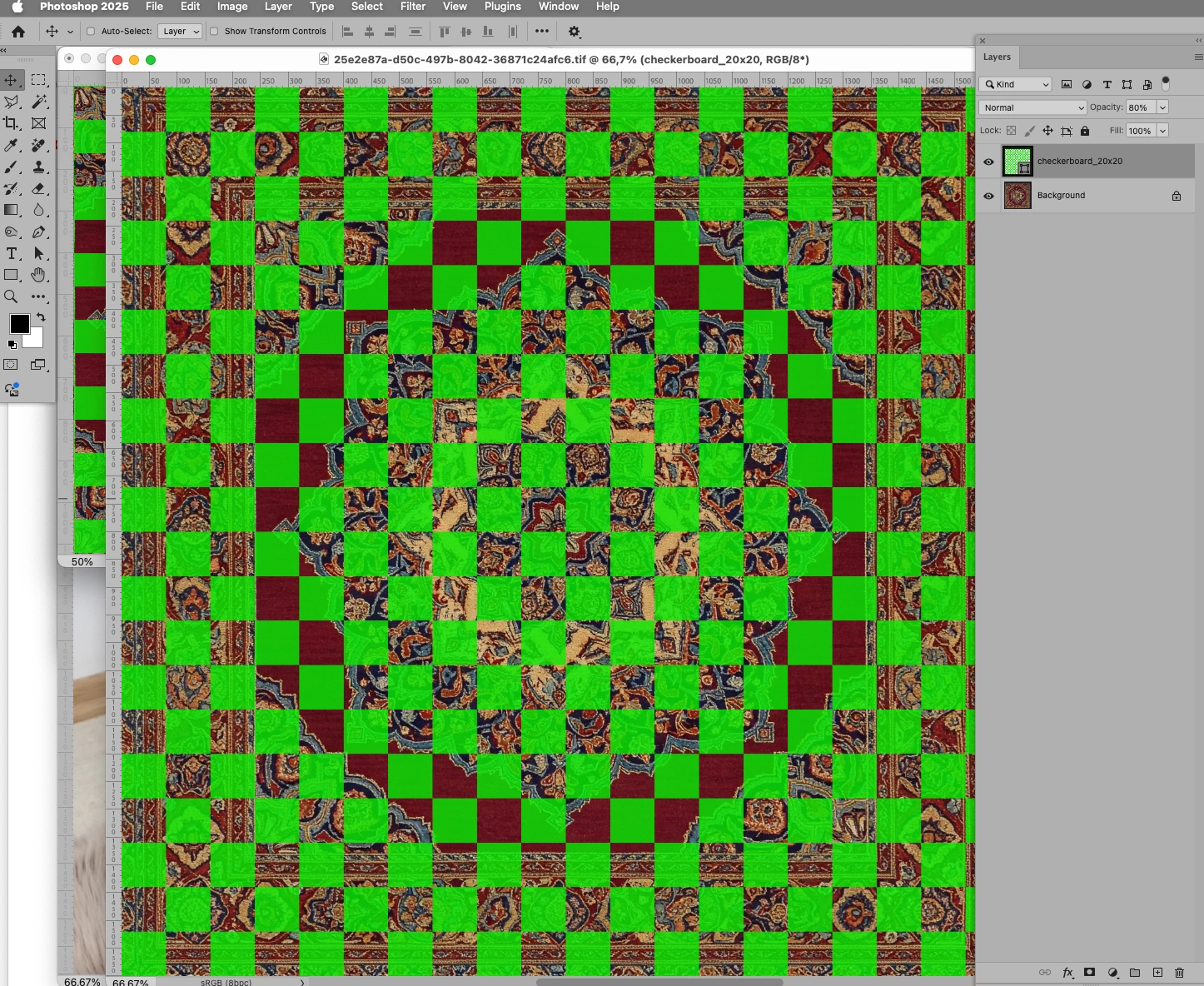
Is it possible for a script to open a Smart Object, insert the pattern into it, and transform it into the required perspective automatically? I have around 700 patterns to apply, so doing it manually isn't really an option. Can someone help?



 AdChoices