
Automating Image Placement and Resizing to Fit Frames in Photoshop
Hi All,
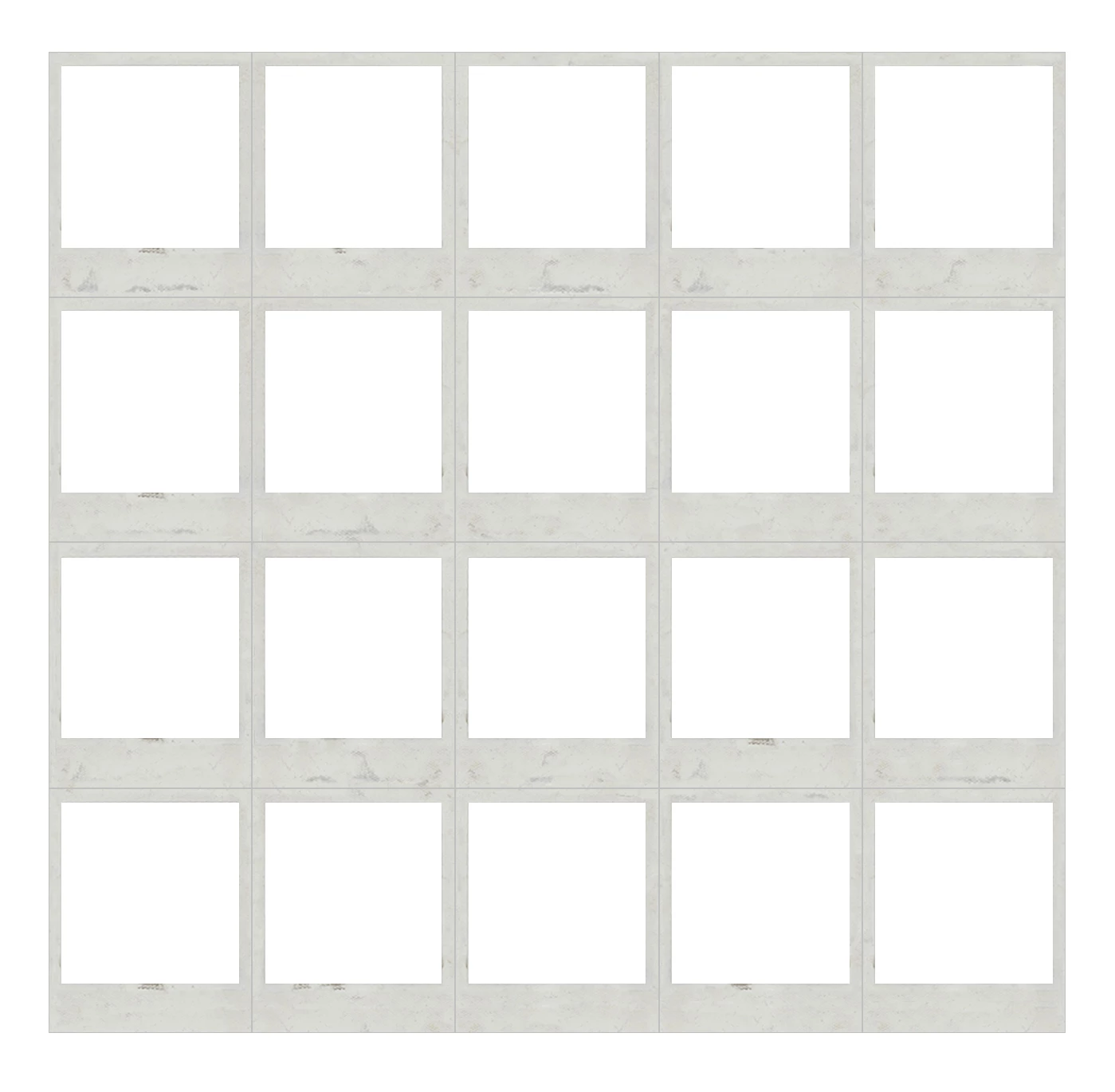
I'm working on a project where I need to place a frame inside each of the 20 white boxes in my Photoshop file and create an action to fill each frame with a photo. The photos will be copied and pasted directly into Photoshop and won’t be saved as separate files beforehand.
I'm looking to automate placing each photo into a frame and resizing it to fit as closely as possible.
The challenge I’m facing is image resizing. Since all the photos will have different dimensions, I can’t just use free transform manually for each image.
My Questions:
- Is there a way for a photo to automatically resize to fit the frame when added to it?
- Alternatively, is there a way to resize an image to a specific width or height (e.g., 250 pixels) while keeping the aspect ratio intact—without changing the canvas size?
I’ve tried using the "Image Size" option in the Edit menu, but it resizes the entire canvas, which isn’t what I want.
I’d appreciate any tips or workflows that can help streamline this process.
Thanks in advance for your help!
Kate


 AdChoices