stephen728723
Participant
January 30, 2020
Answered

Batch rotate, straighten and crop

  • January 30, 2020
  • 2 replies
  • 4534 views

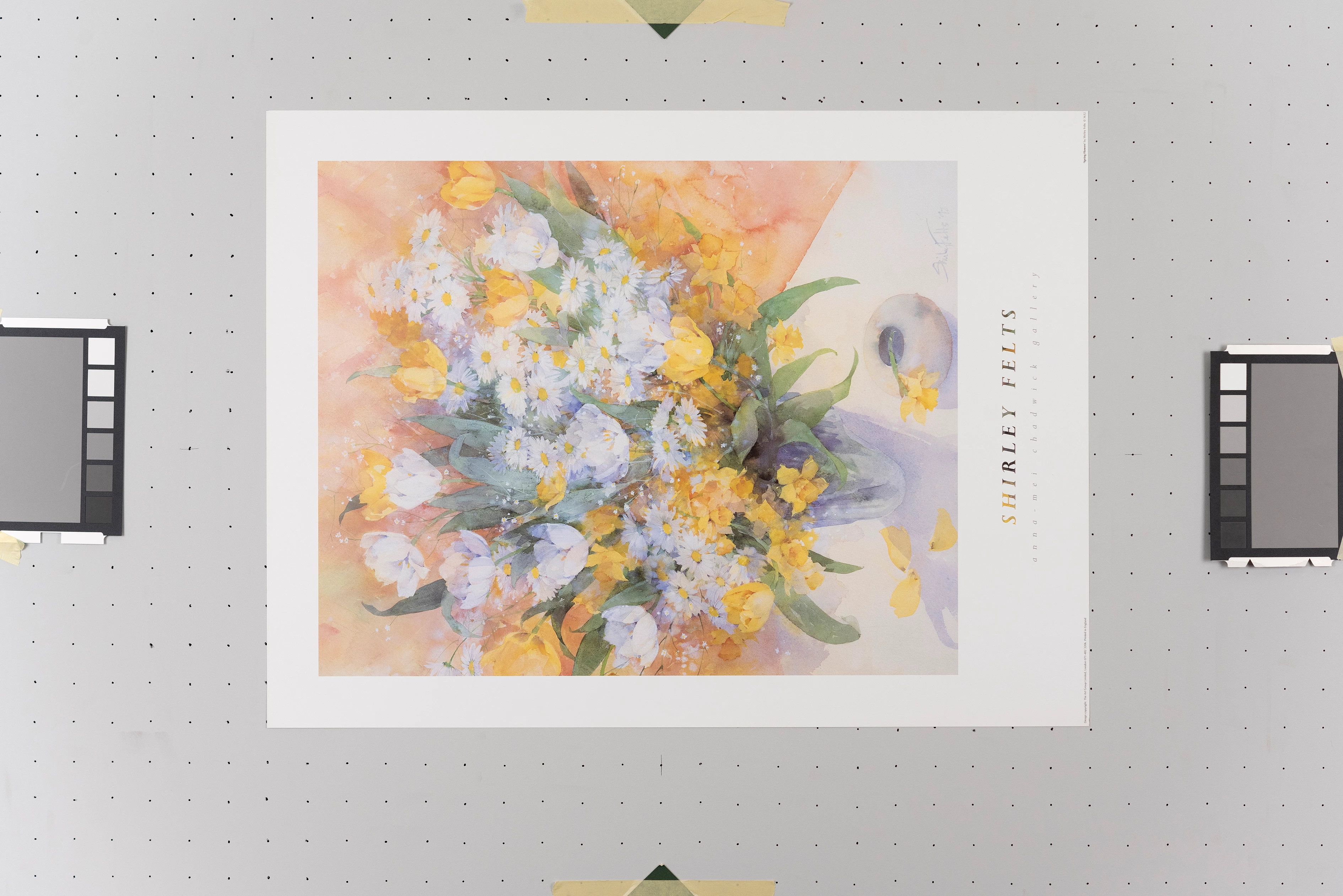
I sell fine art prints, and have created an inventory of photographs that I have taken of all the individual physical paper prints I have. I have many more to photograph, but at present, I have taken over 1200 photos. Each print is laid onto a custom-made vacuum table screwed to the wall, and then photographed with two flash soft boxes, with the camera tethered to Lightroom. I have prints that are 4" x 3", and some 5ft x 4ft.

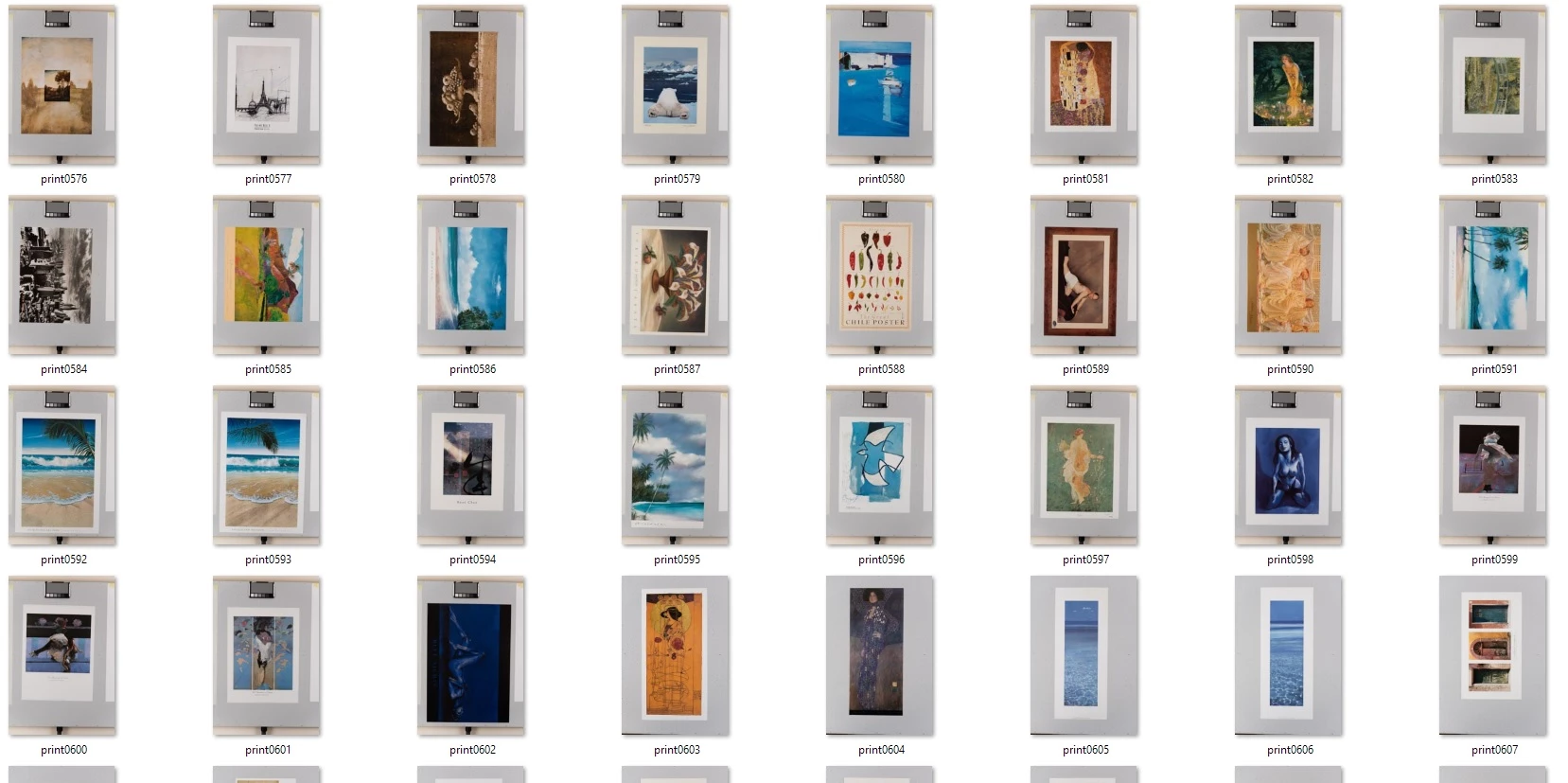
Every file at the moment shows the grey vacuum bed around the edge of the paper print. The print may also be on it's side, and not quite level. It may fill the camera frame, of be a small print in the centre of the frame. See attached screenshot of the folder of jpeg files at the moment, and a file on it's own.

At the moment, the only way I can think of cropping and rotating each image to just include the paper print, is manually rotating each file, and using the Crop Perspective tool.

Can anyone think of a way to do this in batch?

Thank you!
Correct answer stephen728723

Thank you both for your comments and help. In the end, each file was rotated and cropped by hand. 2144 files later, and the job is now done! Tom

2 replies

JJMack
Community Expert
Community Expert
January 30, 2020

I was able to record an action that selected your Air board quite well,  However the Image post quality is poor the selection about the image is not a good rectangle.  If it were a Script could be written to do the same then clear that area with a couple of delete/clears. The layer transparency could then be selected and the layer bounds could be used to calculate the angle the layer need to to rotated to square it to the canvas. Rotate the layer then trim the transparency.

JJMack
stephen728723
stephen728723AuthorCorrect answer
Participant
June 5, 2020

Thank you both for your comments and help. In the end, each file was rotated and cropped by hand. 2144 files later, and the job is now done! Tom

Kukurykus
Legend
June 5, 2020

You were doing it last 4 months? That would be about 15 images to rotate and crop per day 😉

c.pfaffenbichler
Community Expert
Community Expert
January 30, 2020

You could check »Toggle dialog on/off« for a crop in an Action, but that would only be semi-automation and necessitate manual input for every image. 


File > Automate > Crop and Straighten Photos would probably produce a bunch of unnecessary images. 

melissapiccone
Community Expert
Community Expert
January 30, 2020

I agree with c_pfaffenbichler. Crop and Straighten doesn't always work and might actually crop off the white parts of your images. I think you are in for a long day of cropping and straighting. 

Melissa Piccone | Adobe Trainer | Online Courses Author | Fine Artist
jane-e
Community Expert
Community Expert
January 30, 2020

Possibly you could hire an intern for this if you can't face doing it yourself. Make sure they work on a copy in case there is a mistake.

~ Jane