Participant
September 17, 2025
Answered

Bild als Ausmalbild anpassen

  • September 17, 2025
  • 2 replies
  • 151 views

Hallo an alle Profis 😉


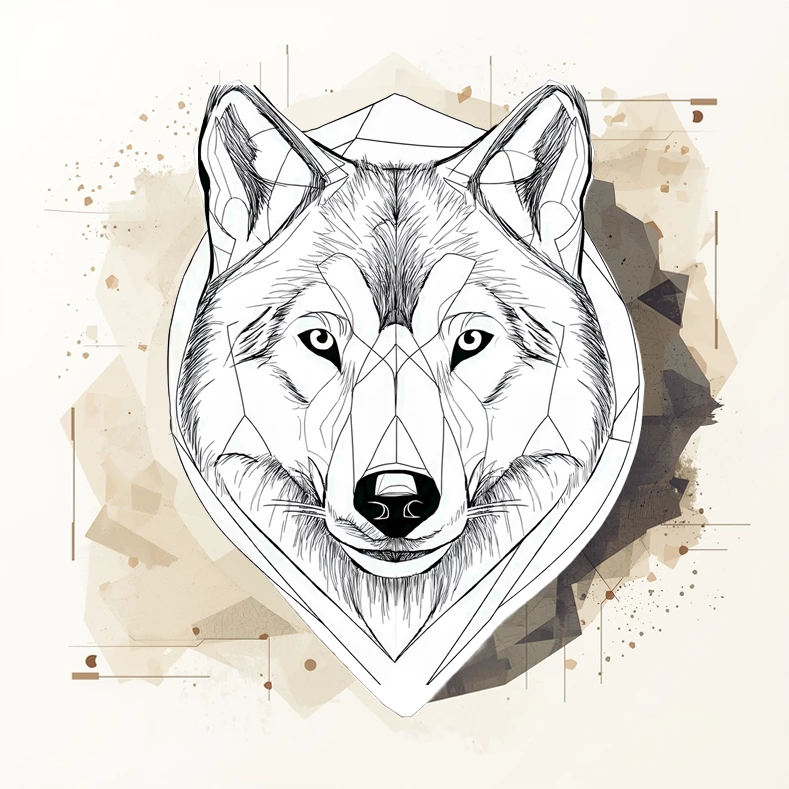
ich würde gern ein farbiges Bild (png) so verändern, dass zwar der Hintergrund farbig bleibt, aber das fordere Motiv als Ausmalbild genutzt werden könnte.

ich arbeite mit ps 2024 oder 2025 imac


Vielen Dank.


stella

Correct answer Trevor.Dennis

Hi Stella.


This is one of the areas wherre the Ai engines are going to be useful.  I am not a big user so far, but I have been taking an interest.  The Google Gemini 2.5 Flash / Nano Banana could do this by simply asking it to create a sketch from your image.  


First I copied the image and used Remove Background. That creates a mask which I inverted (Ctrl i) to just show the background.

I then selected just the wolf head and saved it as a JPG.

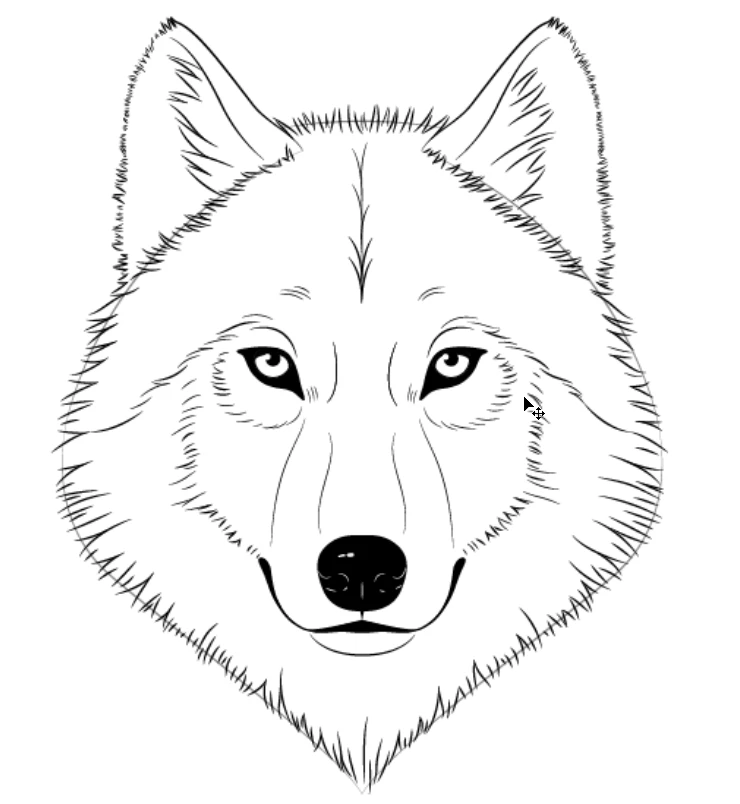
I found a sktech that looked something like I was after, and saved that as a JPG

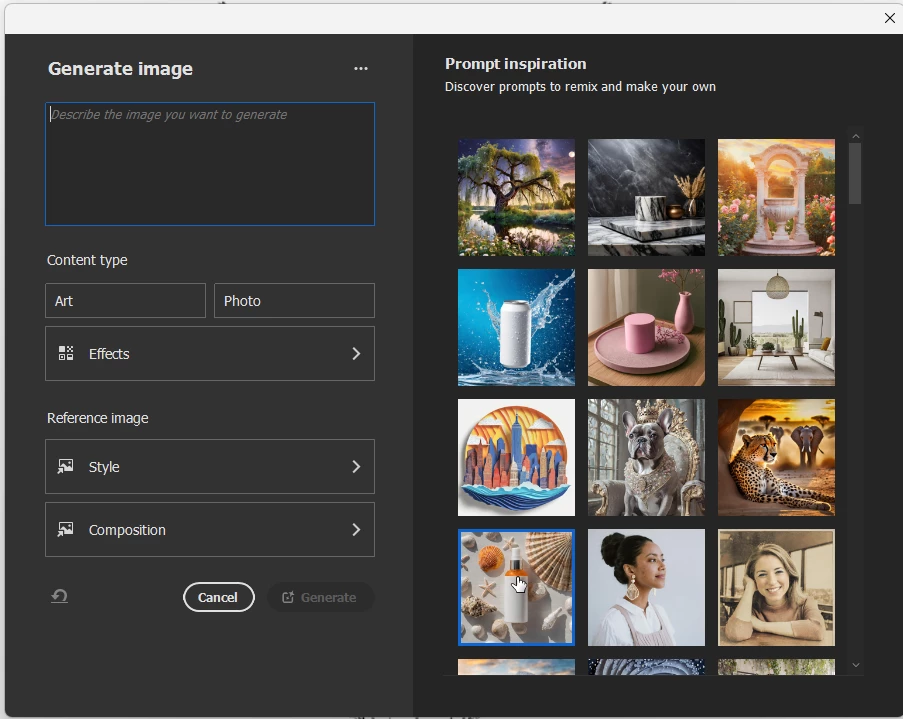
In Photoshop I opened Edit > Generate Image

I used your wolf head for the Composition, and the sketch I found as the style reference.

I think I used something like 'Create sketch from reference image' hit Generate and it made the line drawing.

I placed that behind the cutout of the original background, and job done.


This is going to get much easier when they fully implement the Nano Banana model into Photoshop.  You'll just have to tell it what to do with none of the steps I had to use.

2 replies

Trevor.Dennis
Community Expert
Trevor.DennisCommunity ExpertCorrect answer
Community Expert
September 20, 2025

Hi Stella.


This is one of the areas wherre the Ai engines are going to be useful.  I am not a big user so far, but I have been taking an interest.  The Google Gemini 2.5 Flash / Nano Banana could do this by simply asking it to create a sketch from your image.  


First I copied the image and used Remove Background. That creates a mask which I inverted (Ctrl i) to just show the background.

I then selected just the wolf head and saved it as a JPG.

I found a sktech that looked something like I was after, and saved that as a JPG

In Photoshop I opened Edit > Generate Image

I used your wolf head for the Composition, and the sketch I found as the style reference.

I think I used something like 'Create sketch from reference image' hit Generate and it made the line drawing.

I placed that behind the cutout of the original background, and job done.


This is going to get much easier when they fully implement the Nano Banana model into Photoshop.  You'll just have to tell it what to do with none of the steps I had to use.

Participant
September 21, 2025

Super! Vielen Dank für eure Unterstützung.


Legend
September 17, 2025

As always, several techniques can be used to accomplish your goal, Stella.

One way is to extract the subject, promote to a new layer, then desaturate the subject layer.

That's the major outline, needs to be modified for your needs. Do you want the subject to be converted to grayscale or black & white, or to a line drawing to be able to color into it?


Posting a sample image would help us.


Larry
Participant
September 19, 2025

Hallo Larry

Ich möchte die äußeren Farben so lassen und den Kopf als Ausmalbild mit weißen Flächen und geometrischen Rändern  nutzen. Also den Kopf in Schwarz weiss. Vielen Dank für deine Unterstützung.