


Participating Frequently
March 31, 2025
Question

Bilder im HEIC-Format werden doppelt geöffnet

  • March 31, 2025
  • 1 reply
  • 433 views

Photoshop 26.5.0, MacBook Pro,  November 2024, M4Pro, MacOs Sequoia 15.3.2


Wenn ich HEIC-Bilder öffne, indem ich das Thumbnail aus Vorschau auf das PS-Symbol im Dock ziehe, werden sie in Photoshop doppelt geöffnet. Wie kann ich das abschalten?
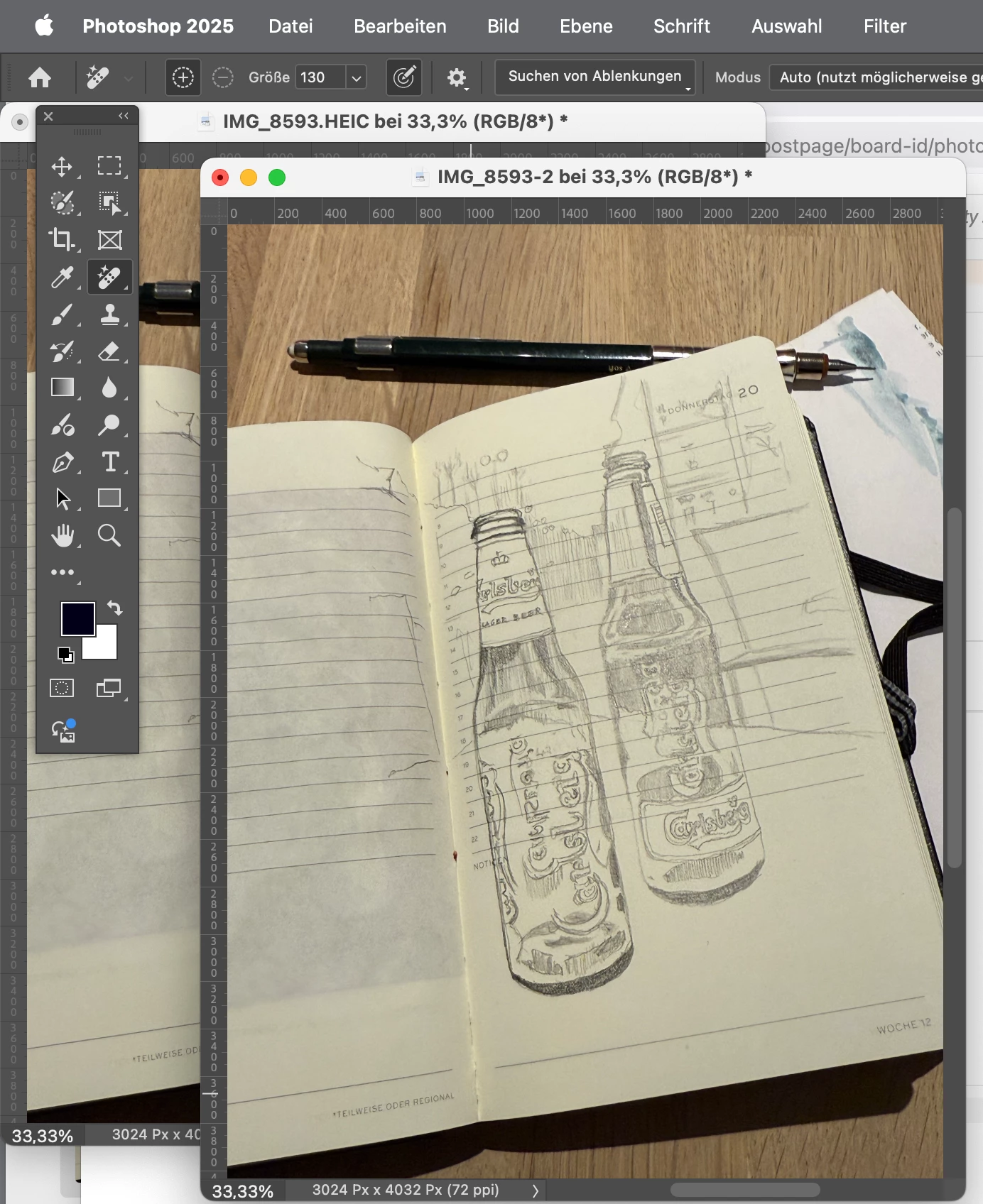
 

1 reply

Community Manager
March 31, 2025

Hi @illustratedjournal! Welcome to the community! 😊

We've tried testing on our end but haven't been able to reproduce the issue yet. Could you please share your System Info? You can find it in Photoshop under Help > System Info. Just copy the info to a text file and attach it to your response.

Does this happen with every HEIC image or just specific ones? If you could also share a screen recording of your workflow showing the issue, that would be super helpful.

Thank you so much!

Alek

*(If you mention me with an @, like @Aleke, I’ll get a notification and can respond faster.)*
Participating Frequently
March 31, 2025

Hi Aleke, The system information was in my post, do you need more information? Here again: Photoshop 26.5.0, MacBook Pro, November 2024, M4Pro, MacOs Sequoia 15.3.2
This phenomenon occurs with every HEIC image, but not with other formats such as JPG. I made a viedo of my workflow - I drag the thumbnail view of the image I want to open onto the Photoshop icon. This has always worked so far, but it doesn't work with the current MacBook from 2024.