
Blend Mode Not Working
If I missed any past discussions I'm sorry at first.
Hi I'm now using Photoshop 2023 on MS.
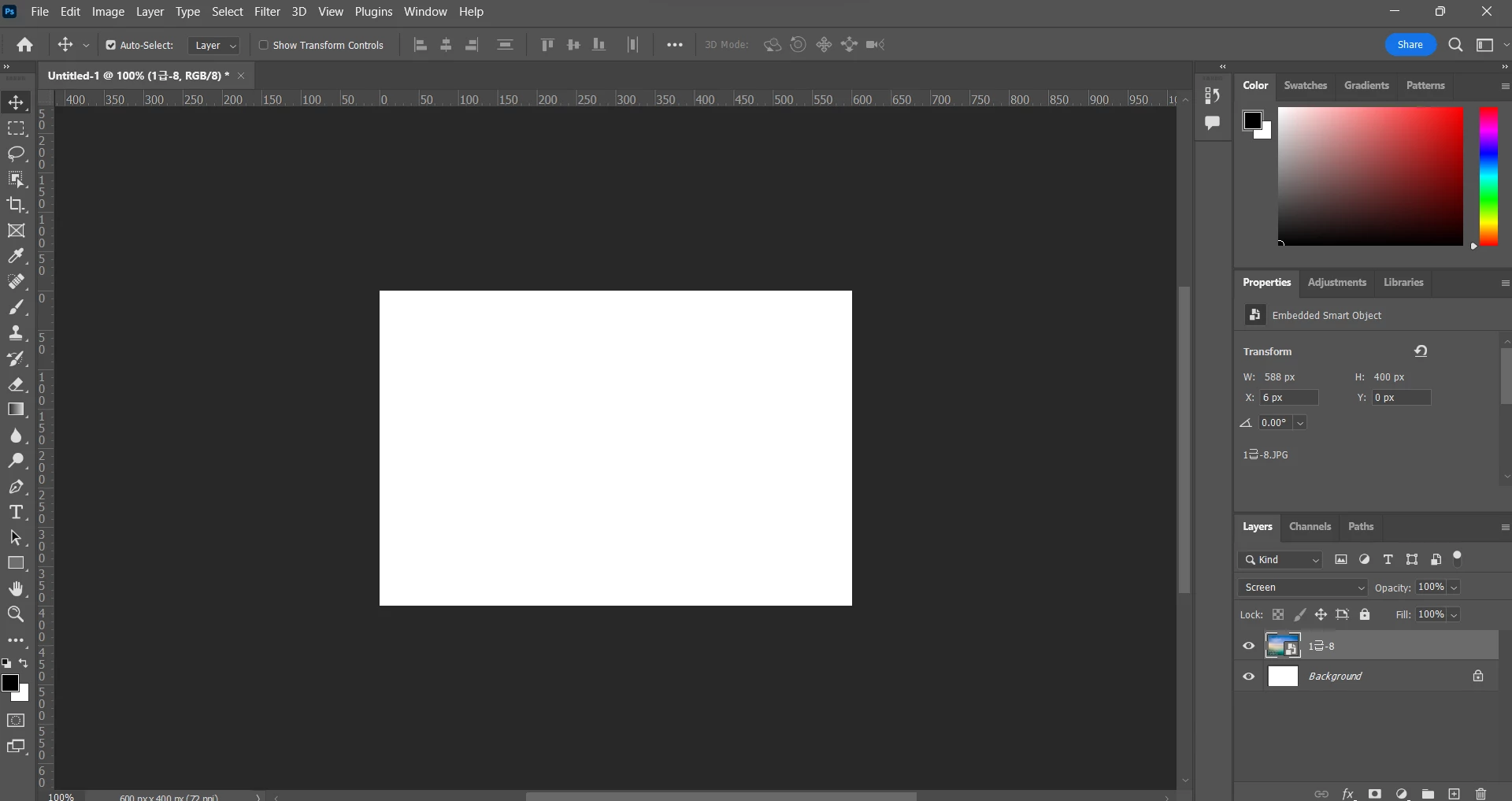
I have a problem with my blending mode in photoshop.
As you can see on the right below, I put the "Screen" blending mode with that blue picture layer but nothing it's gone. If I change to normal mode it just comes out again.
Only specific blend modes work such as vivid light but I don't know the exact standard.
I restarted, updated, and reinstalled the whole day and did everything I could.
I searched about some past discussions(Solved: Blend Modes not working - Adobe Support Community - 10114700), the helpful one said to [Enable Legacy Compositing] I think this is the key point but since that [enable legacy compositing] is gone I don't know what to do.
 AdChoices