
Participant
December 1, 2022
Question

Blending Mode Disappears when merged

  • December 1, 2022
  • 2 replies
  • 2740 views

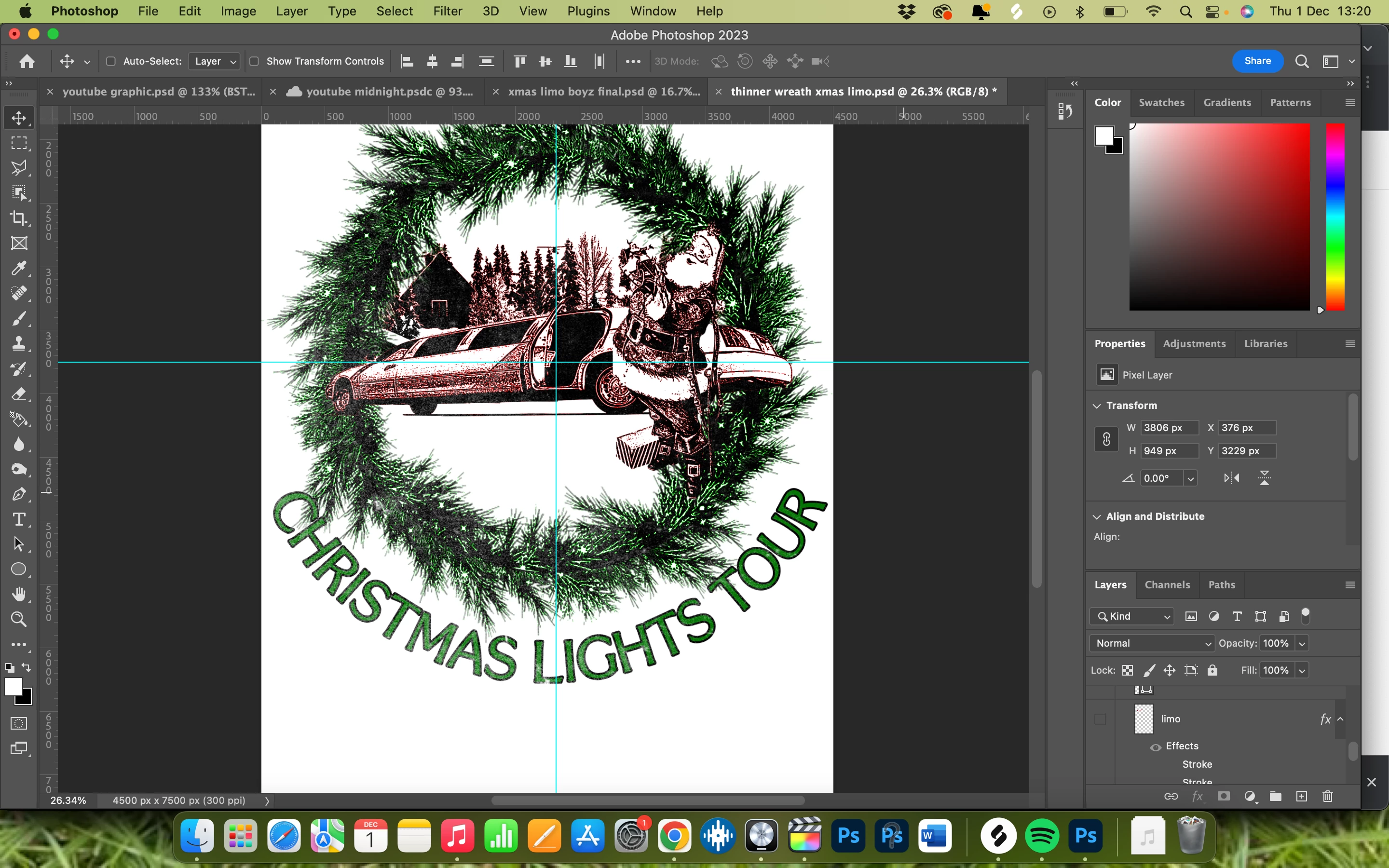
Hey When I merge layers on my document my overlay blend mode disappears, other blend modes (screen for eg will rasterize with colour) I've tried merging with a solid color layer underneath but the image of the limousine just goes back to black and white, would appreciate some advice thanks!
This topic has been closed for replies.

2 replies

c.pfaffenbichler
Community Expert
Community Expert
December 1, 2022

I suspect your problem might be related to the preview problem at display sizes lower than 100% that has been unresolvable since the introduction of the Cache Level 1-bug. 

https://community.adobe.com/t5/photoshop-ecosystem-bugs/p-impossible-to-set-cache-levels-to-1/idi-p/12248951

Bobby5E22Author
Participant
December 1, 2022

ahh thank you it was driving me crazy haha!

c.pfaffenbichler
Community Expert
Community Expert
December 1, 2022

So does the effect disappear at View > 100% for the layered image, too? 

c.pfaffenbichler
Community Expert
Community Expert
December 1, 2022

Could you please post screenshots taken at View > 100% with the pertinent Panels (Toolbar, Layers, Channels, Options Bar, …) visible from before and after merging?