



Question
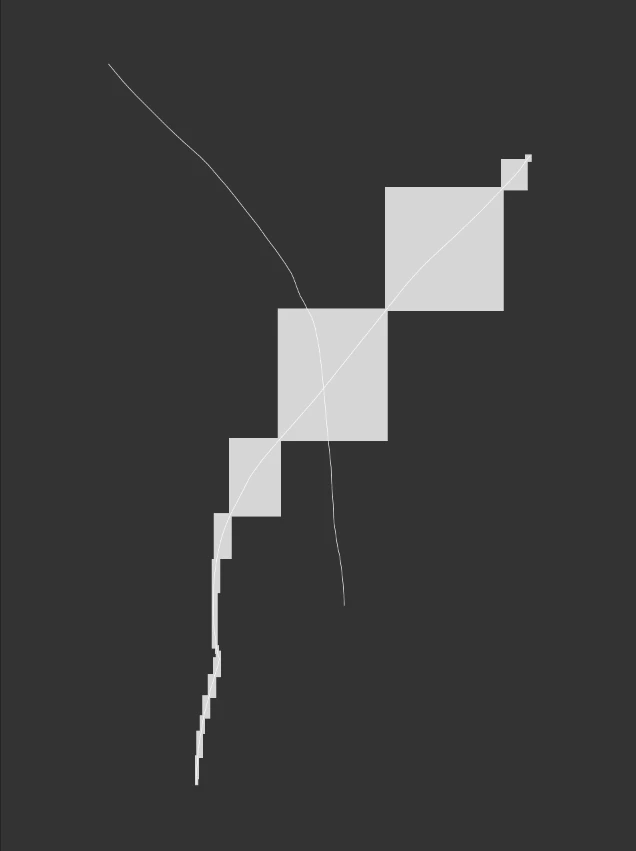
blocky aberration while using the brush
Blocky aberrations appearing while using the brush. I’m really desperate.
I already tried:
- I reinstalled photoshop, I erased every photoshop folder before the reinstal
- I installed the latest graphics driver
- I’m using studio driver, not gamer driver
- I even buyed a new video card
- I tried “older GPU” mode
- I reinstalled windows and installed everything again
- I even reinstalled my cintiq driver, it still doing it
I can't use my Photoshop and I’m still paying for it. I can't cancel my subscription because they're asking for half of the entire year, for a useless software. If it can’t be fixed my last chance will be report it to my local officials because it's illegal to force me to pay for software that doesn't work.
 AdChoices