Participant
March 14, 2025
Answered

Blueish tone

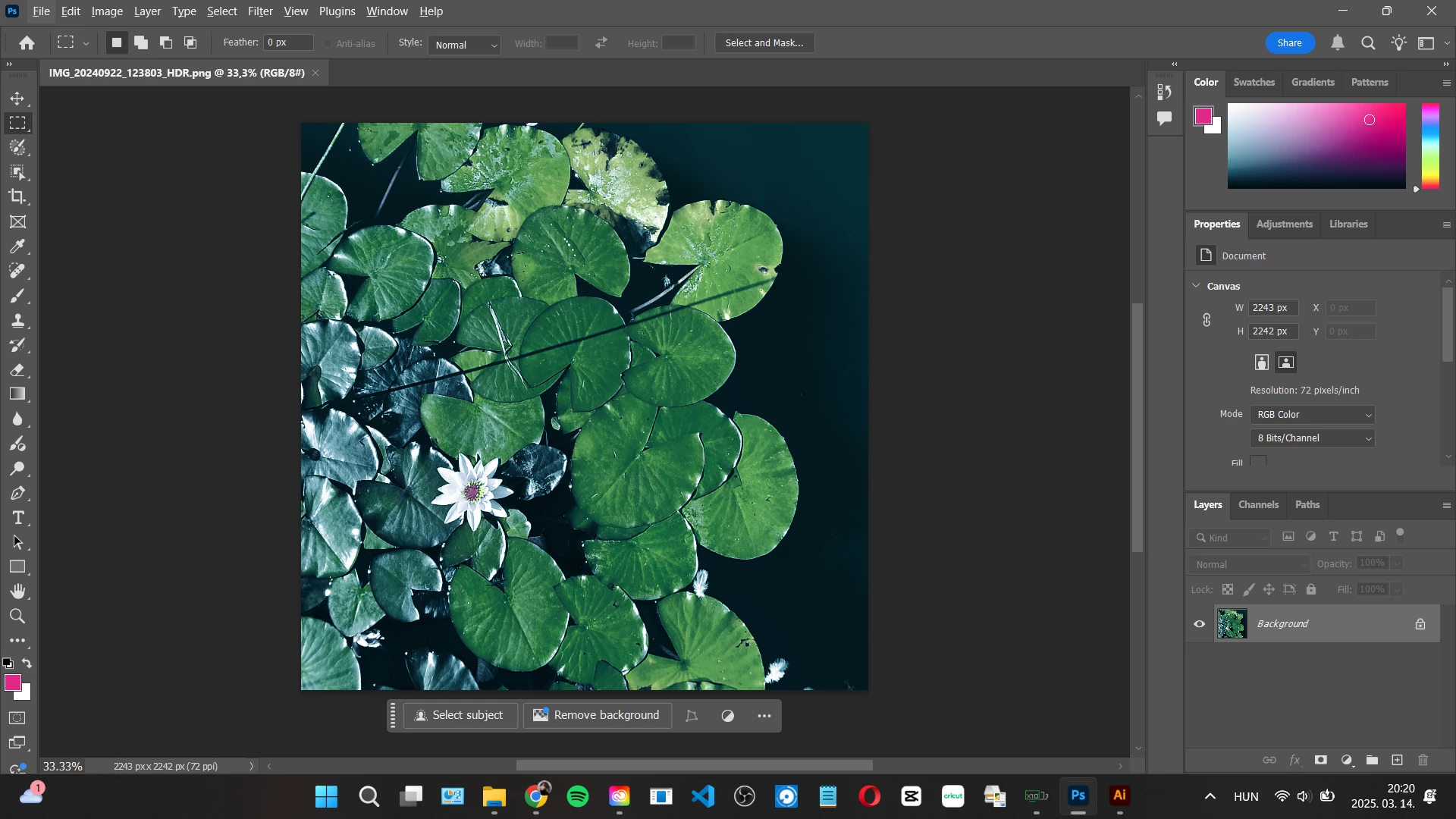
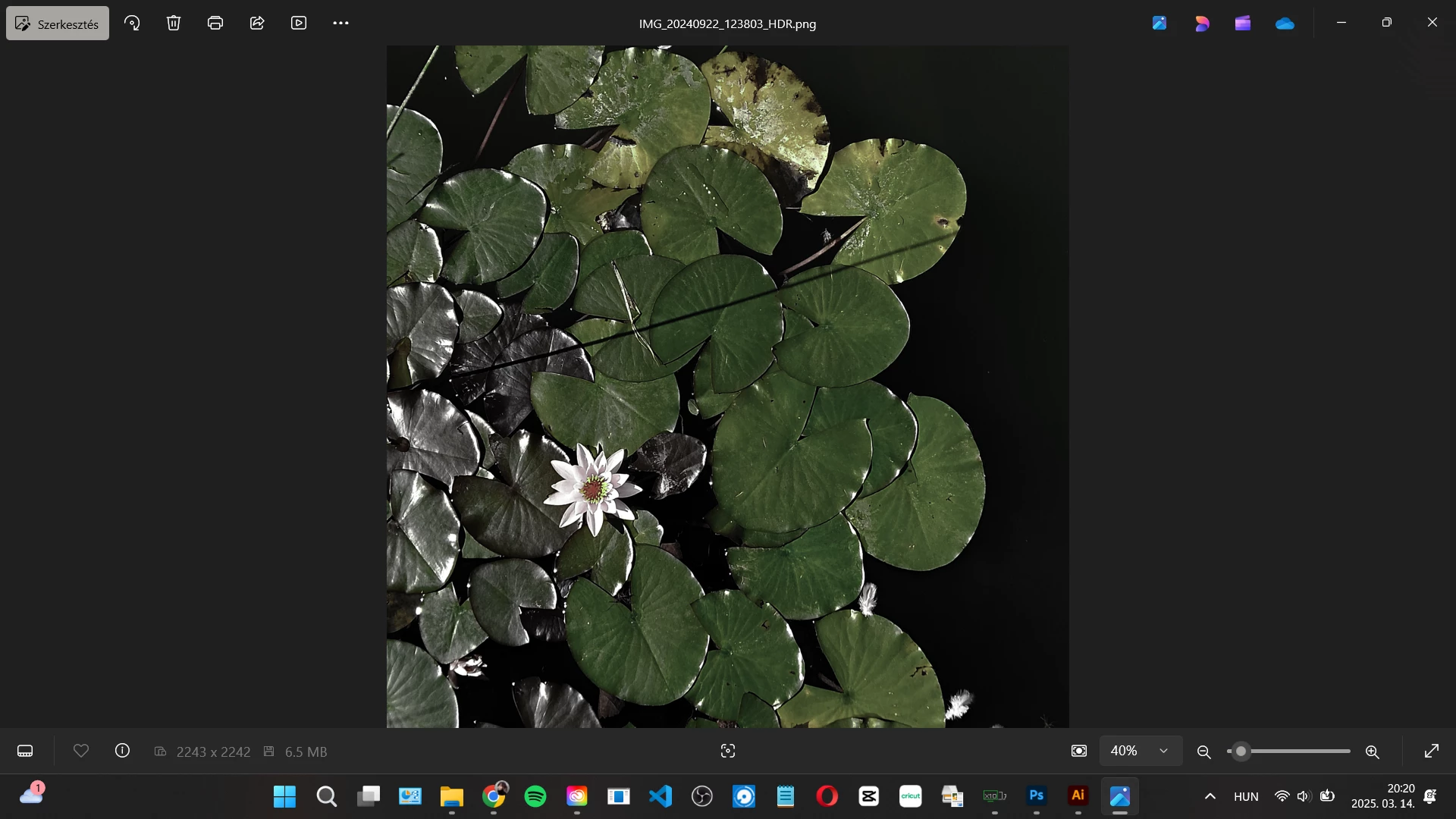
Hi! I have a blueish tone problem on my pictures. When I open a picture it is getting a blueish tone. These two picture below is the same...at leas they should be. I have made a restart, update, everything but it is still a problem. I have the 3rd reinstall in this week so it is start to getting ridiculous. Anybody please help! Thank You!

Ged_Traynor
Ged_TraynorCorrect answer
Community Expert
March 15, 2025

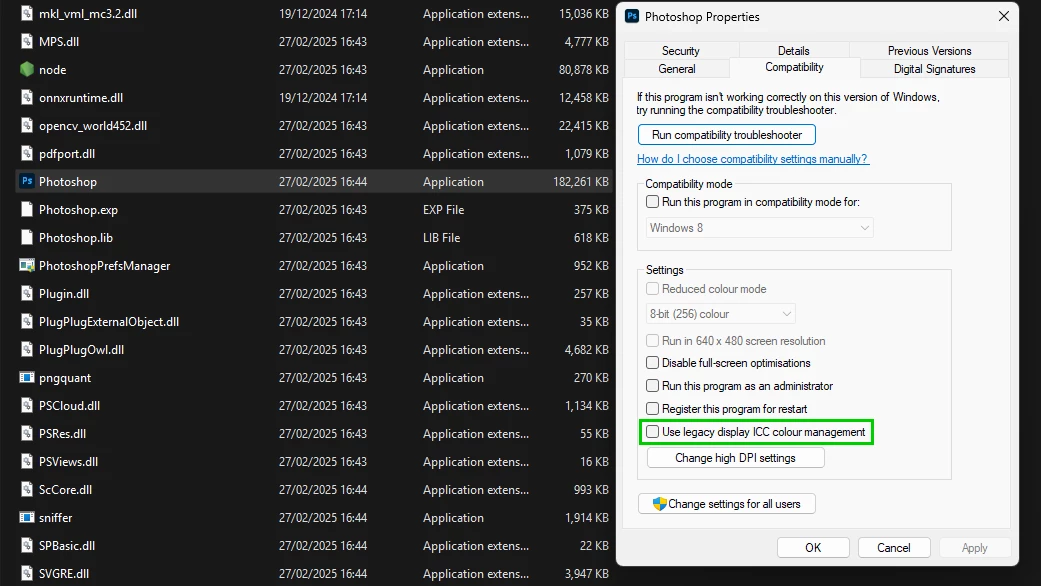
@VivienneWynthorn looks like you have HDR enabled on Windows 11, right-click on the Photoshop.exe or shortcut and go to the compatibility tab and enable this option

2 replies

Ged_Traynor
Community Expert
Ged_TraynorCommunity ExpertCorrect answer
Community Expert
March 15, 2025

@VivienneWynthorn looks like you have HDR enabled on Windows 11, right-click on the Photoshop.exe or shortcut and go to the compatibility tab and enable this option

Translate
Semaphoric
Community Expert
Community Expert
March 15, 2025

What app is the second picture?

Translate