Hi @jean-louis68
Thanks for reaching out. To help us better understand and investigate the issue, could you please share a few additional details?
- Did this issue start after updating to Photoshop 27.9.1, or were you seeing it in an earlier version as well?
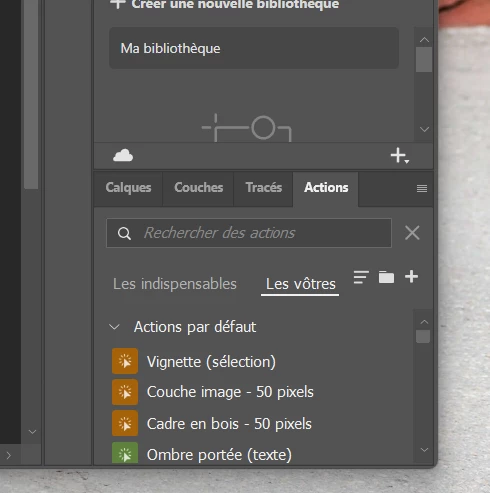
- Are the missing options present if you open the Actions panel menu from the upper-right corner of the panel?
Please try resetting Photoshop preferences and check if that resolves the issue. Before resetting the preferences, please make sure to back up your custom Actions, preferences, and other custom settings so they can be restored afterward.
Please let us know how it goes and share the requested details if the issue persists.
Thanks, Srishti Bali | Community & Engagement Strategist, Digital Imaging | Adobe



 AdChoices