
Participant
November 7, 2023
Question

Bounding Box is not edge to edge with text or image

  • November 7, 2023
  • 2 replies
  • 102 views

Hi, 


Been searching on the forum but couldn't find a solution for this. 


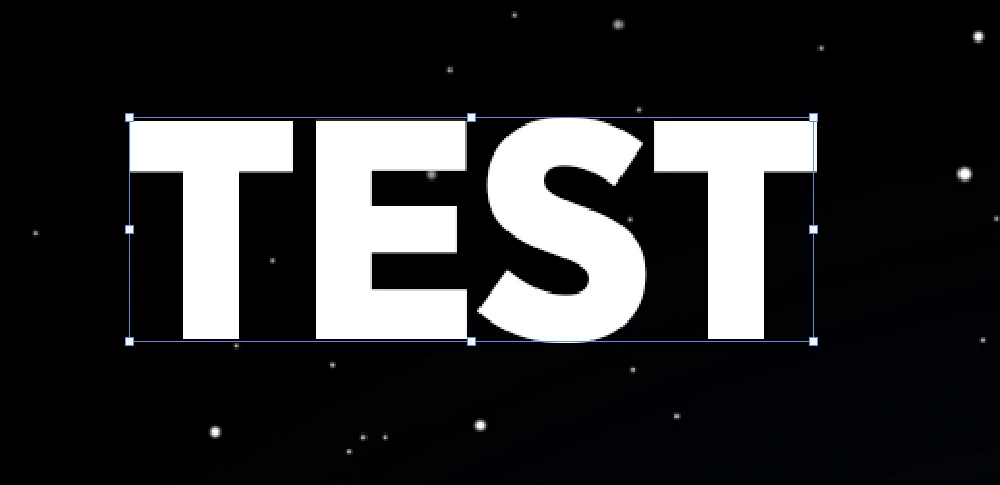
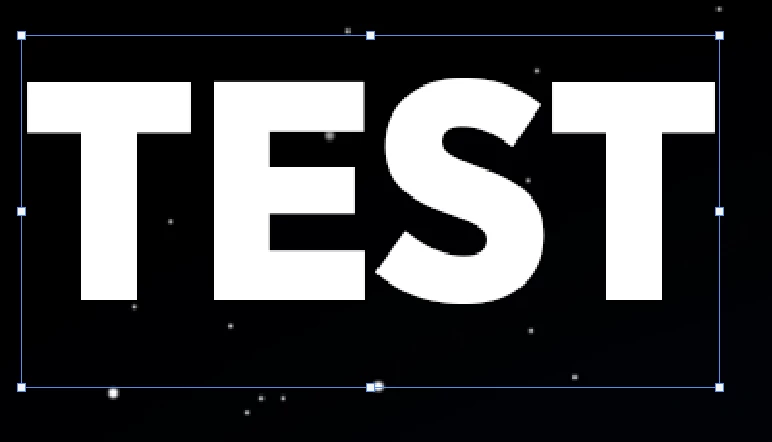
When I select a text layer or an image the bounding box is the right size, but when I press Ctrl + T to resize it, the bounding box gets bigger. 


Does anyone have a solution for this? 


Thanks in advance! 


When selecting: 
 

When pressing Ctrl + T: 
 

This topic has been closed for replies.

2 replies

Legend
November 7, 2023

The bounding box includes line space. The easiest way to tighten up a bounding box is convert to point type then immediately back to paragraph type. You can create an action or script to do so.

Myra Ferguson
Community Expert
Community Expert
November 7, 2023

I don't think that's a bug. The bounding box appears to be expanding the same amount that it would when you are editing the type. 


On the following page, the animated example under Step 5 appears to include that extra space: