
Brit.b
Inspiring
May 5, 2024
Answered

Bringing a 3d vector into Photoshop

  • May 5, 2024
  • 1 reply
  • 323 views

I made a simple trapezoid box as part of a sculpture in 3Ds Max. I would like to bring an outline of the trapezoid-shaped sides into Photoshop to cut out part of a photo panorama. I'd like to print these trapazoid cutouts of the panorama and glue them onto actual shapes cut from plywood to scale. 


I exported these vector shapes from 3Ds, but Photoshop does not seem to accept any of the export files available in 3Ds. Illustrator will import the DWG files, but it brings them in oblique and not square to the picture plane.
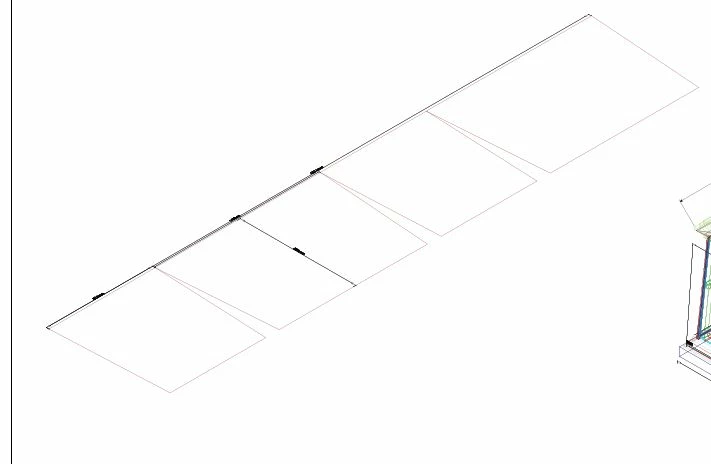
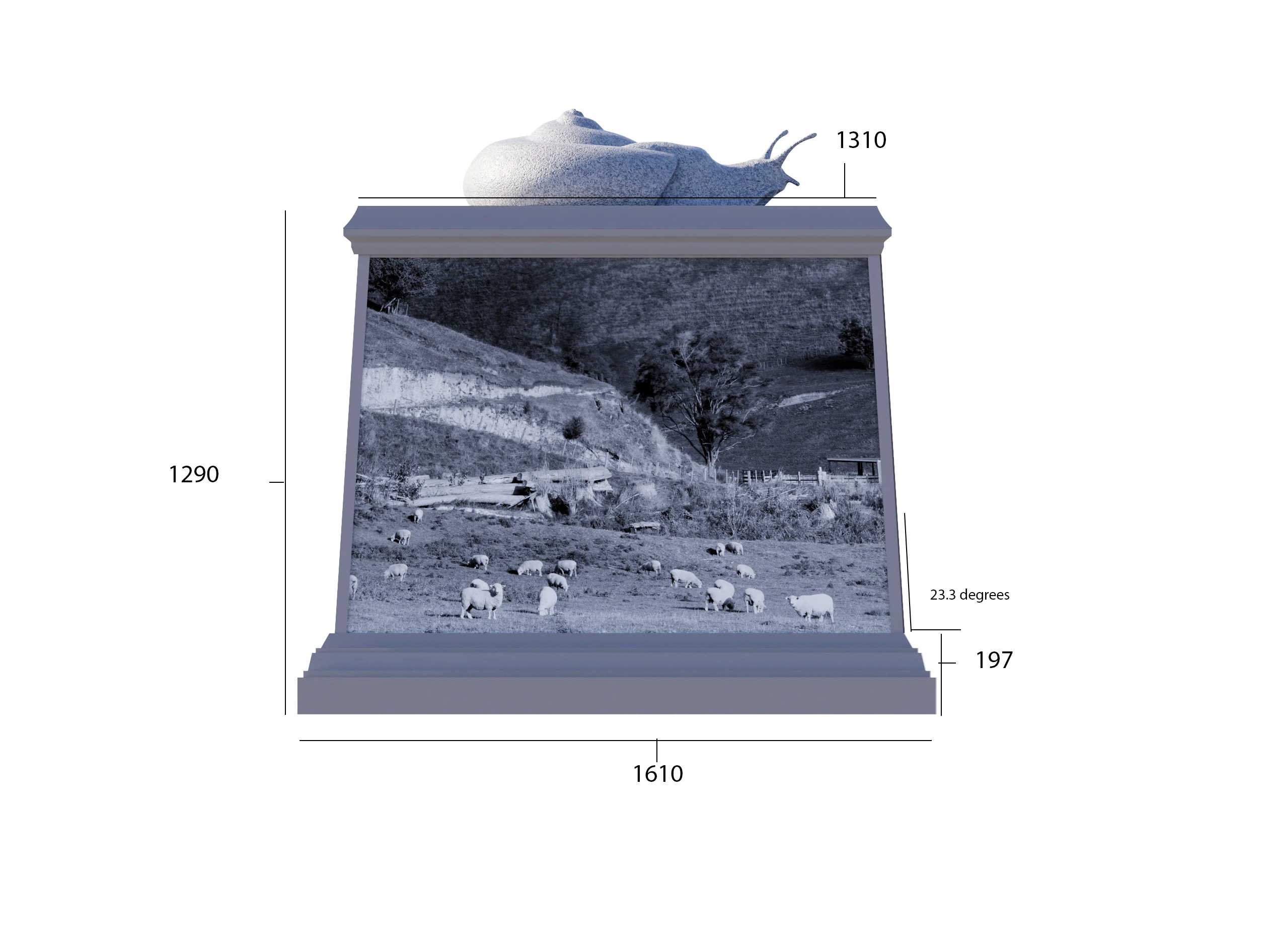
Any ideas?  

This topic has been closed for replies.
Correct answer Brit.b

After some Googling, I see that Illustrator (8) files can export shapes/vectors from 3Ds Max and then open them flat to the picture plane in Illustrator. These paths/shapes/vectors can then be copied and pasted into Photoshop as paths and resized accordingly with Control/T... Solved.

1 reply

Brit.b
Brit.bAuthorCorrect answer
Inspiring
May 5, 2024

After some Googling, I see that Illustrator (8) files can export shapes/vectors from 3Ds Max and then open them flat to the picture plane in Illustrator. These paths/shapes/vectors can then be copied and pasted into Photoshop as paths and resized accordingly with Control/T... Solved.