Hi
I 100% agree with Rayek's advice on using a 16 bit workflow.
However, I would not normally check "Blend RGB colours using gamma 1" when working in 8/16 bit color depth and the normal Adobe/sRGB color spaces. This can lead to several other negative effects e.g. Photoshop will only do normal blending mode in the gamma specified and a 8 bit workflow in particular does not have the precision needed to work in gamma 1.0.
There are a few other things to check though.
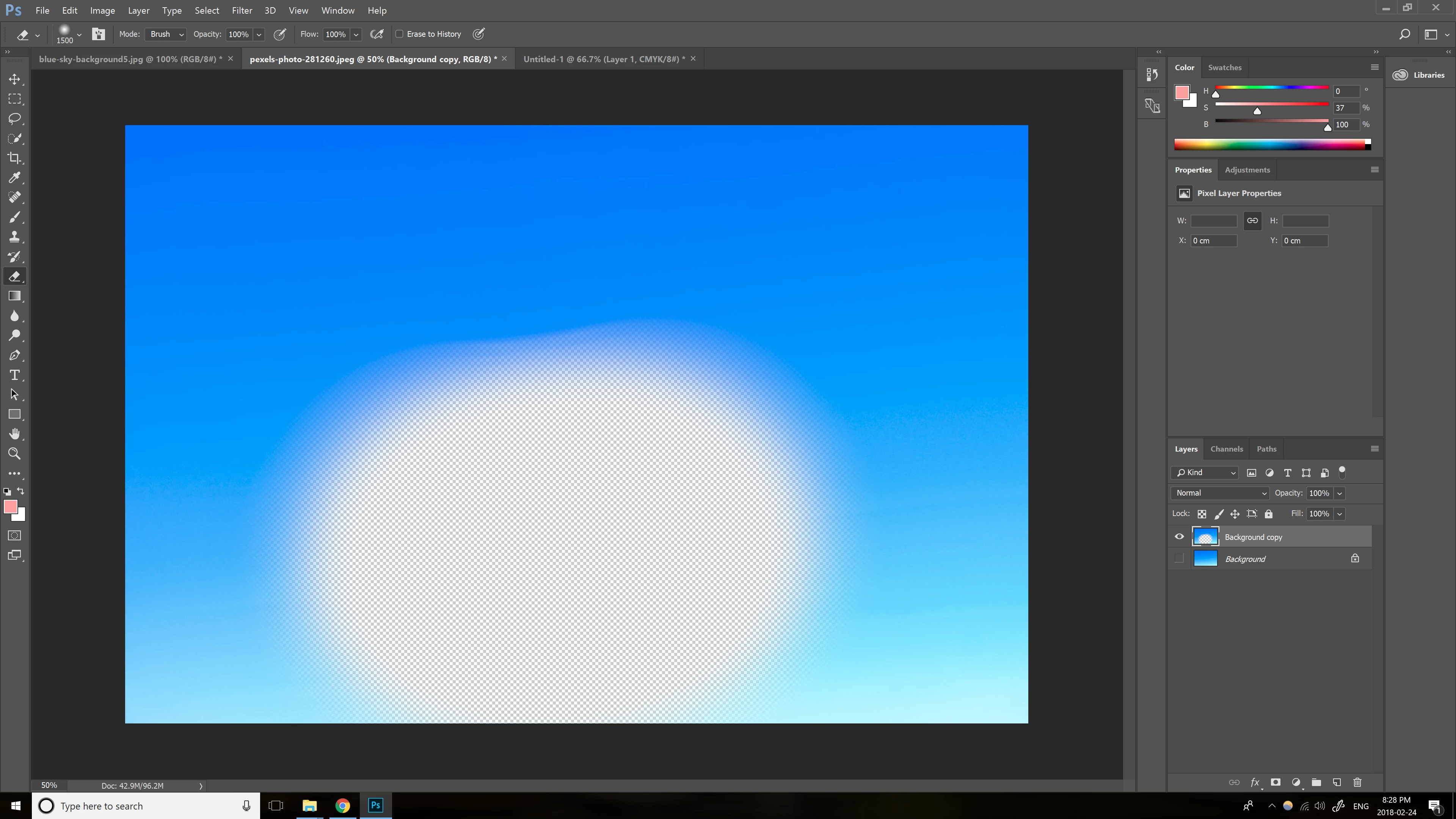
Is the harsh edge only visible against the transparency checkered background?. There is a display artefact in Photoshop which shows banding and hard edges against that transparency background. It is not present in the resulting image though. You can easily check by putting a temporary solid layer at the bottom of the layer stack (say solid grey or white). If the harsh banding disappears then you are seeing that artefact.
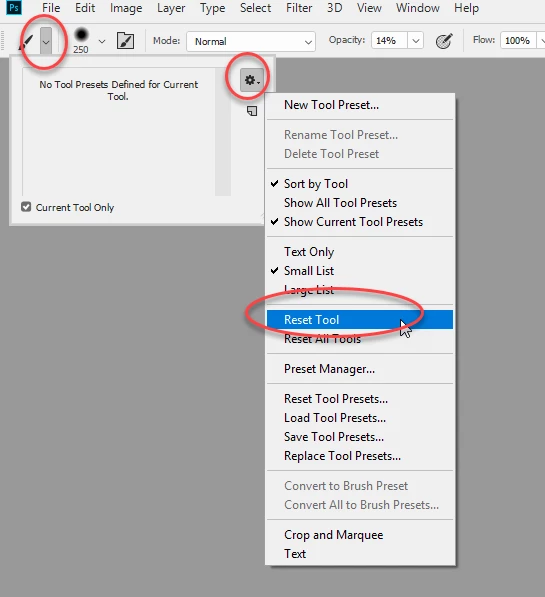
The second - if your brushes are acting abnormally, just to be sure, try resetting the brush tool
Dave




 AdChoices