Reading your post again, I think we need to expand on what we have told you.
- I have some new brush presets that I have made and placed in a new folder. As things stand, I will lose those presets unless I export them.
- I need to rename them first, to give them meaningful names. It is difficult renaming presets they have been exported. e.g. you can rename them, but if you delete the group from the mail panel and later reload it, the presets will have reverted to their original names. Note: You can absolutely rename the groups with are the .abr files on your drive. This is a good idea because you can make them list in alphabetical order by category — very useful if you have a lot of groups to scroll through.
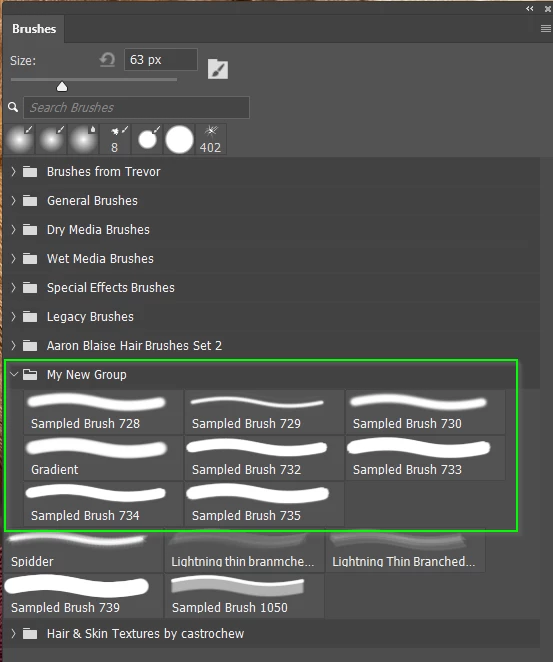
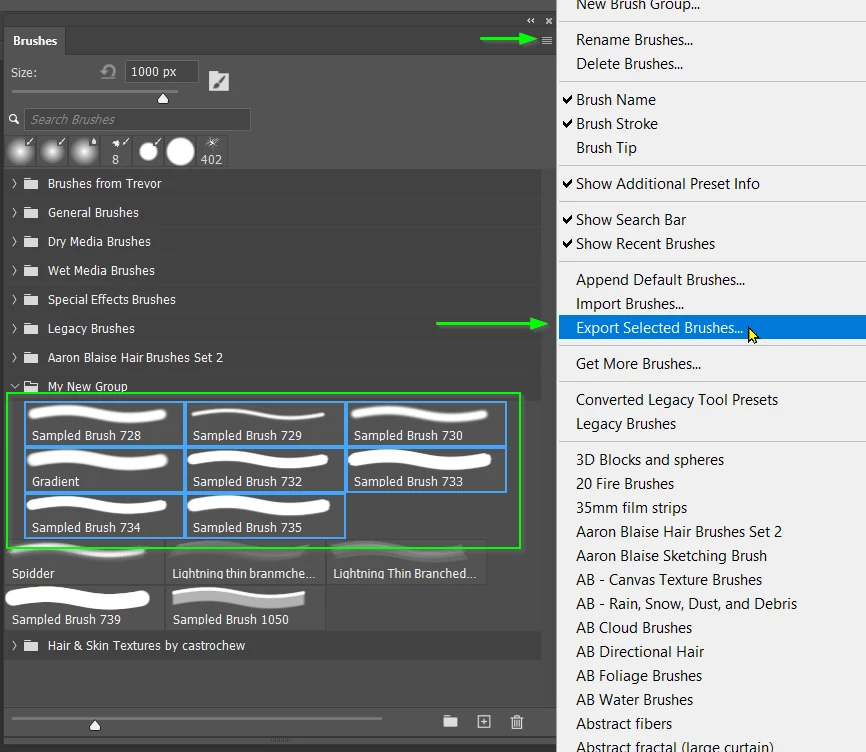
3. Select all of the presets in your group (not the group) and Export them.
Job done.





 AdChoices