

Bug Report – Black Bar Appears After Merging Layers or Saving JPG with Embedded Object
Product: Adobe Photoshop
Version: 26.6.0 (20250414.r.14 f1f3569) x64
Operating System: Window 10
When placing an embedded object on the artboard and then either merging the layers or saving the file as a JPG, Photoshop renders an unexpected black bar on the image. This happens consistently and affects final output quality.
Steps to Reproduce:
- Open a new document.
- Go to File > Place Embedded and insert any image.
- Position the embedded object on the artboard.
- Either:
- Merge the layers (Layer > Merge Layers), or
- Save the file as JPG (File > Save As > JPG)
Expected Result:
The image should render normally without any artifacts or additional graphical elements.
Actual Result:
A black bar appears on the image—either after merging the embedded layer or in the final JPG export.
Screenshot / Example:
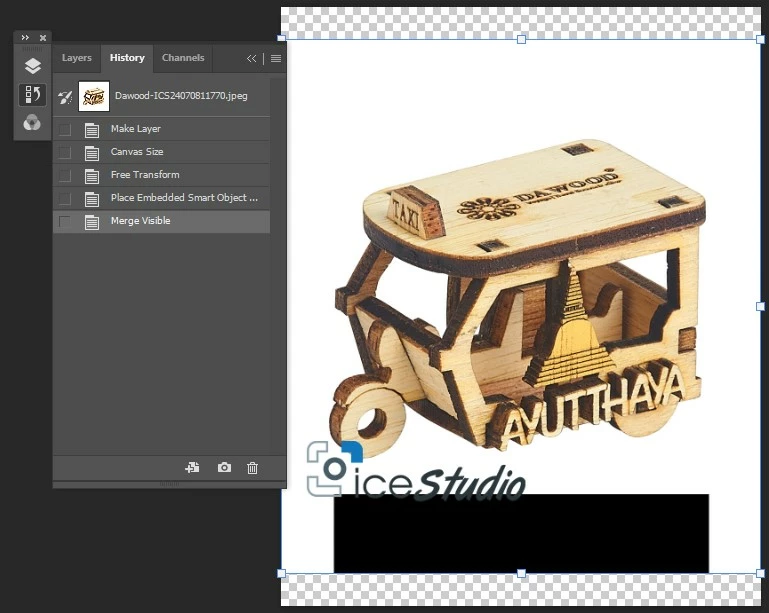 Look at a History I don't put any Shape or Layer of a Black Box or anyhing
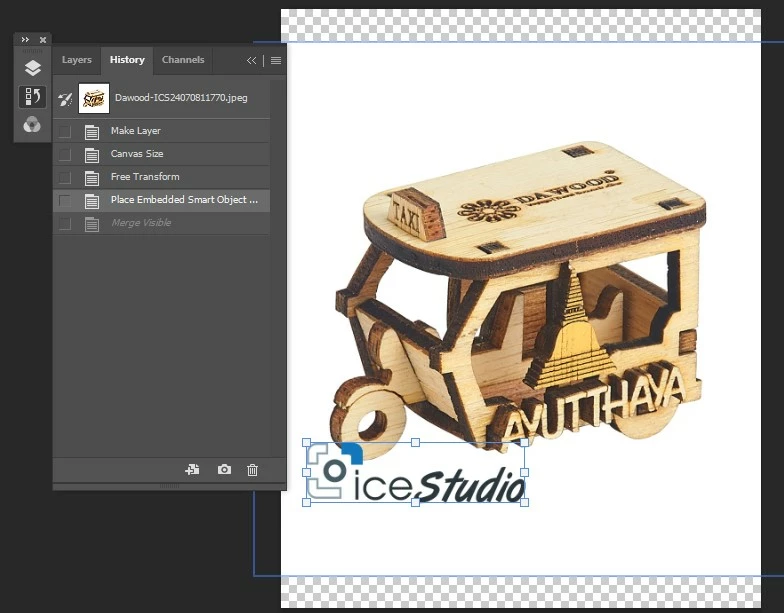 If undo on a history the black box is disappeared
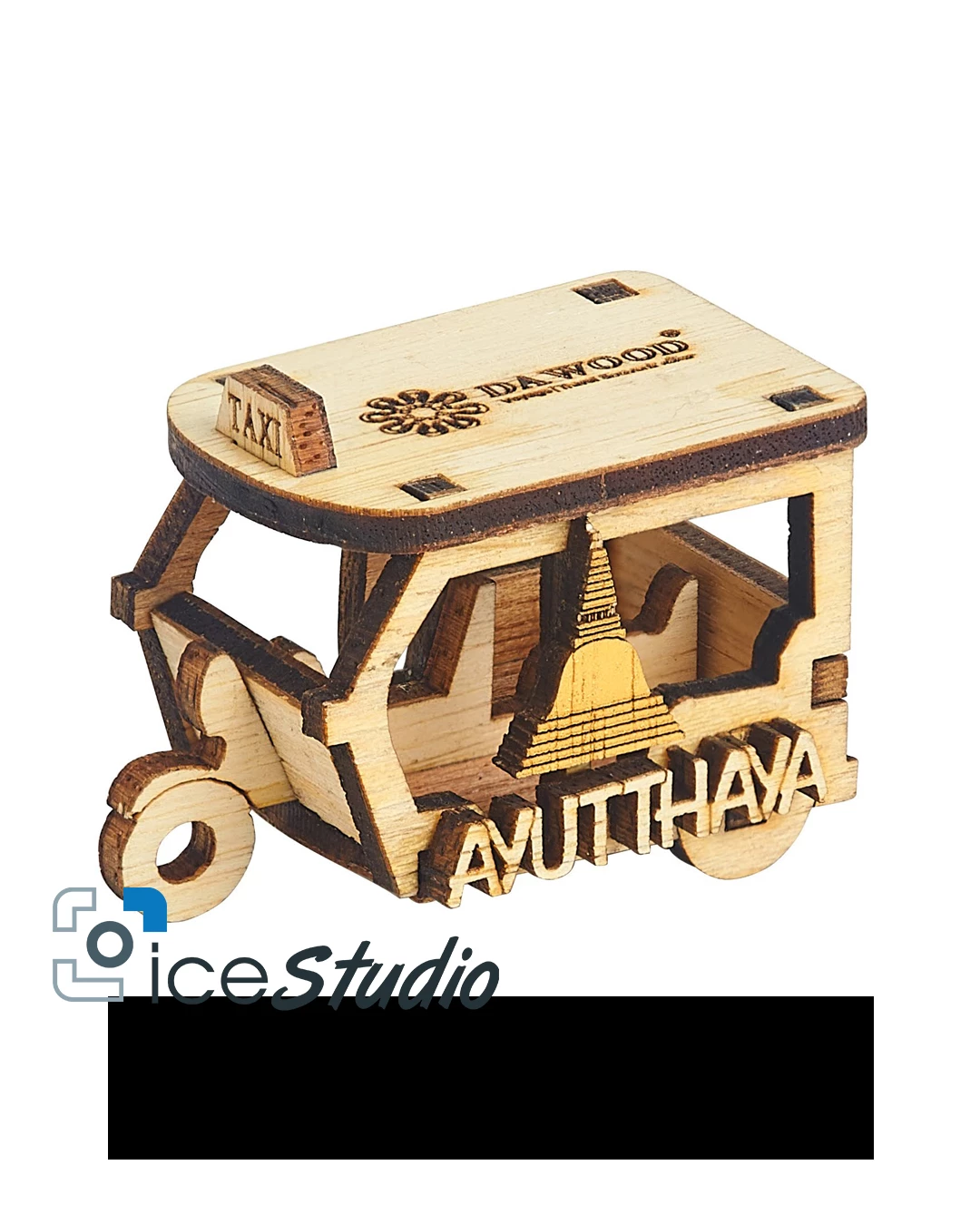 But when save as a JPG. A Black box is appeared on an image


 AdChoices