

Built-in Brushes Look Pixelated
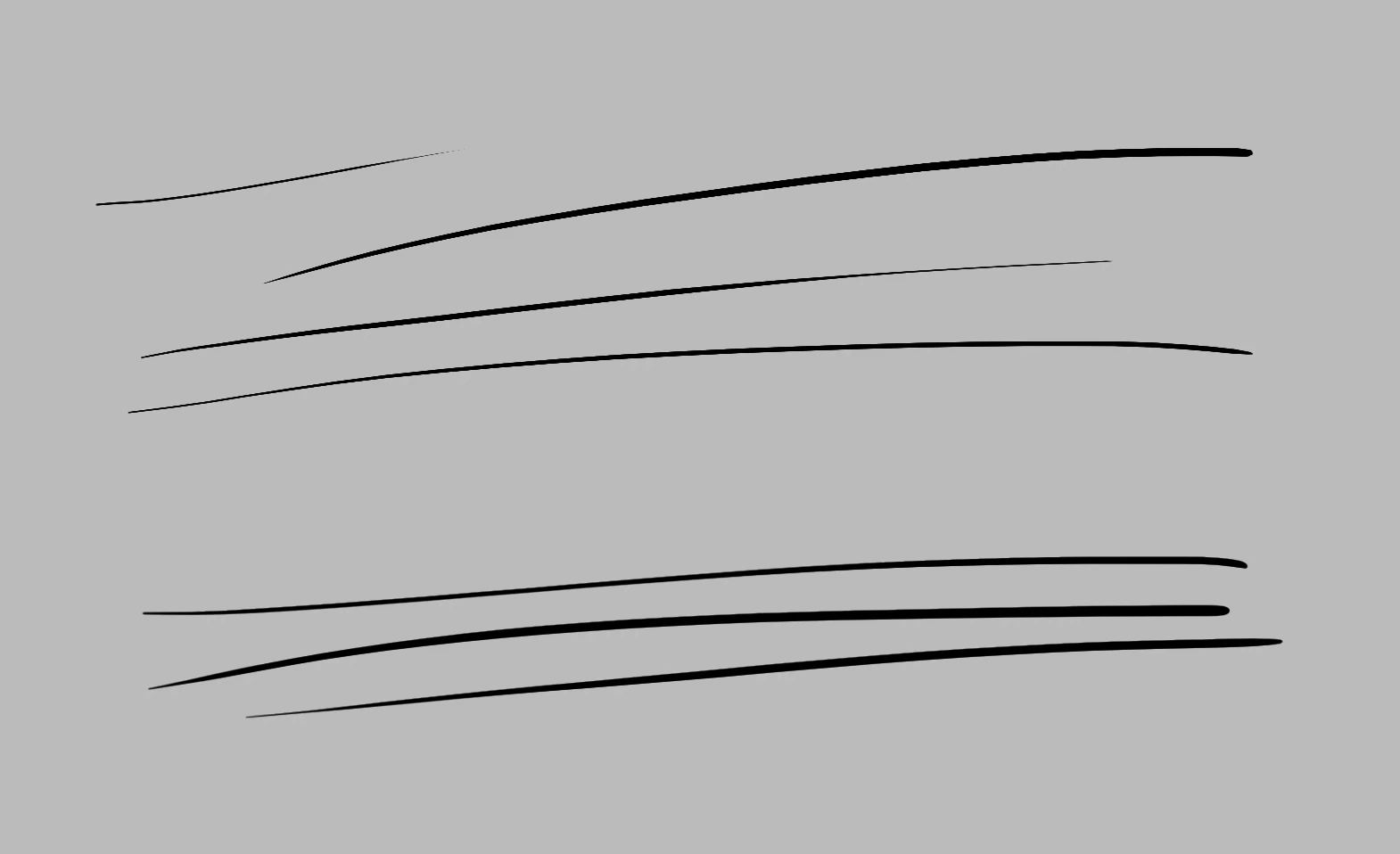
I tried to ink with Photoshop but the brush strokes just look bad. No matter how hard I try I can't draw a smooth curve. As the above picture shows, the edges are always pixelated.
I've reset every setting I can reset, and they're both built-in brushes. The top is "KYLE's Ultimate Inking Thick 'n Thin", and the bottom is just "Hard Round Pressure Size", one of the most basic brushes.
I've checked everything I found on this forum. My document resolution is 3000x3000px and zoomed to 100%. I disabled and enabled GPU acceleration but no difference. Both my layer mode and brush mode are Normal. I'm using Brush tool instead of Pencil tool. I tried to disable pressure at all and even use a mouse but the problem still presents, just less obvious, and becomes very obvious again when the brush size is small (<4px).
I'm utterly helpless and can't draw any smooth, properly anti-aliased line in Photoshop. I know Pen tool is a thing but it's way too slow and tedious to make organic inking with it.
My Photoshop version is 20.0.2 and OS version is 10.14.2. My tablet is Wacom Intous M but since this issue presents even with a mouse I don't think it's relevant.


 AdChoices