
Answered
Camera Raw Color Mixer Point Color tool do not select proper cilor, Help!
Hello!
Camera Raw Color Mixer Point Color tool do not select proper color on Mouse click look images.
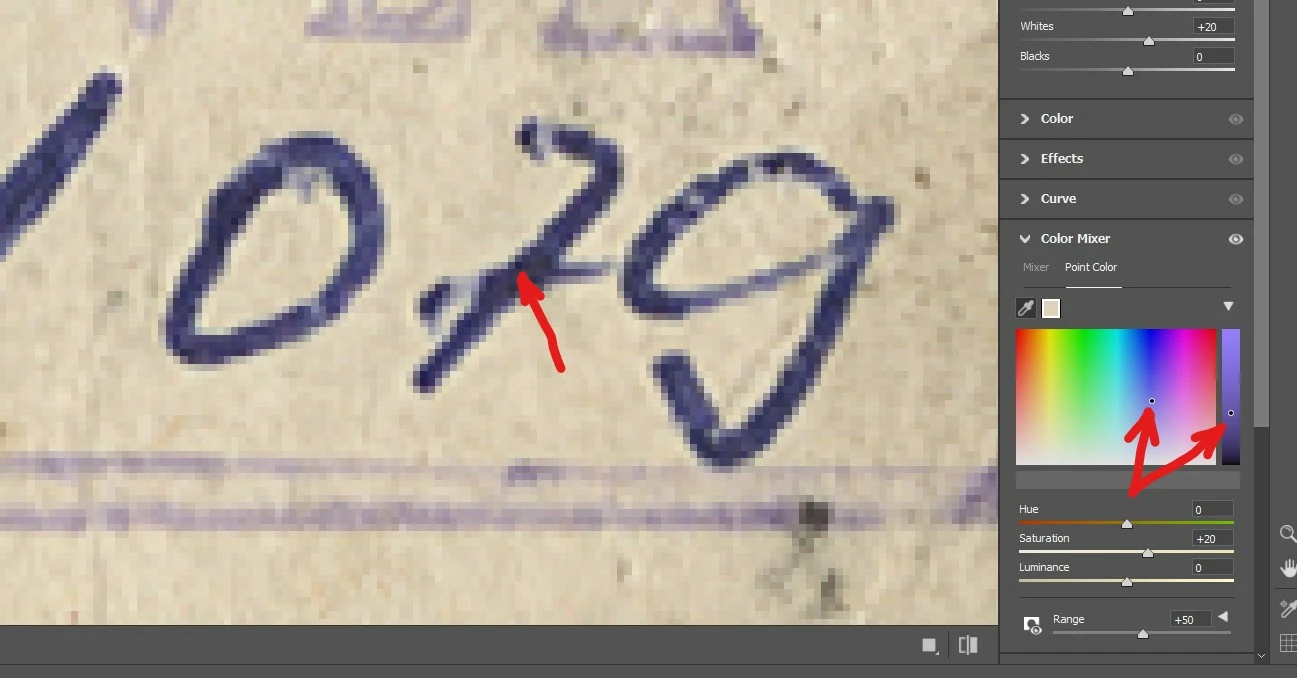
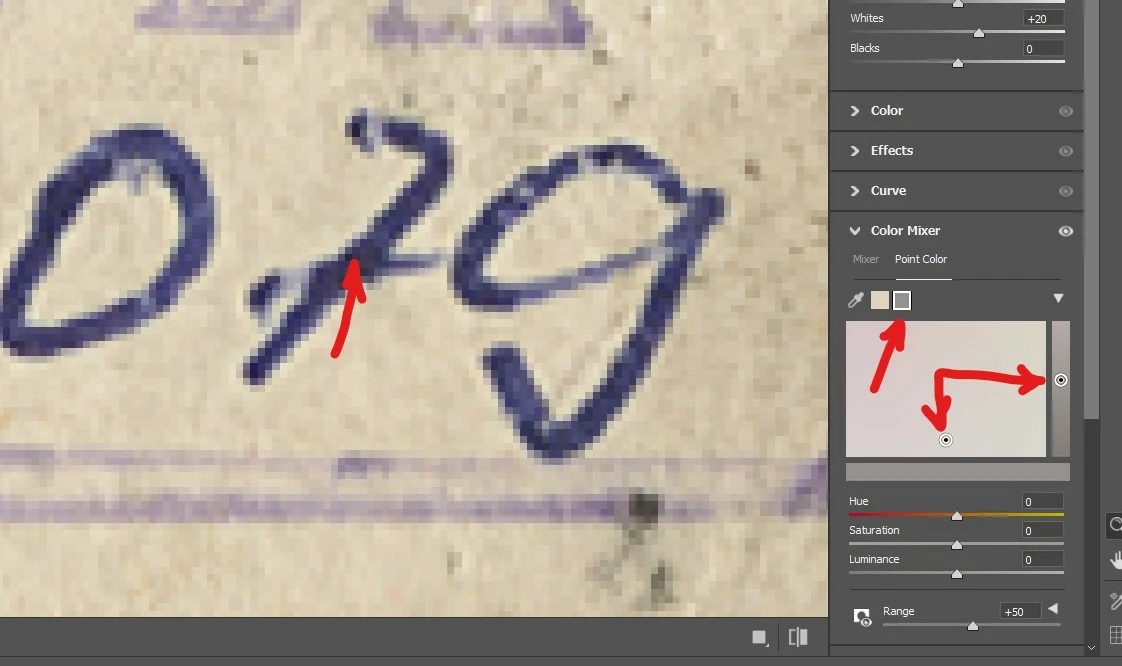
Please help, any ideas!

Hello!
Camera Raw Color Mixer Point Color tool do not select proper color on Mouse click look images.
Please help, any ideas!
It may be possible that your range is too broad. I see you got 50, and since the area is very small, it will take on the surrounding areas.
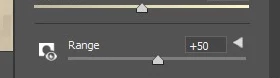
try something like 10, and see if it gets better.
Already have an account? Login
No account yet? Create an account
Enter your E-mail address. We'll send you an e-mail with instructions to reset your password.


 AdChoices