


Question
Camera Raw doesn't highlight the filters applied
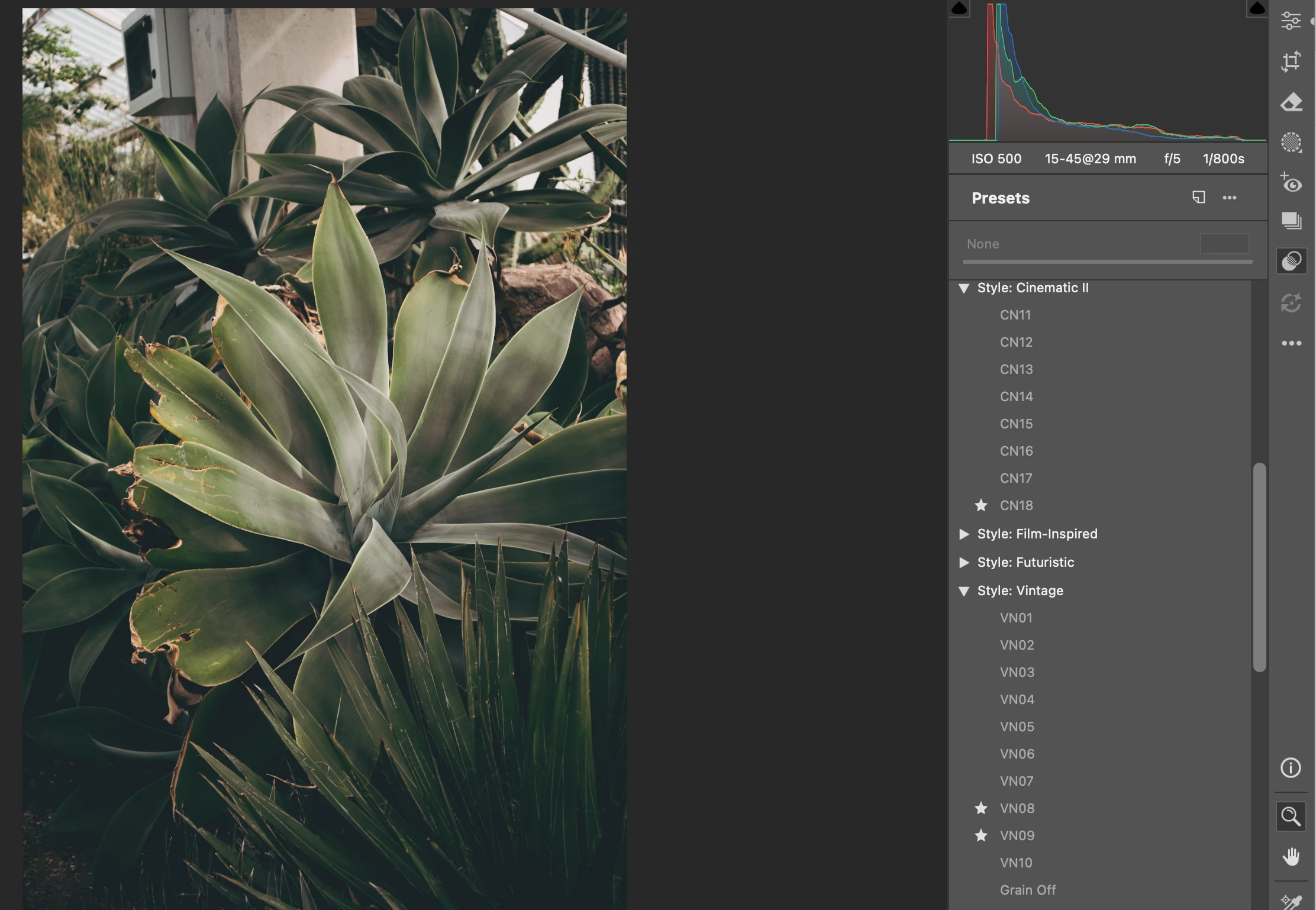
Situation: Camera Raw doesn’t show the blue highlights with filters applied to a photo. So if I apply a filter to a photo in Camera Raw it highlights blue, but once I close the photo again and open it again the filter is still applied to the photo but the blue highlight is gone. So there is no way for me to see which filter I previously applied. This sometimes also happens when I just switch between the open images in Camera Raw.
My system:
MacBook Pro Pro M3 Mac OS 15.8.0
Photoshop 27.0.
Camera Raw 18.6.
Photo in example below definitely had two filters applied but no blue highlights show up if I open the raw file again, even though the filters are still applied.
 AdChoices