
valentinf99459546
Participant
February 23, 2025
Question

Camera RAW doesn't work anymore

  • February 23, 2025
  • 5 replies
  • 558 views

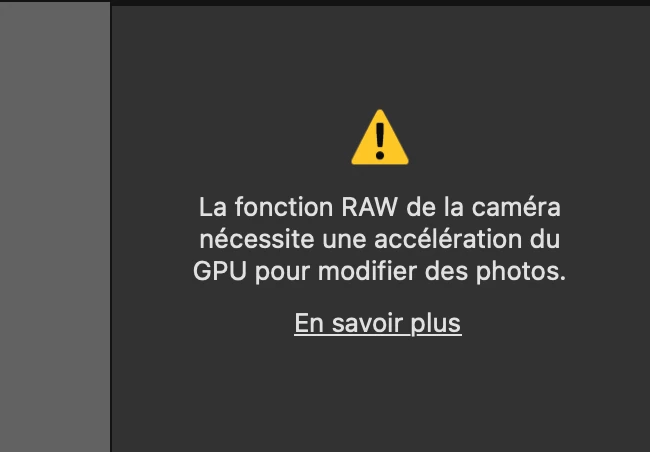
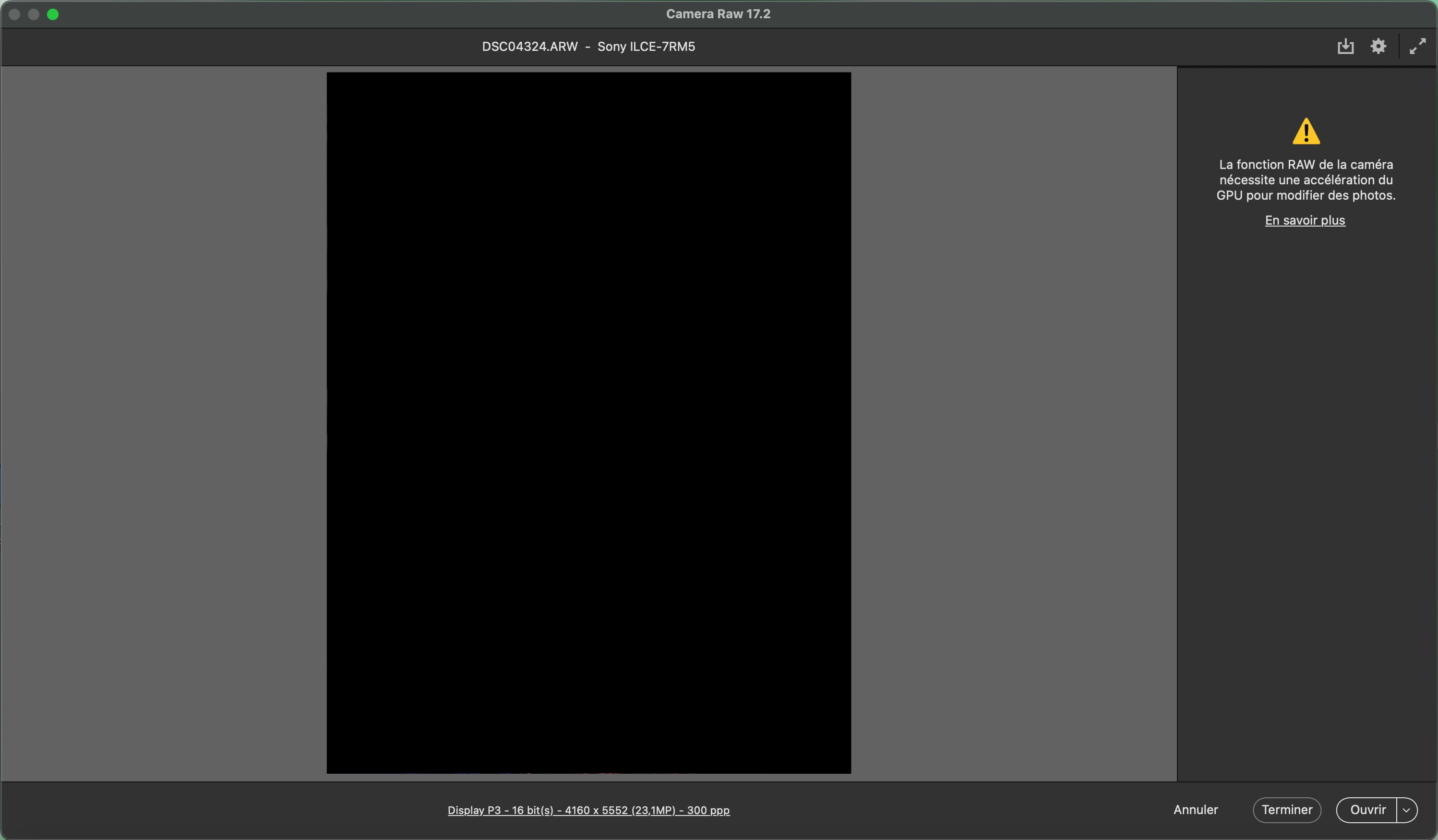
Hello everyone. I'm having an issue with Camera Raw right now. It doesn't let me edit RAW and just display this message "The camera's RAW function requires GPU acceleration to edit photos. Learn more". Until now I've never encounter this issue. I'm on a Macbook Pro M4 bought last December. I haven't updated Photoshop or my Mac since yesterday when I was still working...I'm really confused and handicapped by the situation, if anyone knows what's happening... thank you very much
5 replies

Participant
April 6, 2025

I have the same problem, on Macbook pro M4 Max

After I installed CameraRaw_14_5 version, and then installed CameraRaw_17_2, it can be turned on.

Participant
March 5, 2025

I have exactly the same problem with an M4 Macbook Pro purchased yesterday!

valentinf99459546
Participant
February 23, 2025

Thank you. I just to the Camera Raw folder but there's no GPU file... why?

D Fosse
Community Expert
Community Expert
February 23, 2025

See the troubleshooting guide below, in particular this section:

6. Check and delete the TempDisableGPU3 or TempDisableGPU2 files

Using the same methods that you used to find the Logs folder, find the CameraRaw or GPU folder.

  • On Windows, the location is: %APPDATA%\Adobe\CameraRaw\GPU
  • On Mac, the location is: ~/Library/Application Support/Adobe/CameraRaw/GPU

If an unhandled, fatal error occurs during GPU initialization, Camera Raw or Lightroom leaves behind a TempDisableGPU3 file (or TempDisableGPU2 in some cases). In the GPU folder, find the subfolder for the application you are using and check for these files.


https://helpx.adobe.com/camera-raw/kb/acr-gpu-faq.html?x-product=Helpx%2F1.0.0&x-product-location=Search%3AForums%3Alink%2F3.6.6 


The point is that this file is supposed to stop ACR from launching if there's a system error - but if the error no longer exists, deleting this file lets ACR initiate again.

valentinf99459546
Participant
February 23, 2025

Also, in Camera Raw's settings, the option to select the graphic processor is desactivated, I can't turn it on.

I tried reinstalling Photoshop, updated my Mac OS, installed a previous version of Photoshop but nothing seems to work... please help