Participant
September 17, 2026

Camera RAW filter is not working

  • September 17, 2026
  • 1 reply
  • 7 views

Hey Adobe team 
i buy adobe cloude 
in photoshop my camera raw filter is not working please guide me how soolve this problem

 

    1 reply

    Srishti Bali
    Community Manager
    Community Manager
    September 17, 2026

    Hi ​@Asad ali35532327ujmx 


    Apologies for this experience. When you say Camera Raw is not working, do you mean that Camera Raw is not opening at all?

    Could you please try the following steps and let us know how it goes?

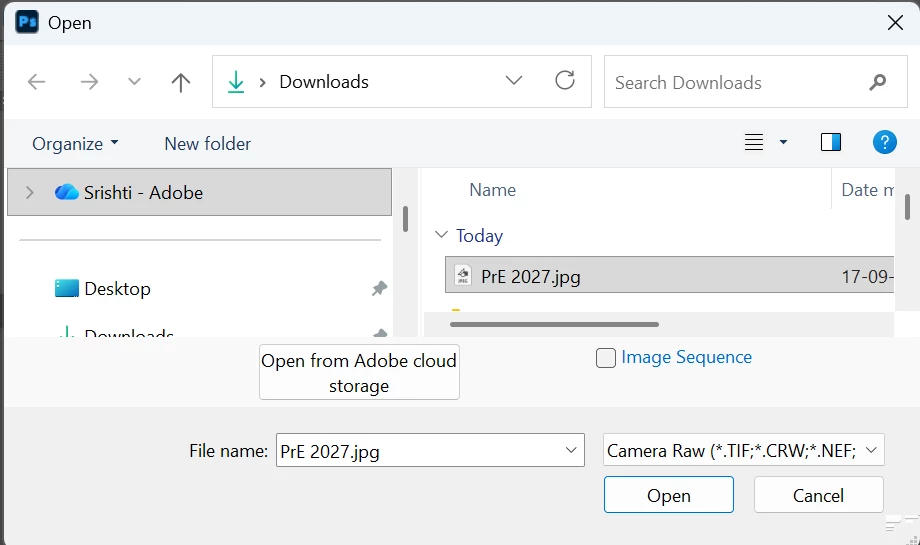
    Go to File > Open As, select the file you want to open, and then choose Camera Raw under Open As.


    If that doesn’t work, please share a few more details so we can investigate further:

    • Did this issue start after a recent Photoshop update?
    • What file format are you trying to open with Camera Raw?
    • Please share a short screen recording or screenshot showing the issue or any error message you see.
    Thanks, Srishti Bali | Community & Engagement Strategist, Digital Imaging | Adobe