
Camera Raw Filter Progress Bar Hang Bug
macOS Photoshop 2024, v 25.2.0
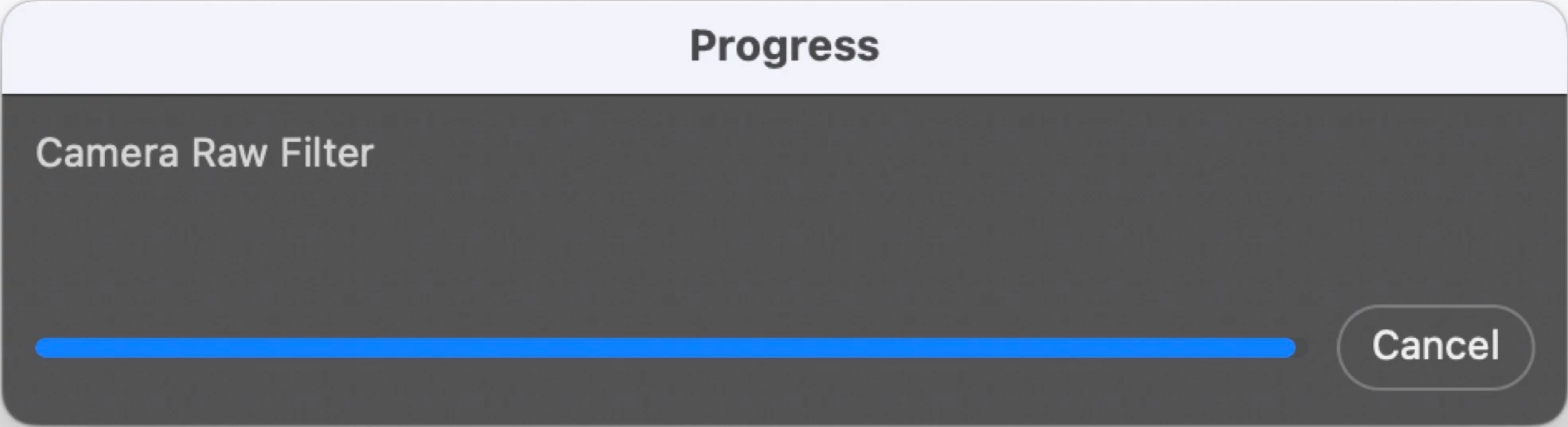
One of my first few playdates with Camera Raw, loving it. Unfortunately...
I don't remember the exact sequence of events leading to this stuck progress bar, but I think it was: canceled a session of working in Camera Raw, switched from Photoshop to another application, switched back, discovered that the Cancel operation hadn't completed, and neither hitting the escape key nor clicking the Cancel button would cancel the Progress operation. Now, clicking the Cancel button returns a macOS "alert" sound. Some of the pulldown menus can be pulled down, others cannot, and all menu items are greyed-out. I have not encountered this error in the past week or two of working in Camera Raw.
Sad to have to Force Quit, but a few minutes of searching suggests that this error has been a bug since, at least, 2019. I understand there are preventive measures, like disabling clipboard export, but preventive measures aren't fixes. Auto-save doesn't save action history, which I really needed for this project.
On relaunch, my Workspace configuration has reverted to the Essentials default. Took a while to restore after a recent the Photoshop preference folder purge necessitated by another bug. A big one. Welp. Gotta do that again. And save it this time.
Updating to v 25.3.1, will see if problem persists.


 AdChoices