Question
Camera RAW Geometry always collapsed - how to fix
Recent Camera RAW update… when I access the Geometry panel Shift T, the default is collapsed, I always have to click it to expand. Used to not be this way… any fix?
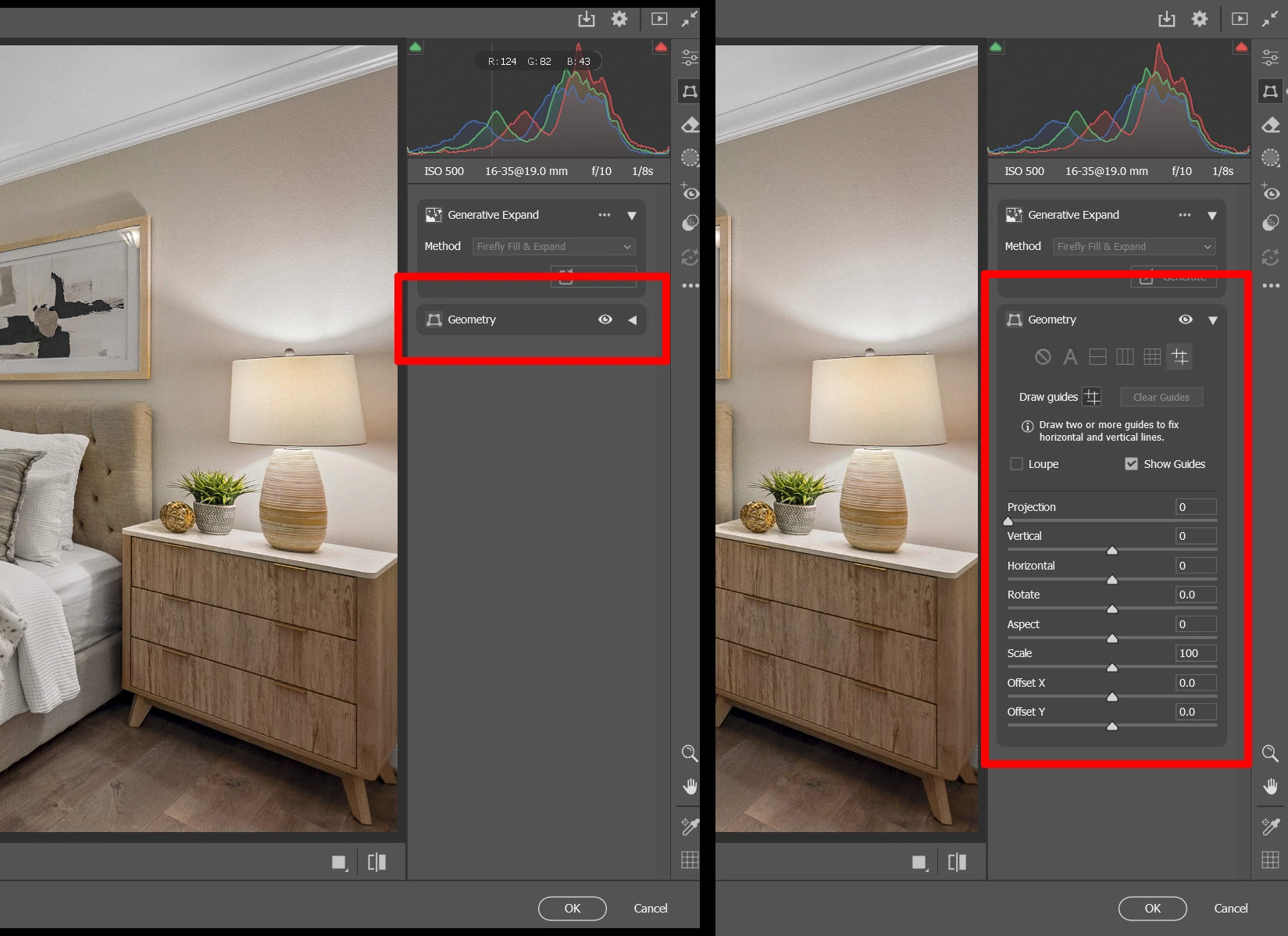

Recent Camera RAW update… when I access the Geometry panel Shift T, the default is collapsed, I always have to click it to expand. Used to not be this way… any fix?
Already have an account? Login
No account yet? Create an account
Enter your E-mail address. We'll send you an e-mail with instructions to reset your password.


 AdChoices