
Question
Can I Simulate Mixed Clay in Photoshop? (see image)
I mixed some polymer clay together. Then I scanned it (and added Bevel/Emboss).
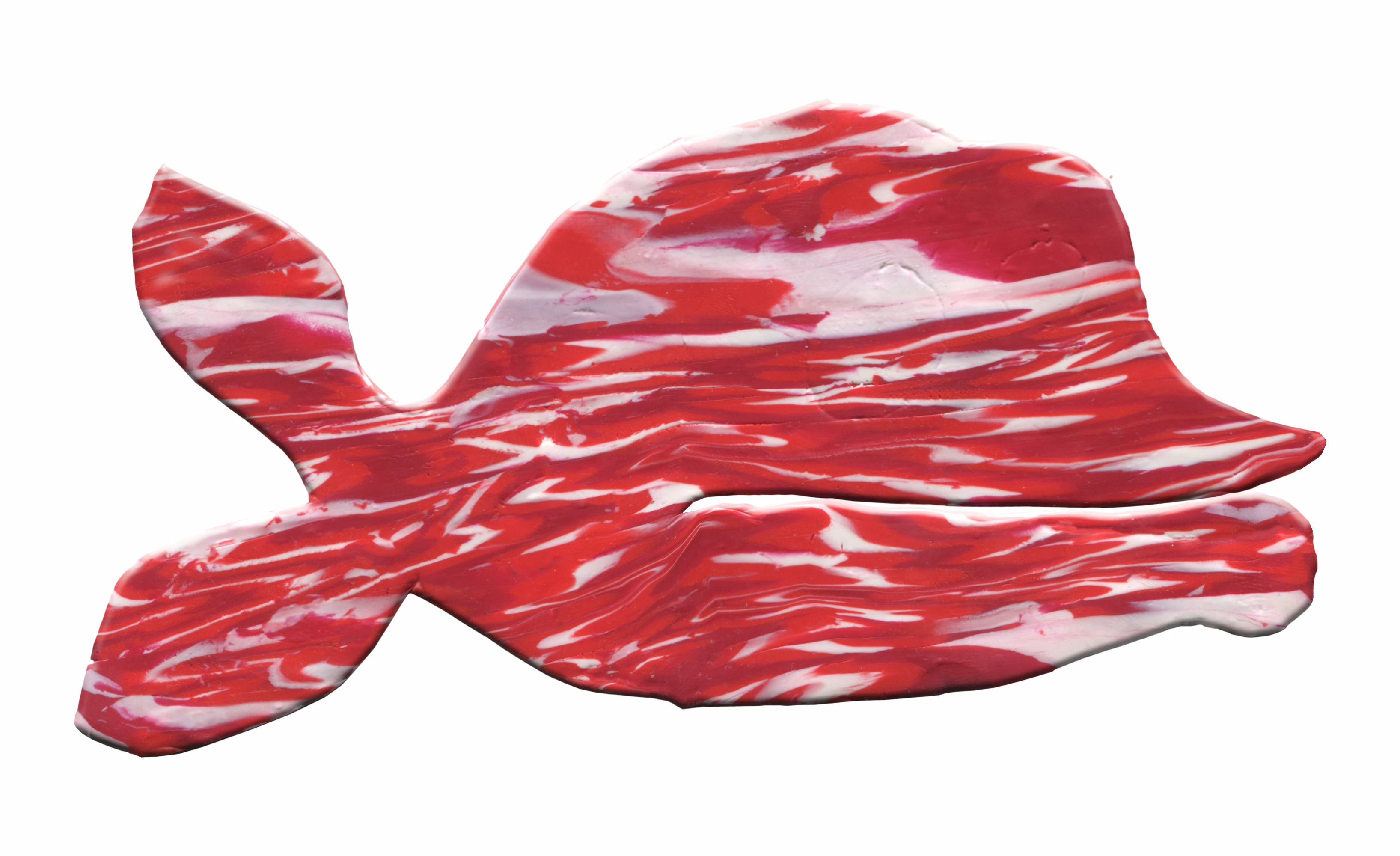
It may not seem like it, but what you see was a lot of work. If I wanted to simulate something like this in Photoshop, where should I begin? All I can imagine is that I would draw a lot of random strokes on the canvas with the white and the two shades of red, and then smear the crap out of it.
If anyone can suggest anything better, I am open to suggestions!


 AdChoices