regmikewall
Inspiring
March 16, 2026
Answered

Can not see the before and after RGB values in the Info Panel

  • March 16, 2026
  • 1 reply
  • 32 views

I Am using an iMac running OS 26.3.1 with PS 27.4

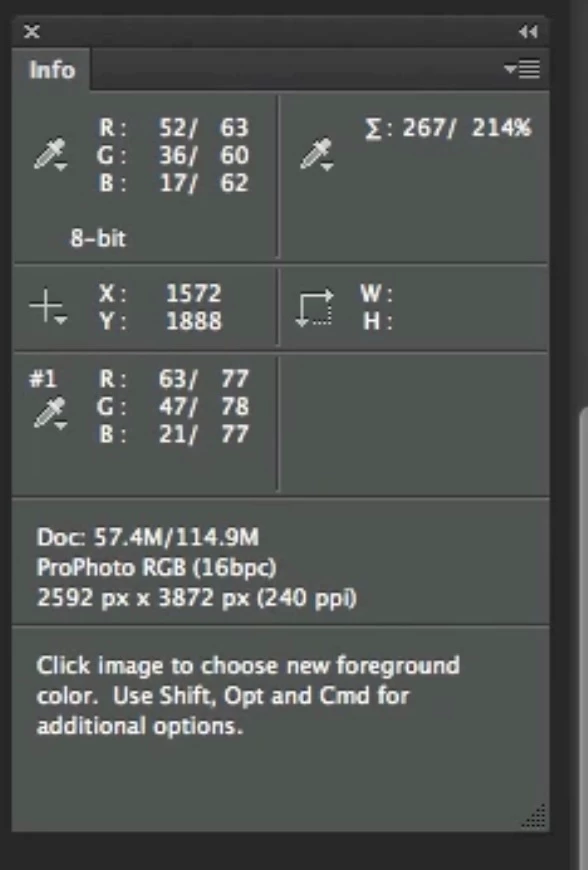
When I want to see how my RGB colors have changed after an edit.  I was told to go the the Info Panel and hover over an area with the eyedropper and I will see for example R: 125/135 to show the before value and the after value.  However I only see the current value see attached.  

MY QUESTION IS; How do I get my window to show R: xxx/yyy, G: xxx/yyyy and B: xxx/yyy

Attached my current Info panel configuration and the way I want it to look
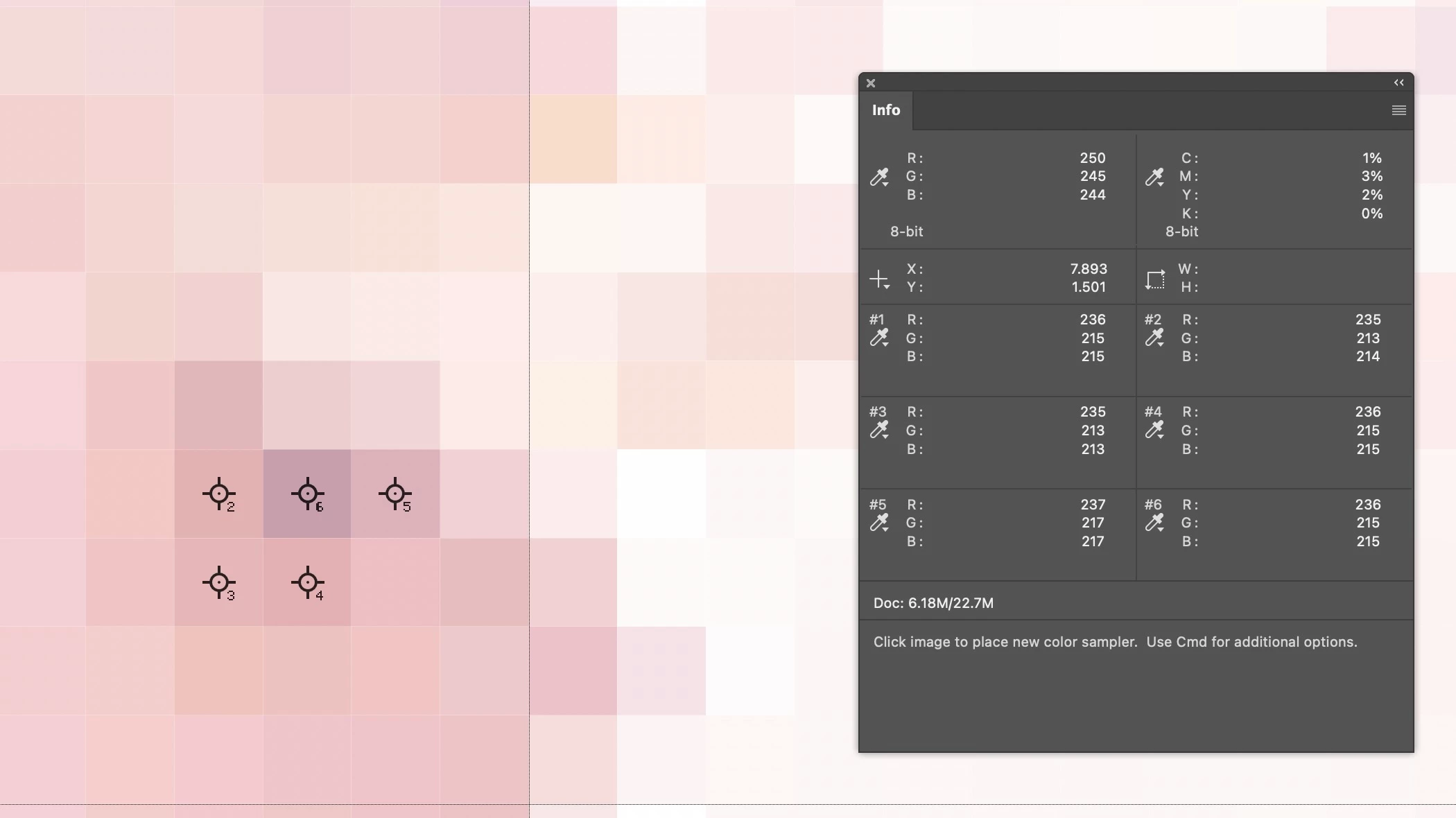
Top is mine and the bottom is what I want

Thank you in advance for your help


Michael

    Correct answer regmikewall

    @D Fosse It is active and selected, found the issue, in the panel options “always show composite color values” was checked, I unchecked it as someone recommended and now I can see the before and after RGB values


    thanks you for your help

    Michael

    1 reply

    D Fosse
    Community Expert
    Community Expert
    March 16, 2026

    It only works for adjustment layers, showing with/without the adjustment layer. It does not show before/after.


    In other words, it’s for layers, not history states.

    regmikewall
    Inspiring
    March 16, 2026

    thank you, I am on an adjustment layer