
Question
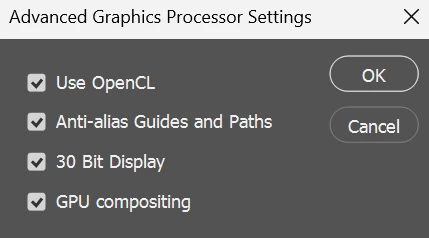
Can't change drawing mode in advanced graphics processor settings
Windows 11
Photoshop 25.1
AMD Radeon RX6800M
What it says on the title; I'm currently running the latest version of Photoshop and recently started experiencing lag issues after updating my graphics processors. I heard that changing the drawing mode to "advanced" might help, but when I open the advanced GPU settings, the option to do so is missing.


 AdChoices