Participant
February 15, 2023
Question

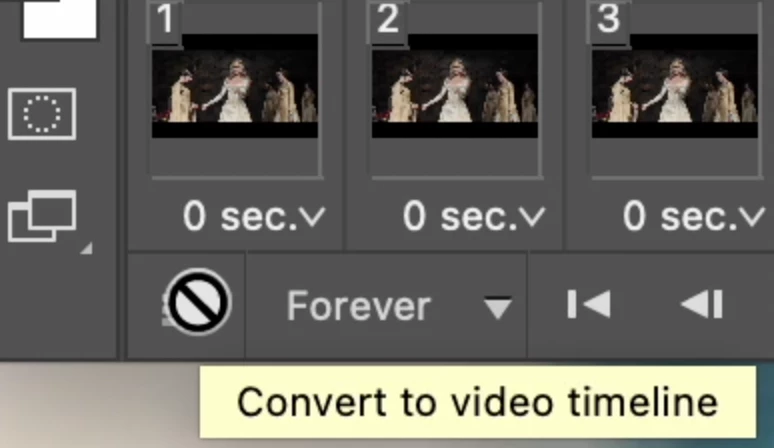
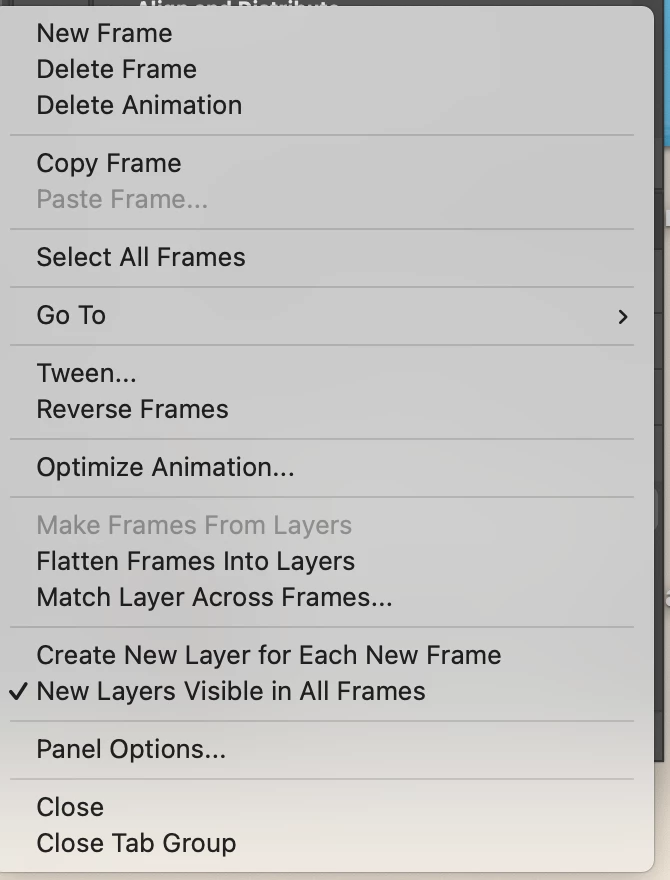
can't convert frame animation to video timeline

  • February 15, 2023
  • 2 replies
  • 989 views

I have the video timeline option, but I cannot click on it; this happens if I've freshly imported frames, or edited them already. Please help! I use CC 2022 on a M1 2020 Macbook Pro.
This topic has been closed for replies.

2 replies

Jeff Arola
Community Expert
Community Expert
February 15, 2023

Most likely to need to update your photoshop 2022.

You need photoshop 2022 (ps ver 23.4) or later to get the Convert to Video Timeline option.

https://helpx.adobe.com/photoshop/kb/photoshop-for-apple-silicon.html


From within photoshop you can see the exact version by going to Help>System Info and looking the top line Adobe Photoshop Version.


Photoshop 2022 (ps ver 23.5.4) 2022 M1 Mac Studio


Sameer K
Community Manager
Community Manager
February 15, 2023

I'll help you figure this out. This was one of the initial known issues with Photoshop & Apple Silicon-based machines.

Check this to learn more: https://helpx.adobe.com/photoshop/kb/photoshop-for-apple-silicon.html


To fix this, update Photoshop to the latest version available via the Creative Cloud. If you wish to continue using Photoshop 2022, update to any version after 23.4 & this issue should not exist.


Thanks!
Sameer K
