This topic has been closed for replies.

2 replies

davescm
Community Expert
Community Expert
May 22, 2020

Hi

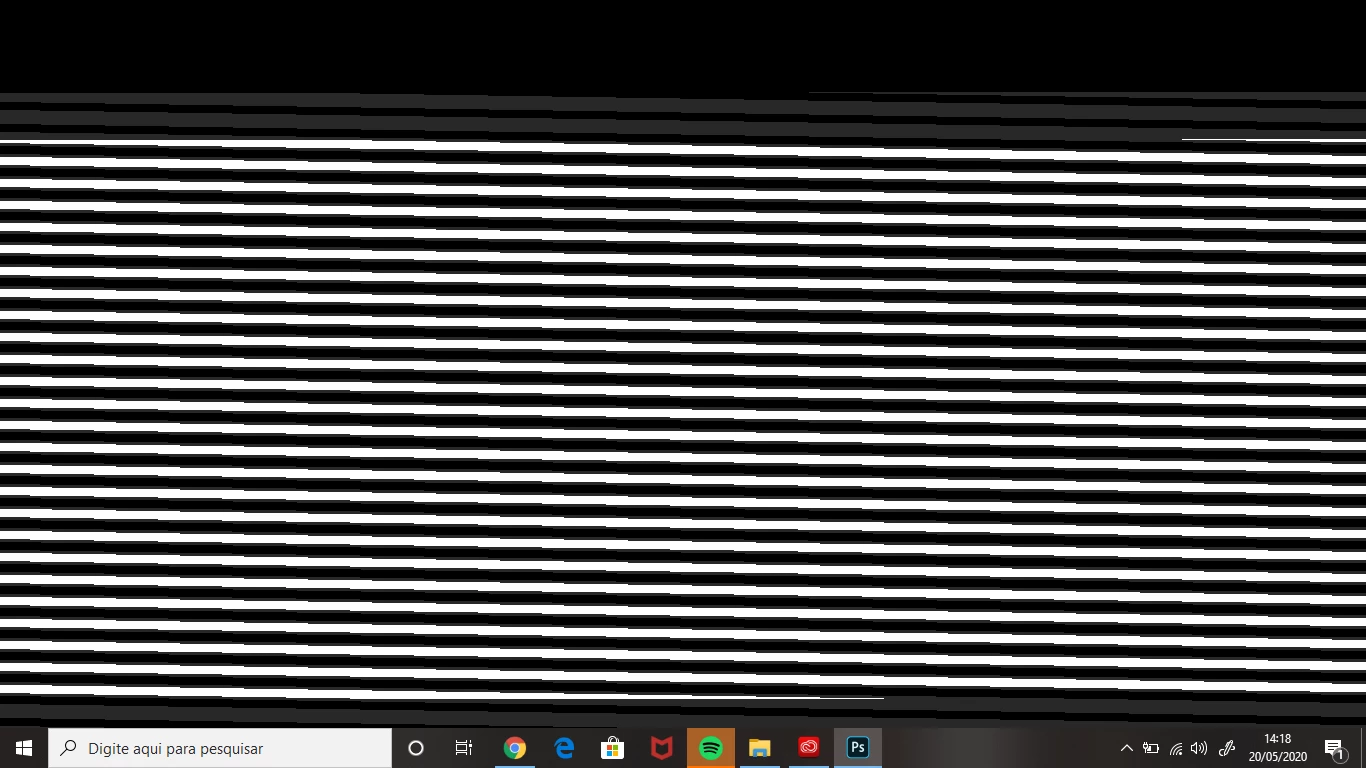
That looks like a GPU issue. If you can open Photoshop then go to Preferences >Performance and uncheck "Use Graphics Processor" then close and restart Photoshop.

If that works , then there are further steps to re-enable and make use of the GPU but try that step first and let us know the result.
 

Dave

Charu Rajput
Community Expert
Community Expert
May 22, 2020

Hi,

Could you please share the Photoshop version?

Here are some steps that you can try

Try resetting your preferences

https://community.adobe.com/t5/photoshop/photoshop-will-not-open-or-create-new-documents/td-p/9370425?page=1

OR

https://community.adobe.com/t5/photoshop/can-t-create-open-document/td-p/10844028?page=1


Let us know if any of the solutions work for you


Best regards