This topic is closed to new replies. Start a new post to keep the conversation going.

11 replies

marcial12567567
Participant
Jan 30, 2021 7:44 PM UTC

Same problem using 22.1.1.  on Catalina and old lady not well versed in repairing software.  Please be patient and help me.

Translate
Akash Sharma
Legend
Jan 8, 2020 4:57 AM UTC

Hi there,


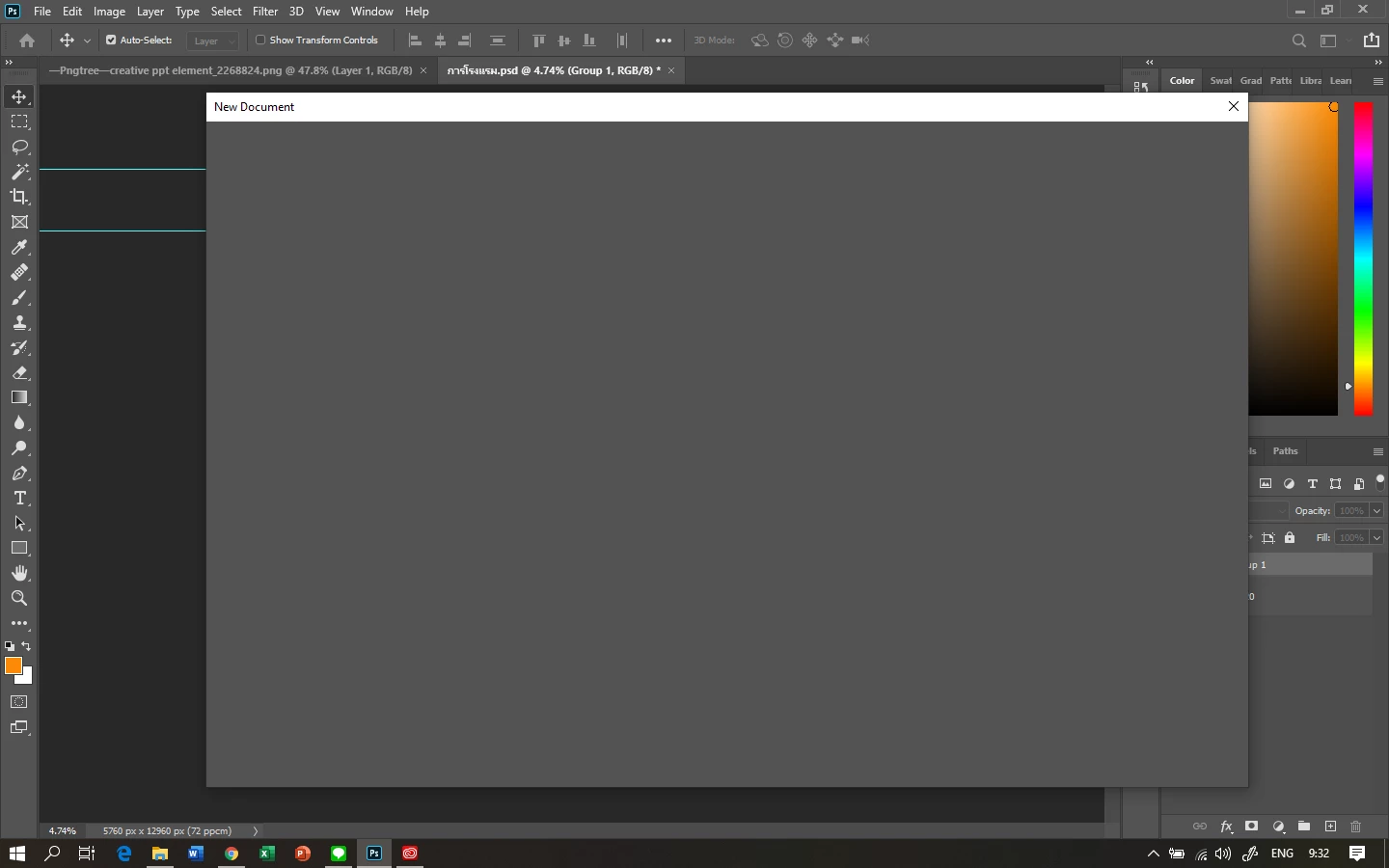
Sorry that you cannot create a new file in Photoshop 2020, let us help make it right. Would you mind checking the solution mentioned in this similar article https://community.adobe.com/t5/photoshop/can-t-create-open-new-file-photoshop-cc/td-p/5467343 and let us know if that helps? 


Thanks,

Akash

Translate
Participant
Jan 8, 2020 5:40 AM UTC

I have the same problem and the workaround with the old interface works. I hope Adobe will fix the problem because the "new" interface already worked.

Translate
Akash Sharma
Legend
Jan 9, 2020 8:43 AM UTC

It seems like the monitor color profile is corrupt. Please checkout the steps below:


  • Open Control panel on your Windwos computer. and locate the Color Management option.
  • In the Color Management dialog > Devices tab, make sure that the check box option Use my settings for this device is selected.
  • Click Add.
  • In the Associate Color Profile dialog that appears, locate the color profile sRGB IEC61966-2.1 in the list and
  • click OK.

  • In the Color Management dialog, the color profile sRGB IEC61966-2.1 now appears under the section Profiles associated with this device.
  • Select this color profile and click Set as Default Profile.
  • Re-launch Lightroom.


Let us know how it goes.

Thanks,

Akash

Translate